
Rename a form
Renaming a form helps you keep your workspace organized and makes it easier to identify forms at a glance.
How to rename a form
Section titled “How to rename a form”You can rename a form directly from your workspace:
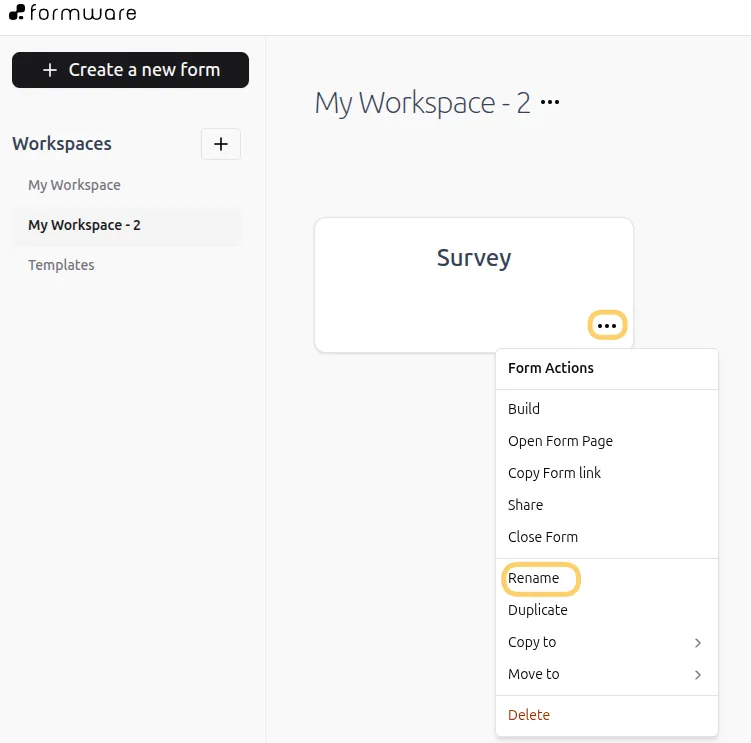
- Go to your workspace where your forms are listed.
- Find the form you want to rename.
- Click the three-dot menu on the form.
- Select Rename.
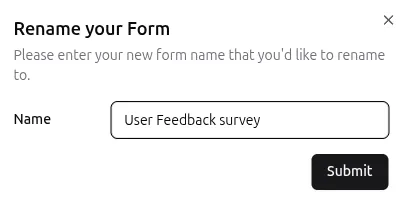
- Enter the new name and click Save.
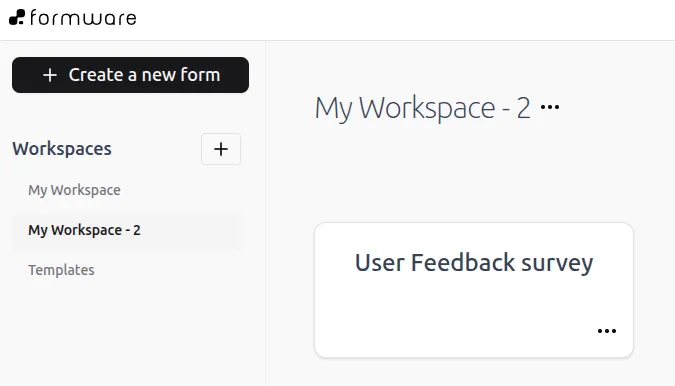
Your form name will be updated immediately.
Rename duplicated or template forms
Section titled “Rename duplicated or template forms”If you duplicate a form or create one from a template, it may include “(copy)” in the name by default.
You can remove or update this when renaming to keep your forms clearly labeled.
Tips for naming your forms
Section titled “Tips for naming your forms”Using clear and consistent names makes it easier to manage multiple forms.
- Be descriptive: Use names that reflect the purpose of the form (e.g., “Customer Feedback Survey 2026”).
- Keep it simple: Avoid long or complicated names.
- Stay consistent: Use a naming pattern to group related forms.