
Navigation arrows
Navigation arrows allow respondents to move between questions using on-screen controls like Next and Previous.
These arrows are enabled by default in Formware forms, making it easy for users to navigate through your form.
How navigation arrows work
Section titled “How navigation arrows work”When enabled, respondents will see navigation arrows on the form interface to move forward or backward between questions.
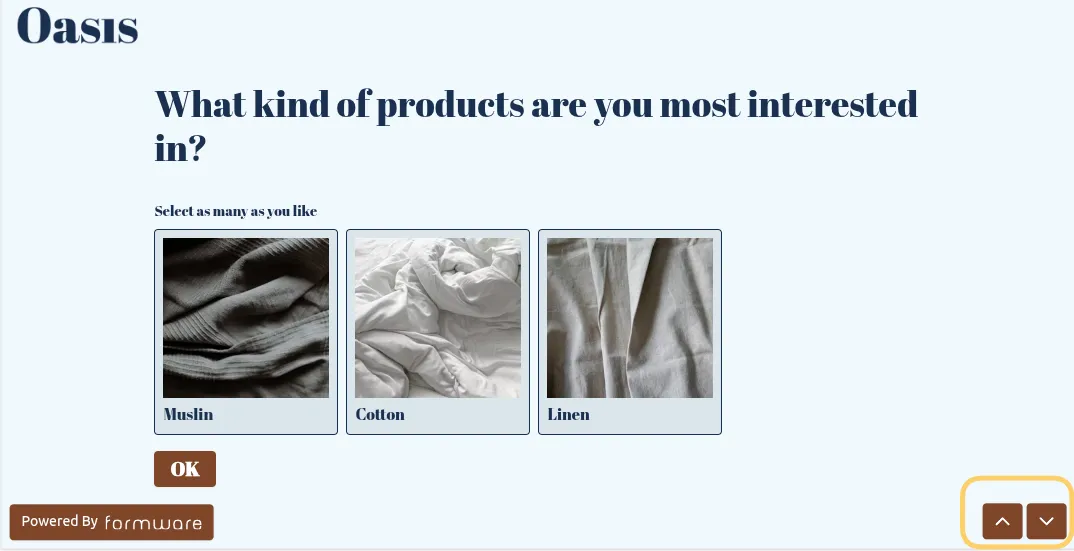
If disabled, respondents will no longer see these arrows and will rely on other interaction methods (such as buttons or automatic progression, depending on your form setup).
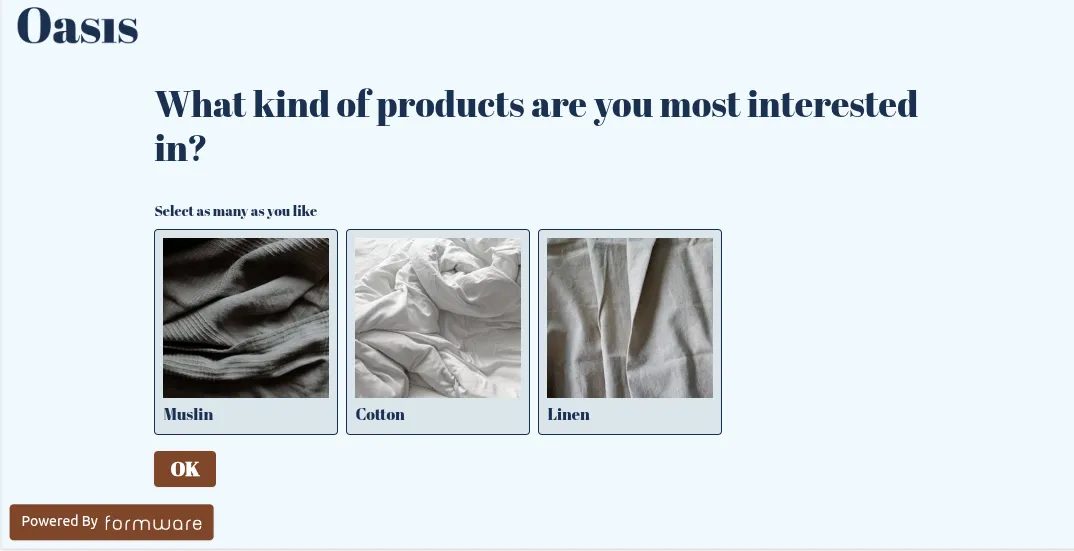
Turn off navigation arrows
Section titled “Turn off navigation arrows”To hide navigation arrows in your form:
- Open your form.
- Go to the
Settingstab. - Find the Navigation arrows option.
- Toggle it off and click Submit to save.
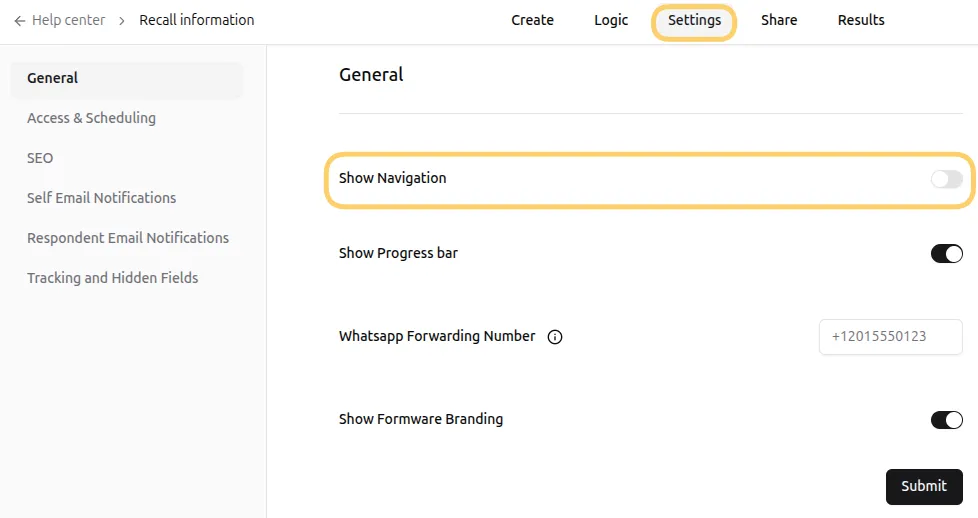
Once disabled, navigation arrows will no longer appear for respondents.
When to disable navigation arrows
Section titled “When to disable navigation arrows”You may want to turn off navigation arrows if:
- You prefer a more minimal or distraction-free form design
- Your form uses custom navigation (such as buttons within questions)
- You want stricter control over how users progress through the form