
Customize Your Form
Creating a form that feels like an extension of your brand is essential for professional engagement. Formware provides a suite of design tools that allow you to modify every visual aspect of your form, from button colors to custom typography.
Changing Colors and Creating Themes
Section titled “Changing Colors and Creating Themes”To begin styling, navigate to the Theme tab in the right-hand panel of the form builder. Here, you can define a unique color palette for your project.
Manual Color Selection
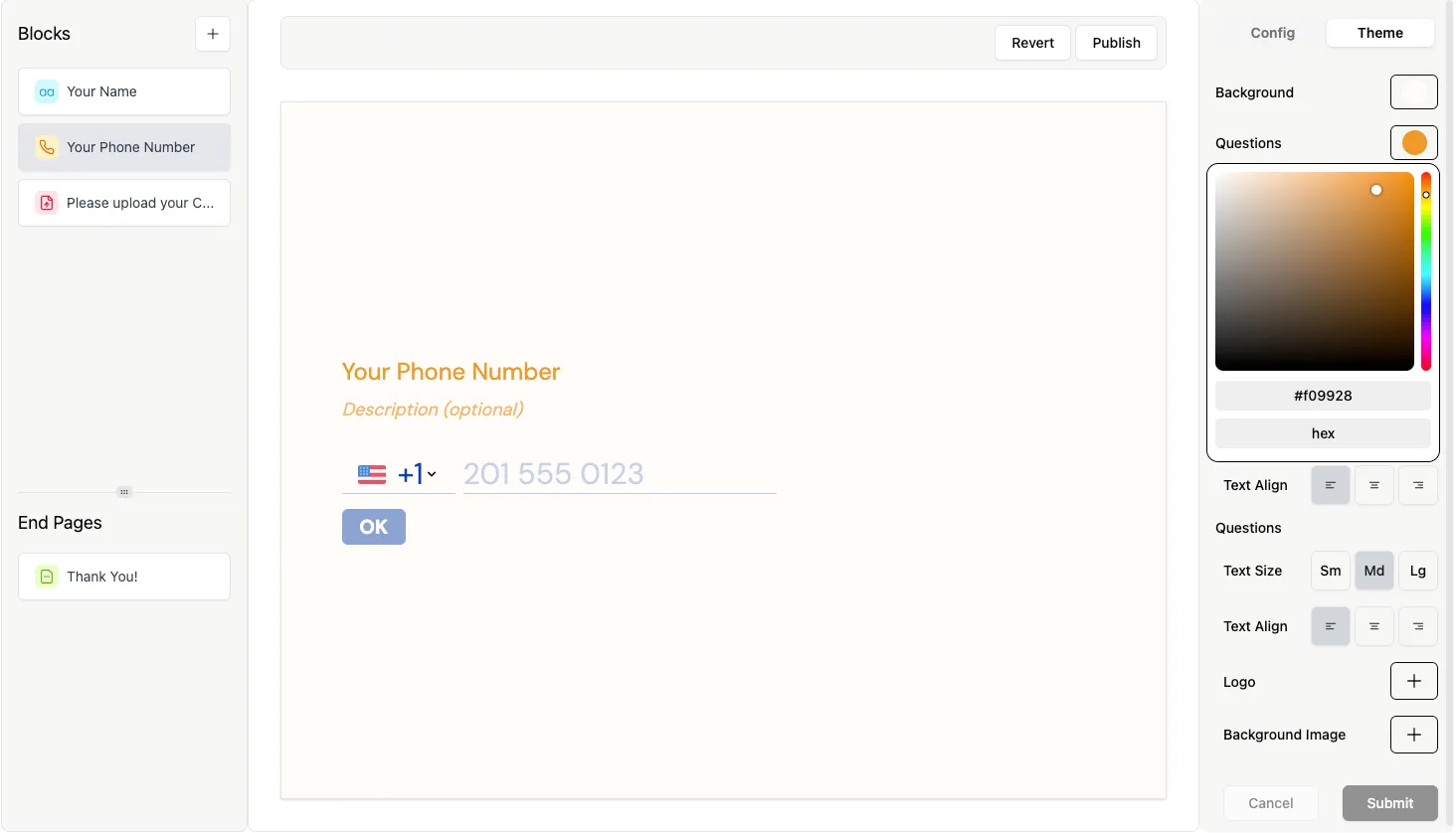
Section titled “Manual Color Selection”You can individually change the color of the background, primary text, buttons, and button text. Click on the color square next to any property to open the color picker.
Typography and Fonts
Section titled “Typography and Fonts”Formware integrates with an extensive library of approximately 1,200 fonts. To change your form’s typography, click the Fonts selection box within the Theme panel.
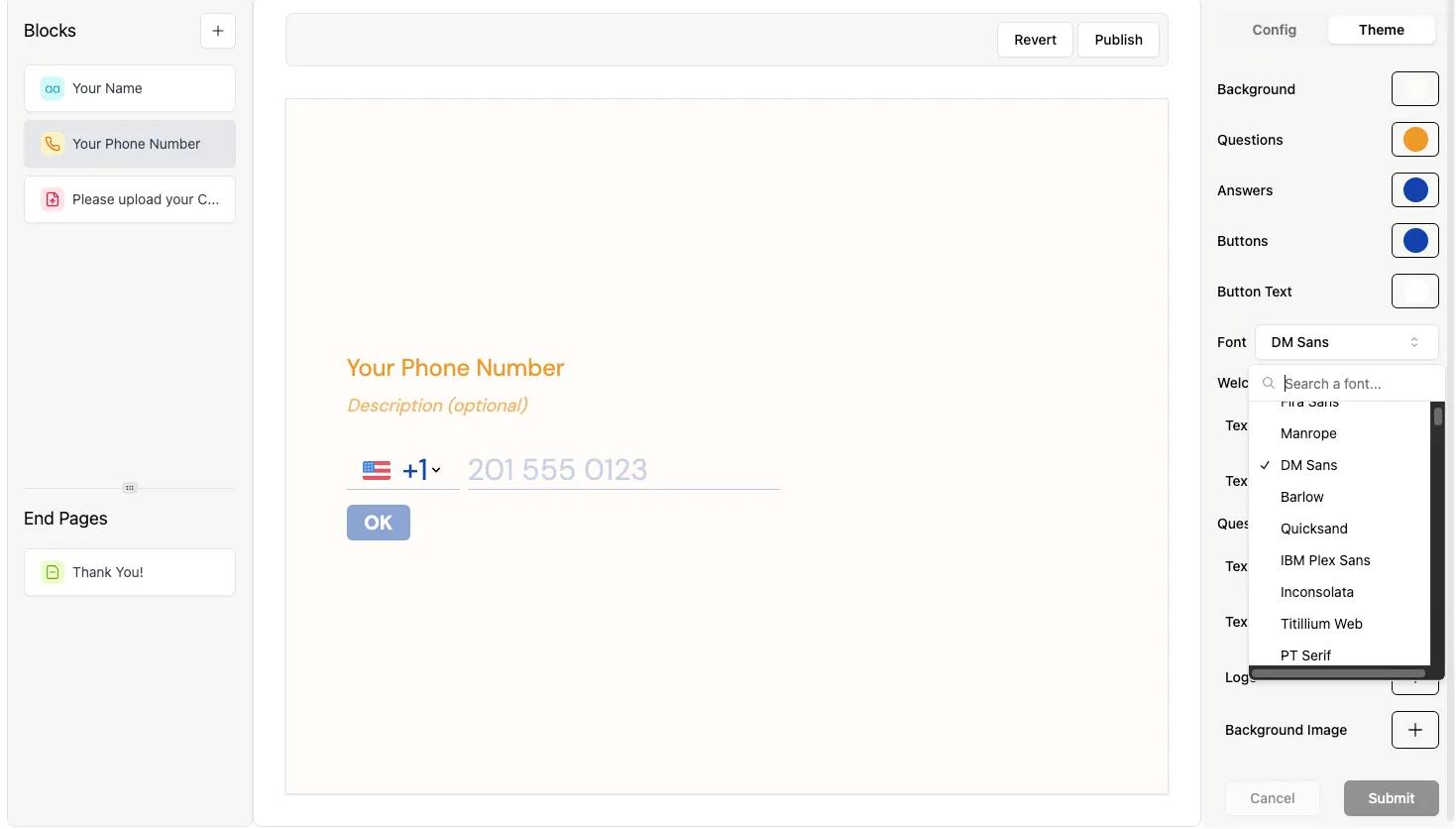
Scroll through the list to find a style that fits your brand. If you require a specific font that isn’t currently listed, please reach out via a Support request and we will do our best to assist.
Adding Brand Assets
Section titled “Adding Brand Assets”Visual assets like logos and background images can significantly elevate your form’s design.
Add a Logo
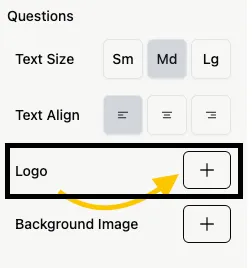
Section titled “Add a Logo”A logo appears at the top of your form, providing immediate brand recognition. Click the “+” button next to the Logo section to get started.
Add a Background Image
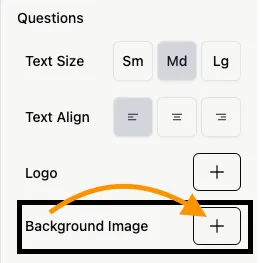
Section titled “Add a Background Image”To add more depth to your design, you can set a full-page background. Click the “+” button next to the Background Image section to upload a file or link a URL.
For tips on image sizing and optimization, visit our Background Image Guide.
Finalizing Your Brand Identity
Section titled “Finalizing Your Brand Identity”Beyond the form’s internal design, you should also consider how it appears to the outside world:
- SEO & Social Sharing: Navigate to Settings > SEO to customize your form’s title, description, and social share image. Read the SEO Preview Guide for more details.
- White-labeling: Removing Formware branding is available on the PRO plan to keep the focus entirely on your business.