
Thank You Page & Redirects
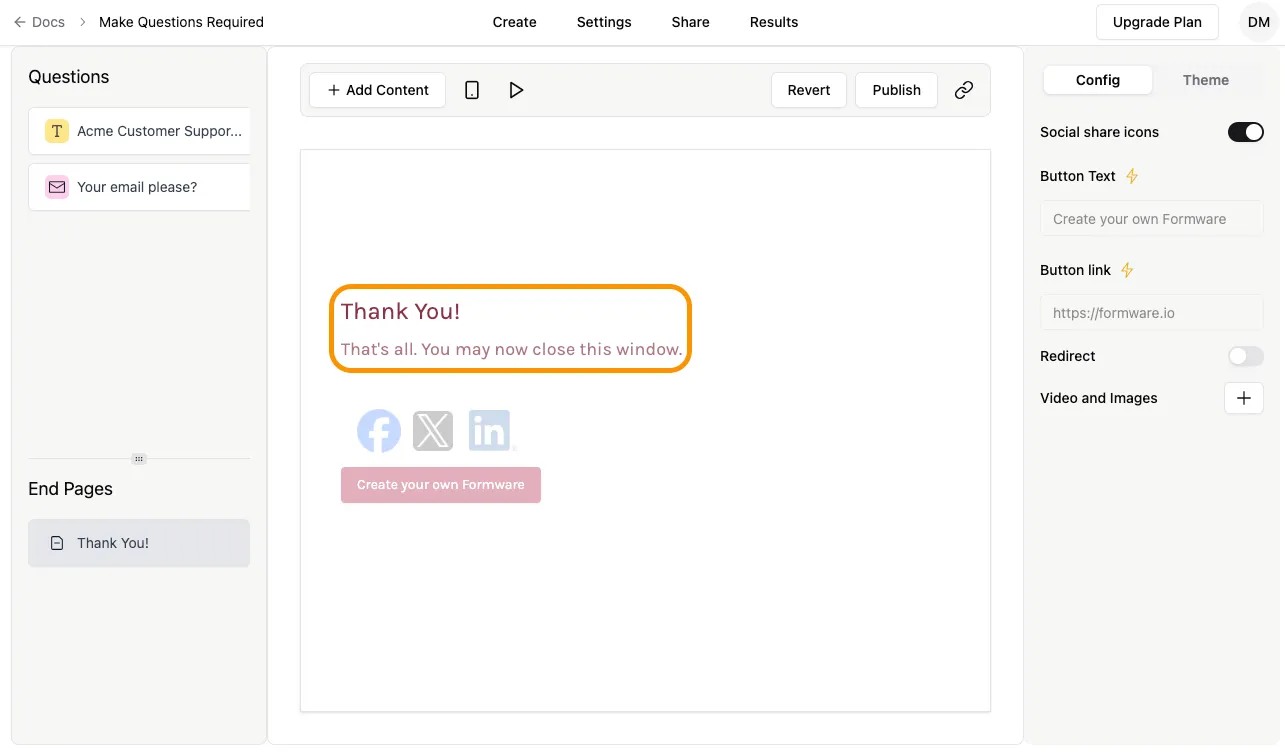
A Thank You Page appears after a respondent submits your form. Every new form in Formware includes a default Thank You Page. You can freely customize its title and description to match your branding or messaging.
Modify Title and Description
Section titled “Modify Title and Description”To edit the title and description, click the text area in the center of the screen and type your desired text.
Thank You Page Settings
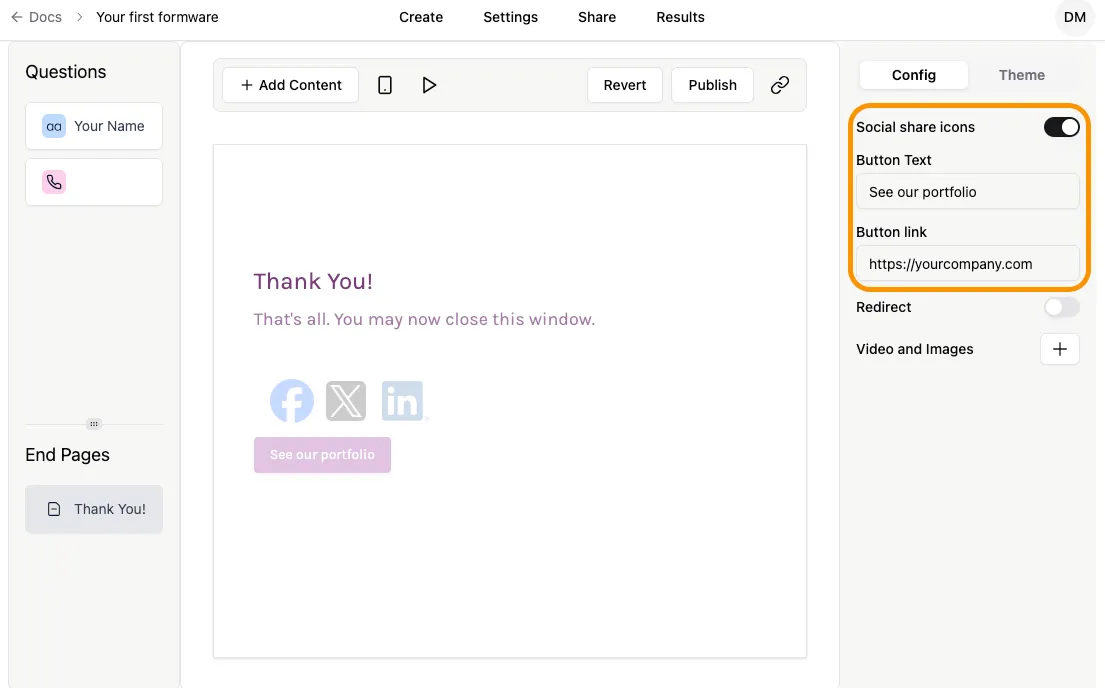
Section titled “Thank You Page Settings”The settings panel is on the right side of the form builder. You can customize the button or enable an automatic redirect to a URL — see Custom Redirects.
Button
Section titled “Button”By default, the End Screen includes a button labeled “Create your own Formware,” linking to this page. You can change the button text and URL to direct respondents to your website or any other page.
Redirect to URL
Section titled “Redirect to URL”Enable the Redirect toggle to automatically send respondents to a custom URL after submission — such as a Calendly booking page, a payment page, or your own landing page. A configurable Redirect Wait Time lets respondents see your Thank You Page for a few seconds before they’re forwarded.
For full setup steps, wait time guidance, and popular redirect setups, see Custom Redirects.