
Picture Choice question type
The Picture Choice question type is a visual version of multiple choice. It allows respondents to select answers using images instead of plain text, making your forms more engaging and easier to understand.
How to add a Picture Choice question
Section titled “How to add a Picture Choice question”- Open your form and click the
+ Add Contentbutton. - Select Picture Choice.
- Enter your question text and optional description.
- Add labels for each choice (text shown below images).
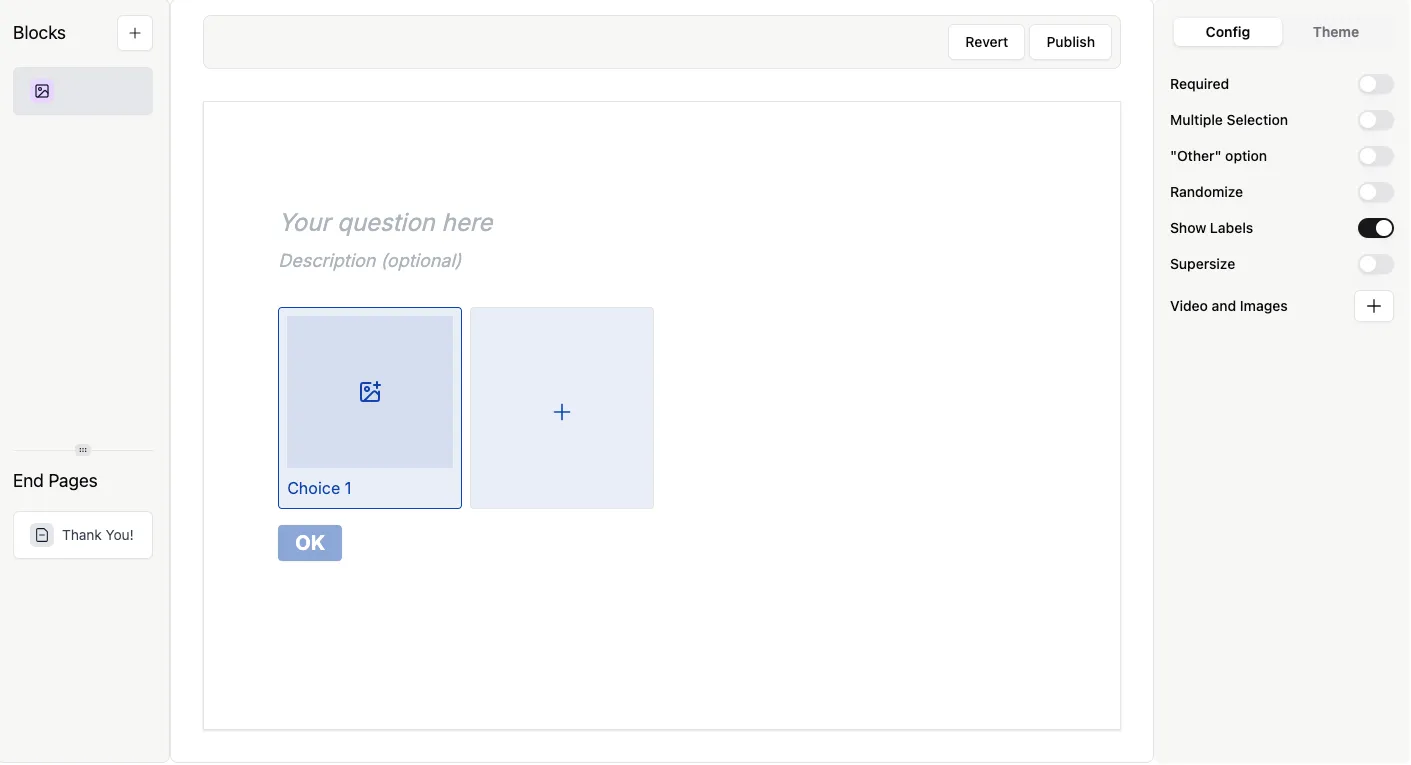
Add images to your choices
Section titled “Add images to your choices”To add images:
- Click the image icon on a choice
- Upload an image or paste an image URL
- Repeat for each option
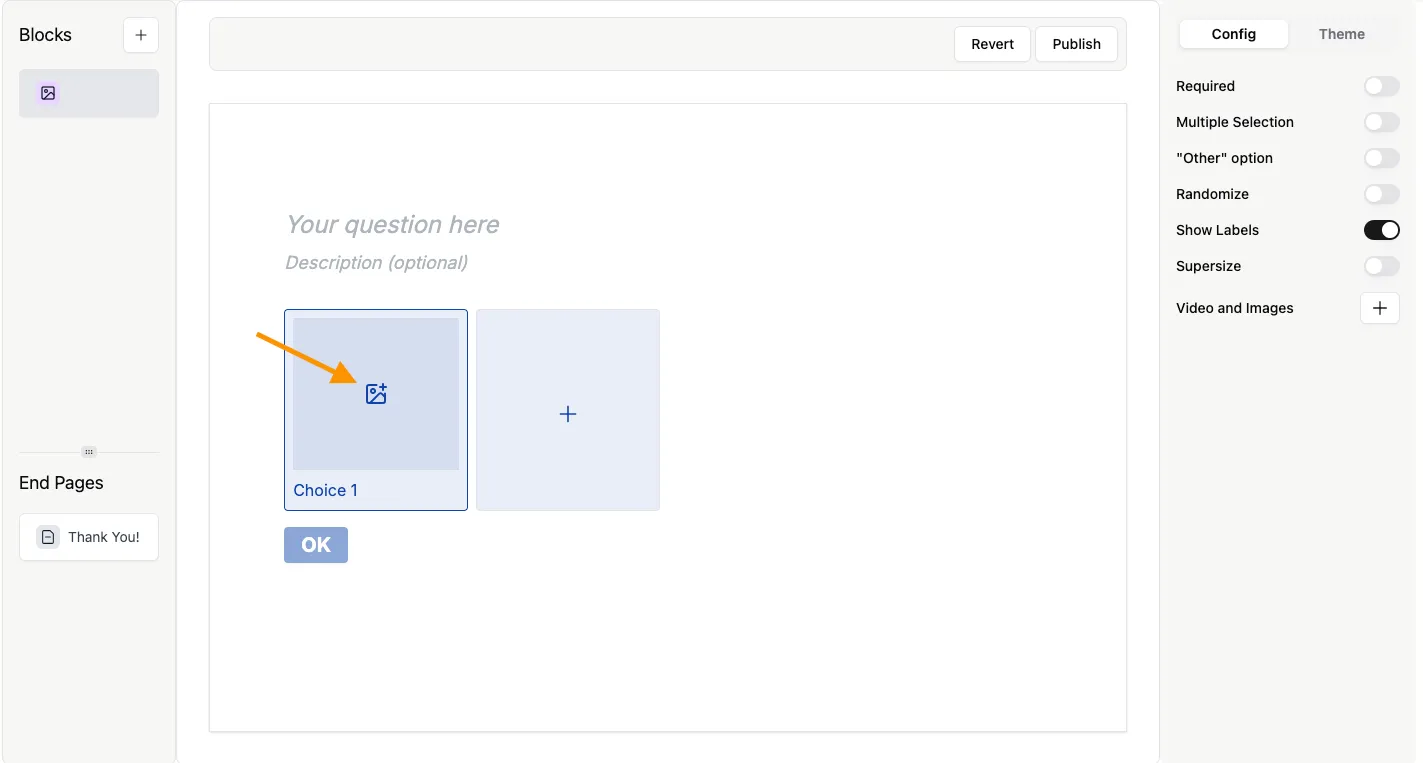
You can use your own images or external sources, such as Unsplash. Learn more in the Add Images and GIFs guide.
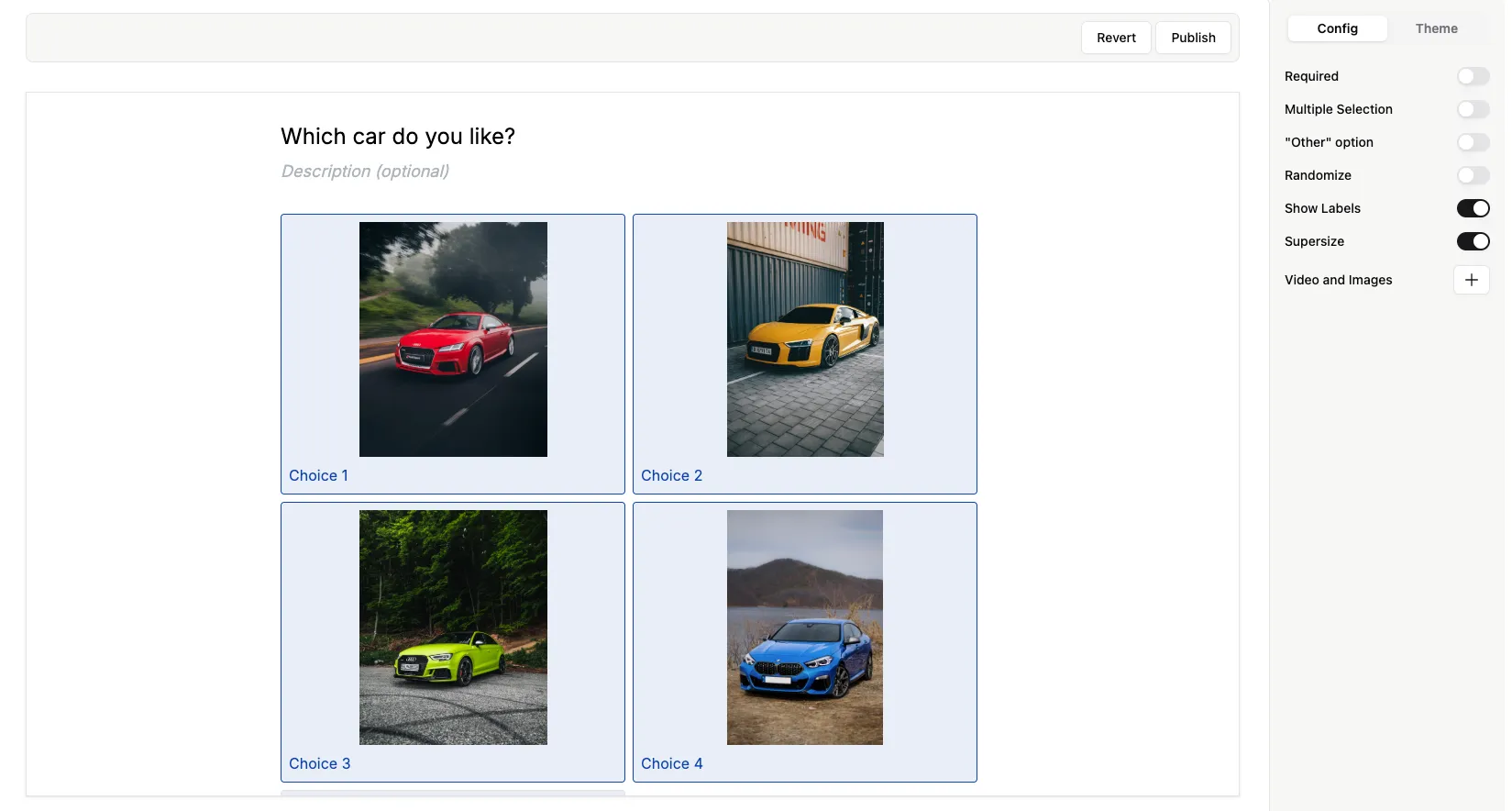
Here’s how the question looks with images added:
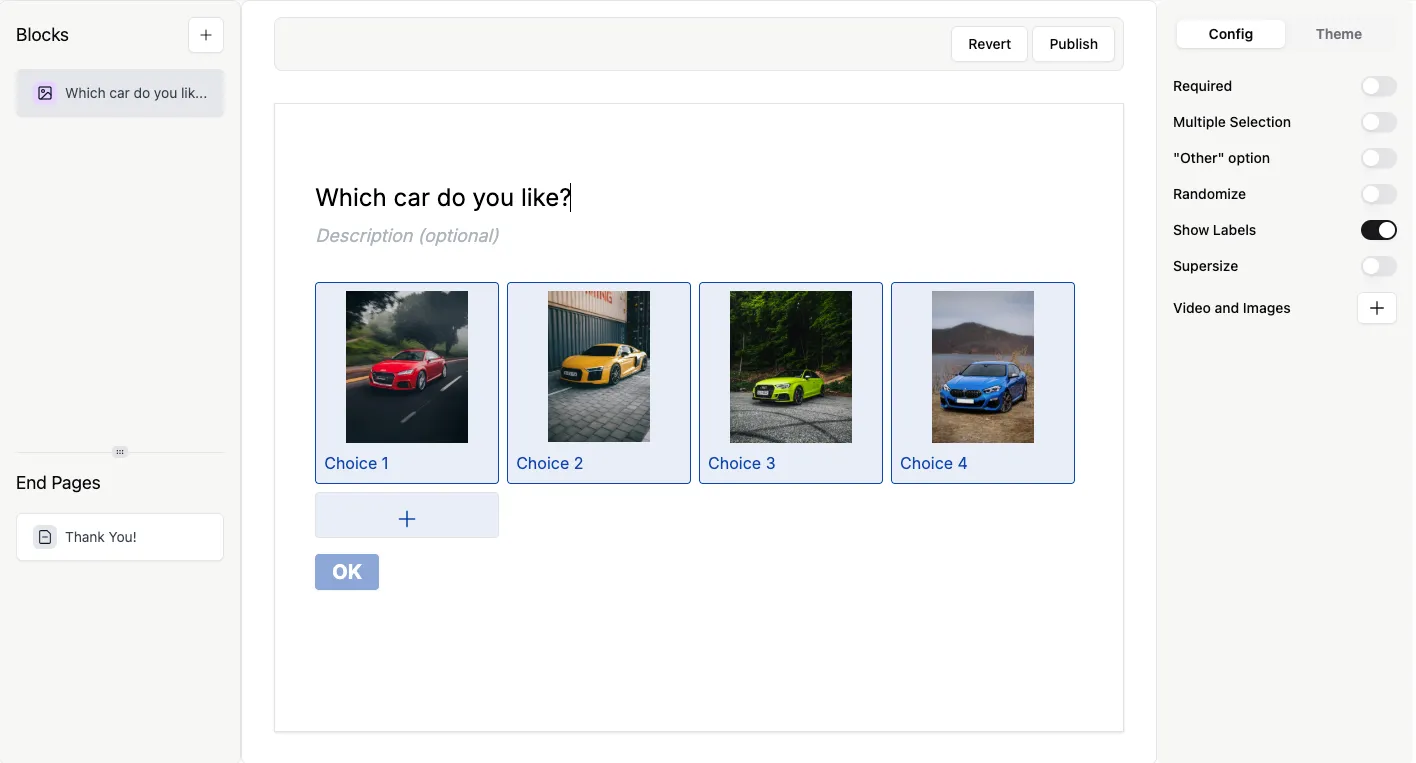
Configure Picture Choice settings
Section titled “Configure Picture Choice settings”All settings are available in the Config tab. Here you can set your question as Required, turn the picture labels on and off (turn off if you want no text under your images). You can set your images to Supersize, toggle Multiple selection, Randomize, and add an Other choice to your question. Read on to learn more about each of these options.
Show labels
Section titled “Show labels”Display or hide text labels below each image. By default, Show labels is switched on. The example above had the labels switched on. Here’s what the choices look like with labels turned off:
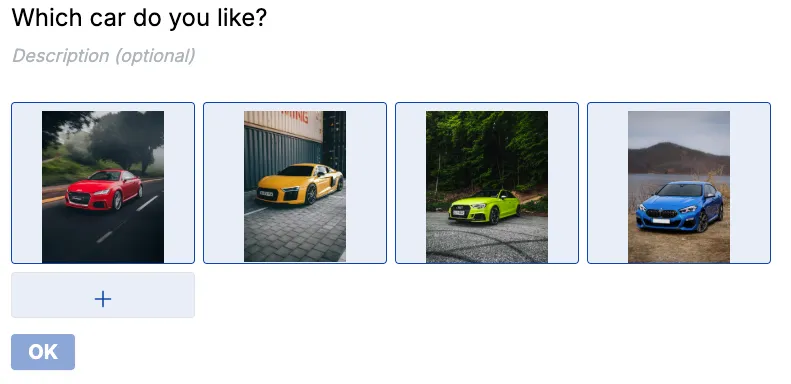
Supersize images
Section titled “Supersize images”Enable Supersize to display larger images for better visual impact. Here’s an example with supersize ON:
Allow multiple selection
Section titled “Allow multiple selection”Let respondents select more than one image.
Randomize options
Section titled “Randomize options”Shuffle the order of choices to reduce bias.
Other option
Section titled “Other option”Allow respondents to enter a custom answer not shown in the list.
When to use Picture Choice
Section titled “When to use Picture Choice”Use this question type when:
- Visual selection improves clarity (e.g., products, designs, preferences)
- You want a more engaging, branded form experience
- Text-only options are not sufficient