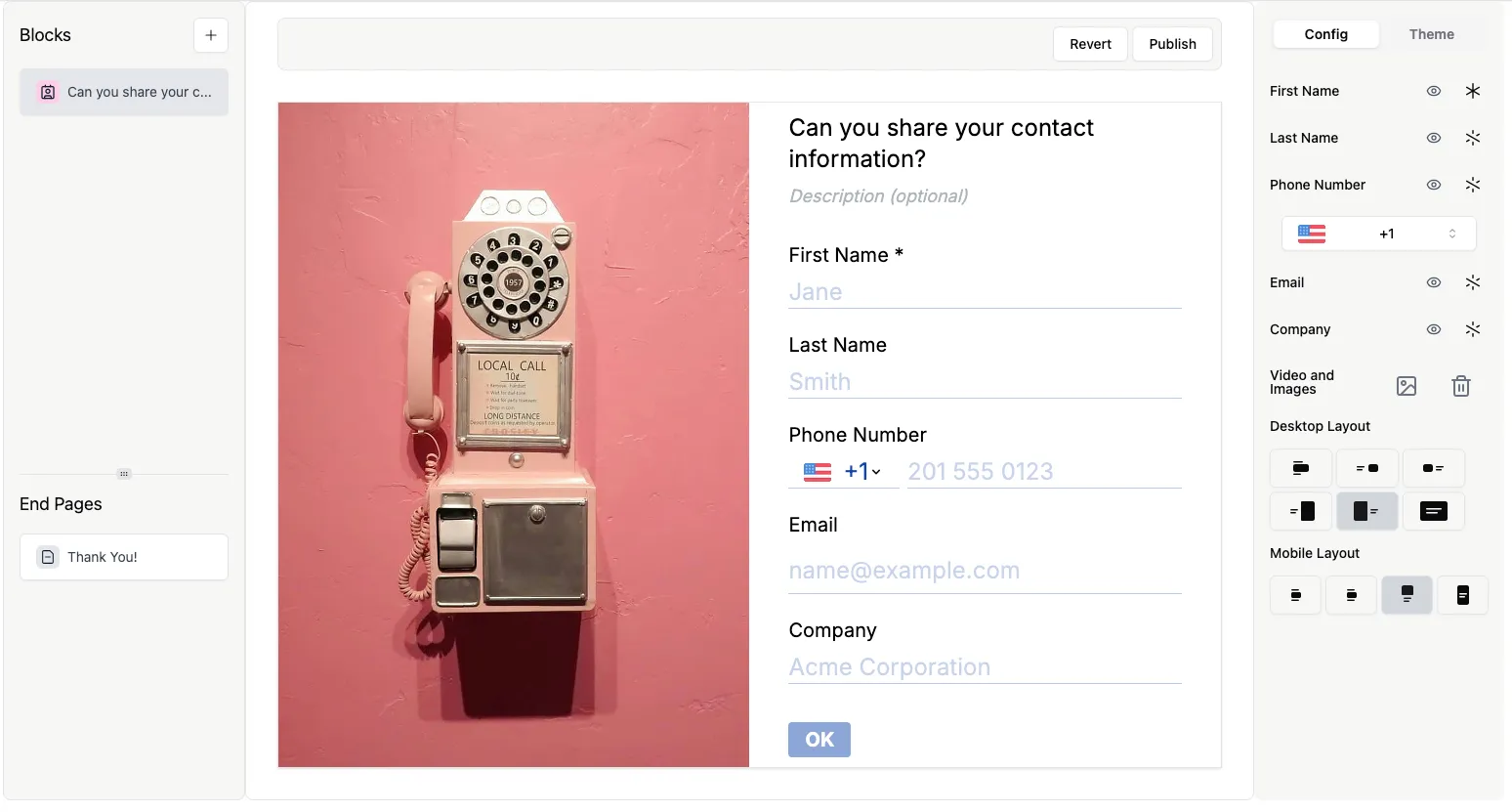
Contact Info question type
The Contact Info question type allows you to collect all essential contact details in one question.
You can collect:
- First Name
- Last Name
- Phone Number
- Email Address
- Company Name
This question type helps you streamline contact information collection without creating multiple separate questions.
How to add a Contact Info question
Section titled “How to add a Contact Info question”- Open your form and click
+ Add Content. - Select Contact Info from the question type list.
- The Contact Info question will appear with all contact fields displayed on a single page.
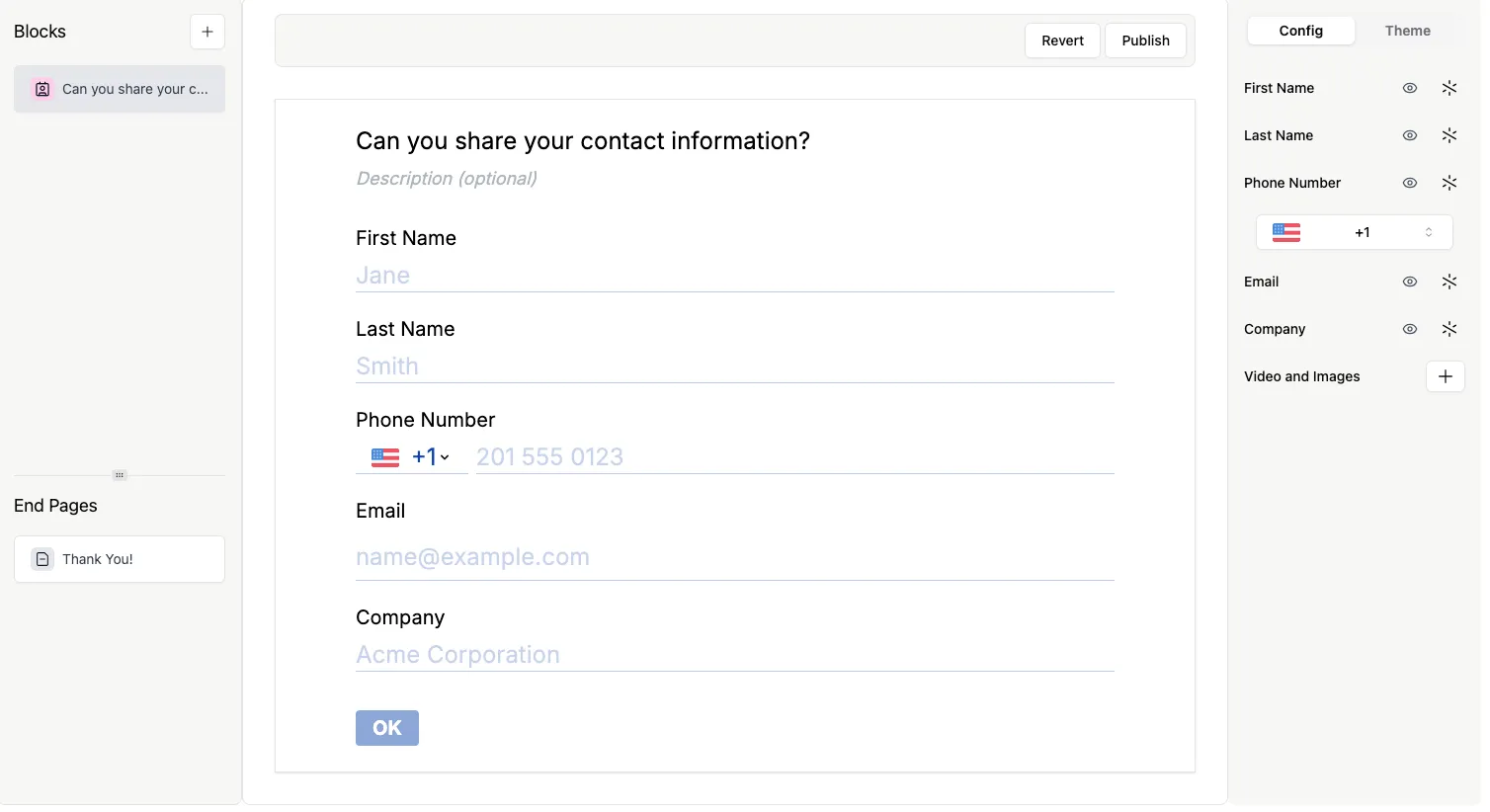
Customize fields: show, hide, or require
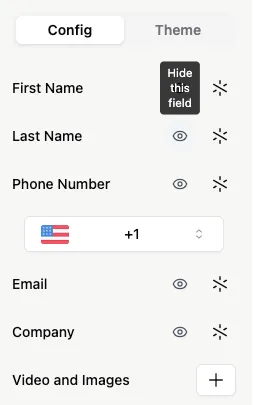
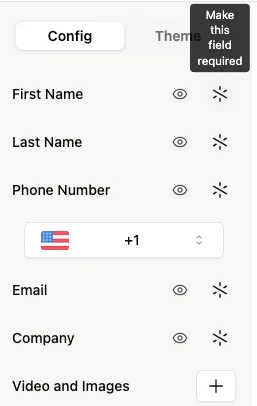
Section titled “Customize fields: show, hide, or require”- Hide a field: Click the eye icon next to the field.
- Show a field: Click the crossed-out eye icon to reveal a field.
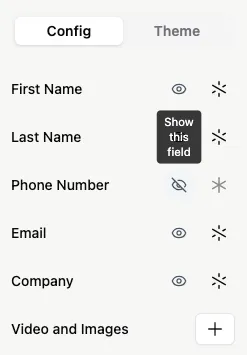
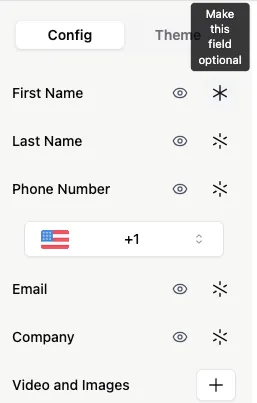
- Make a field required: Click the crossed-out asterisk.
- Make a field optional: Click the asterisk again.
Change the default country code for Phone Number
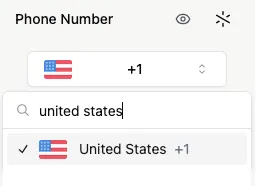
Section titled “Change the default country code for Phone Number”To set a default country code:
- Click the dropdown arrow in the phone field.
- Search or scroll to select a country.
Learn more about the Phone Number question here.
Add images or videos
Section titled “Add images or videos”Enhance your question with visuals:
- Click the
+next to Videos and Image. - Upload images or videos to provide examples or make the question more engaging.