
Date question type
Use the Date question type to collect dates such as birthdays, appointment times, deadlines, or even test knowledge of historical dates.
How to add a Date question
Section titled “How to add a Date question”- Open an existing form or start a new one.
- Click the
+ Add Contentbutton to open the question type menu. - Select Date.
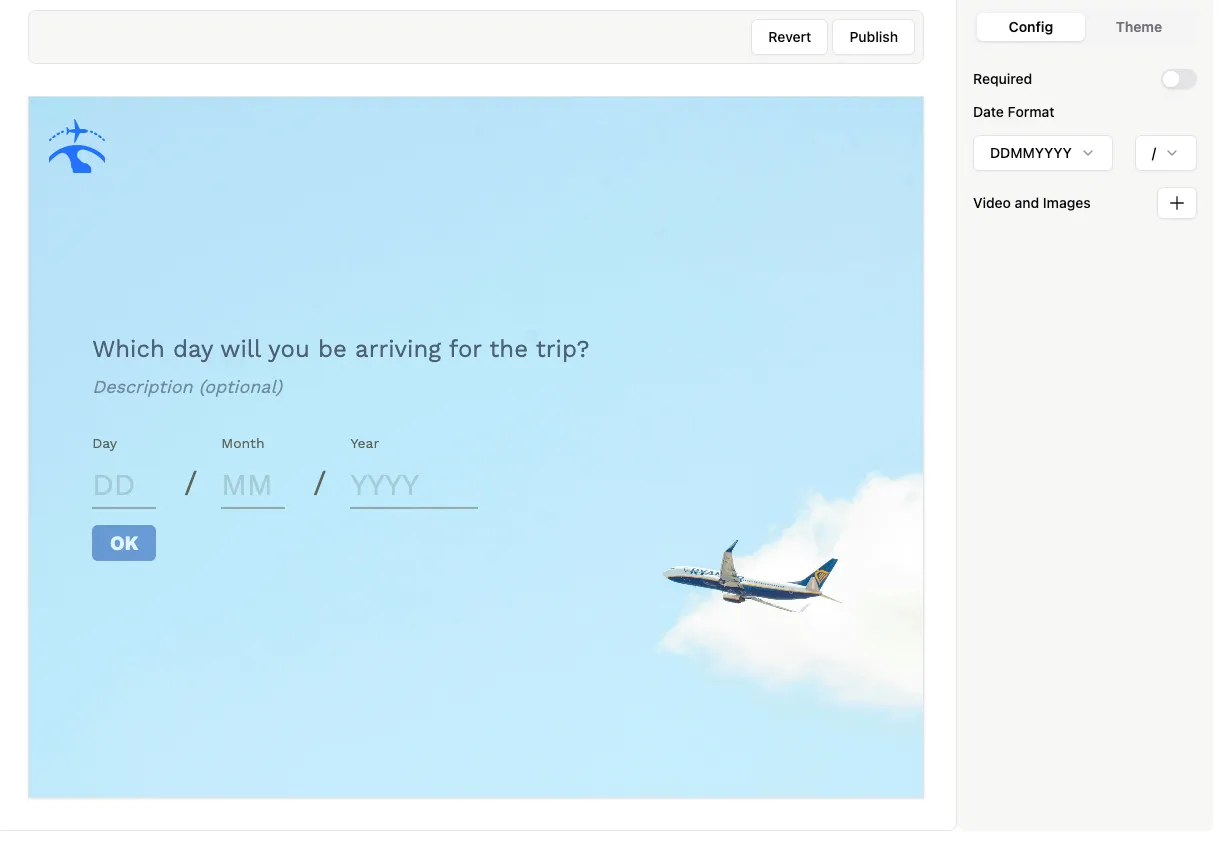
Customize the date format
Section titled “Customize the date format”Formware supports the three most common date formats:
- Month-Day-Year (MM/DD/YYYY)
- Year-Month-Day (YYYY/MM/DD)
- Day-Month-Year (DD/MM/YYYY)
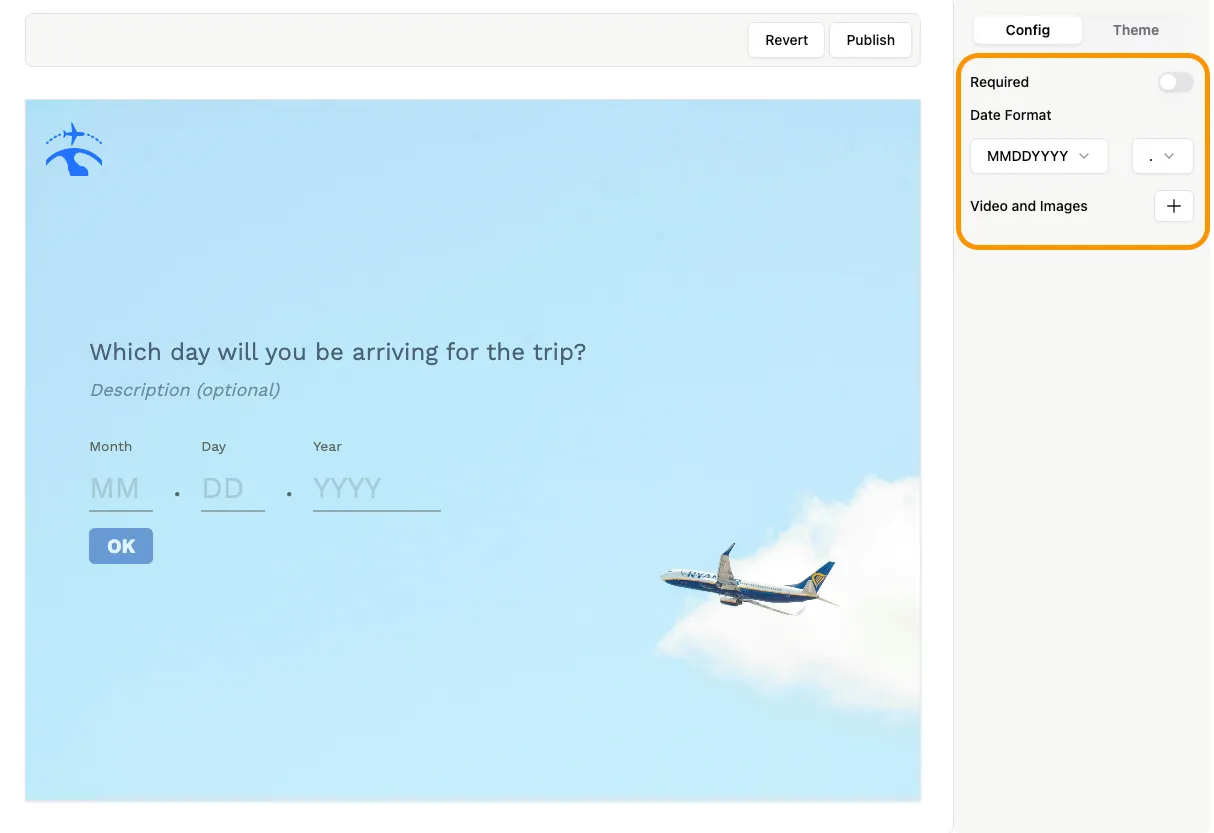
Select your preferred format in the Config tab of the question. You can also set a custom separator (slash, dot, or dash) between day, month, and year.
For example, a date using MM.DD.YYYY will look like:
Use cases
Section titled “Use cases”- Collect birthdates or age information.
- Schedule appointments or events.
- Include historical or quiz dates in surveys or tests.