
Phone Number question type
Use the Phone Number question type to collect contact numbers in a structured and easy-to-read format. It automatically includes country codes, making it suitable for both local and international responses.
This question type is useful for:
- Lead generation forms
- Event registrations
- Customer contact forms
- Job applications
How to add a Phone Number question
Section titled “How to add a Phone Number question”- Open your form and click the
+ Add Contentbutton. - Select Phone Number from the list of question types.
- Enter your question text and optionally add a description.
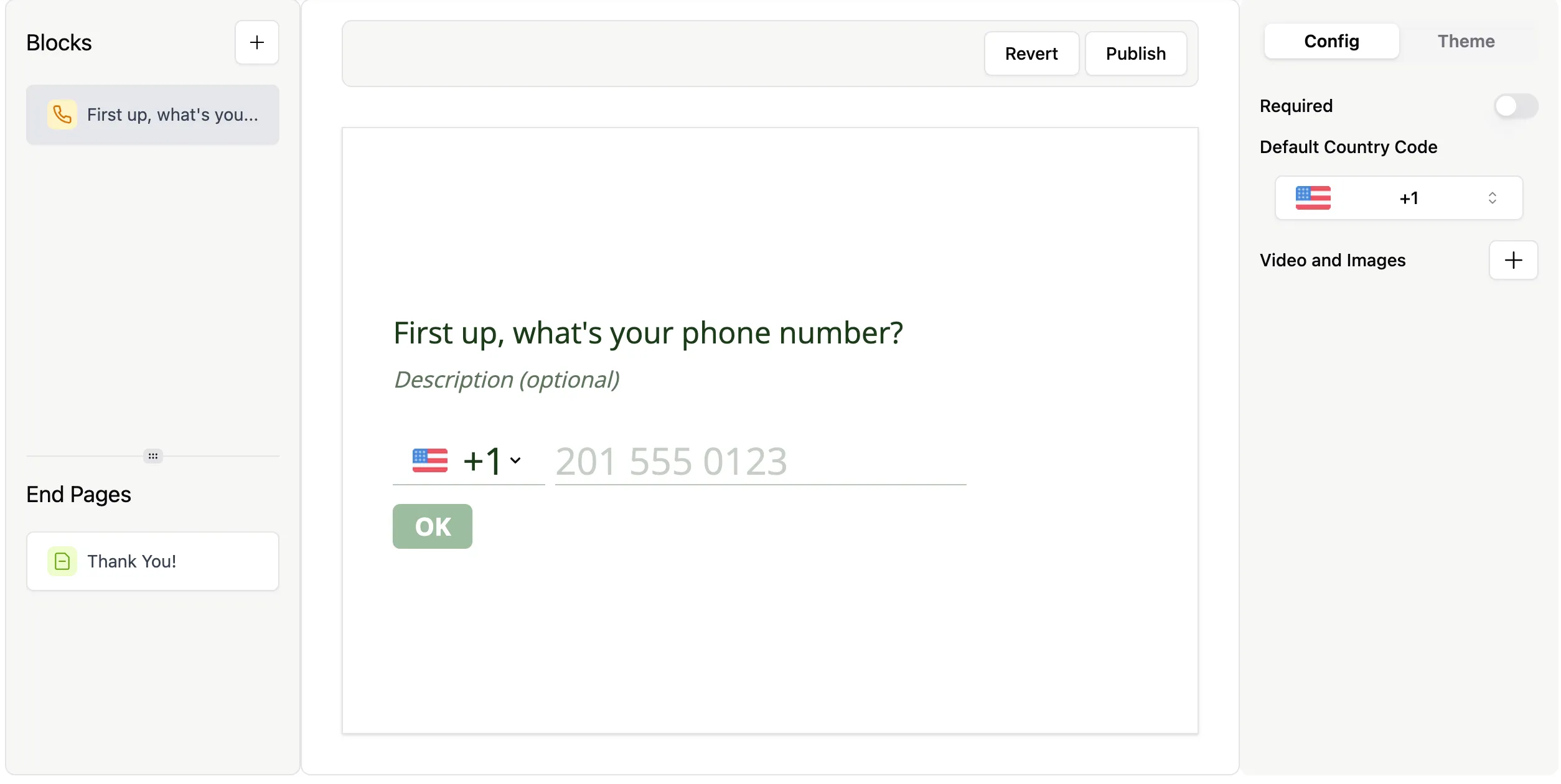
Configure phone number settings
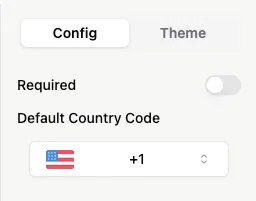
Section titled “Configure phone number settings”In the Config tab, you can customize how the phone input works:
- Set the question as Required
- Choose a default country code for respondents
To change the default country:
- Click the dropdown next to the country flag
- Search or scroll to select a country
Manage your question
Section titled “Manage your question”You can quickly manage your Phone Number question from the editor:
- Use the three-dot menu to duplicate or delete the question
- Drag and drop to reorder it within your form

Add images or videos
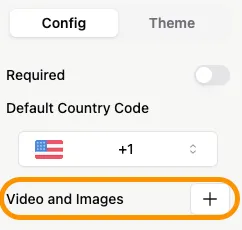
Section titled “Add images or videos”You can enhance your question with visuals:
- Click Add next to Videos and Images in question settings
- Upload images or videos to provide context or improve engagement
Learn more about adding visuals in the Add Images and GIFs guide.