Opinion Scale question
Use an Opinion Scale question to gather responses using a numbered scale. This is ideal for measuring attitudes, satisfaction, or agreement in a simple, intuitive way.
How to add an Opinion Scale question
Section titled “How to add an Opinion Scale question”- Open your form and click the
+ Add Contentbutton to see the question type menu. - Select Opinion Scale.
- Enter your question text and optionally add a description for your respondents.
Configure your Opinion Scale question
Section titled “Configure your Opinion Scale question”All settings are available in the Config tab of the right-hand sidebar.
Start scale at 1
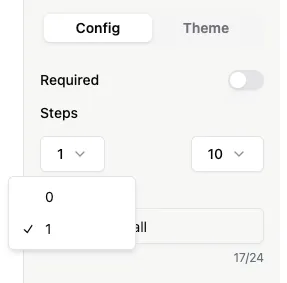
Section titled “Start scale at 1”By default, the scale starts at 0. Selecting 1 will shift the scale start to 1.
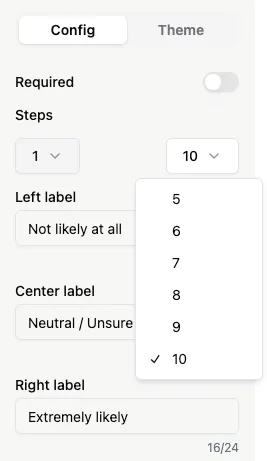
Choose the number of steps in your scale. The default is 11 (0–10). You can select fewer steps, e.g., 5 for a 1–5 scale.
Add Labels
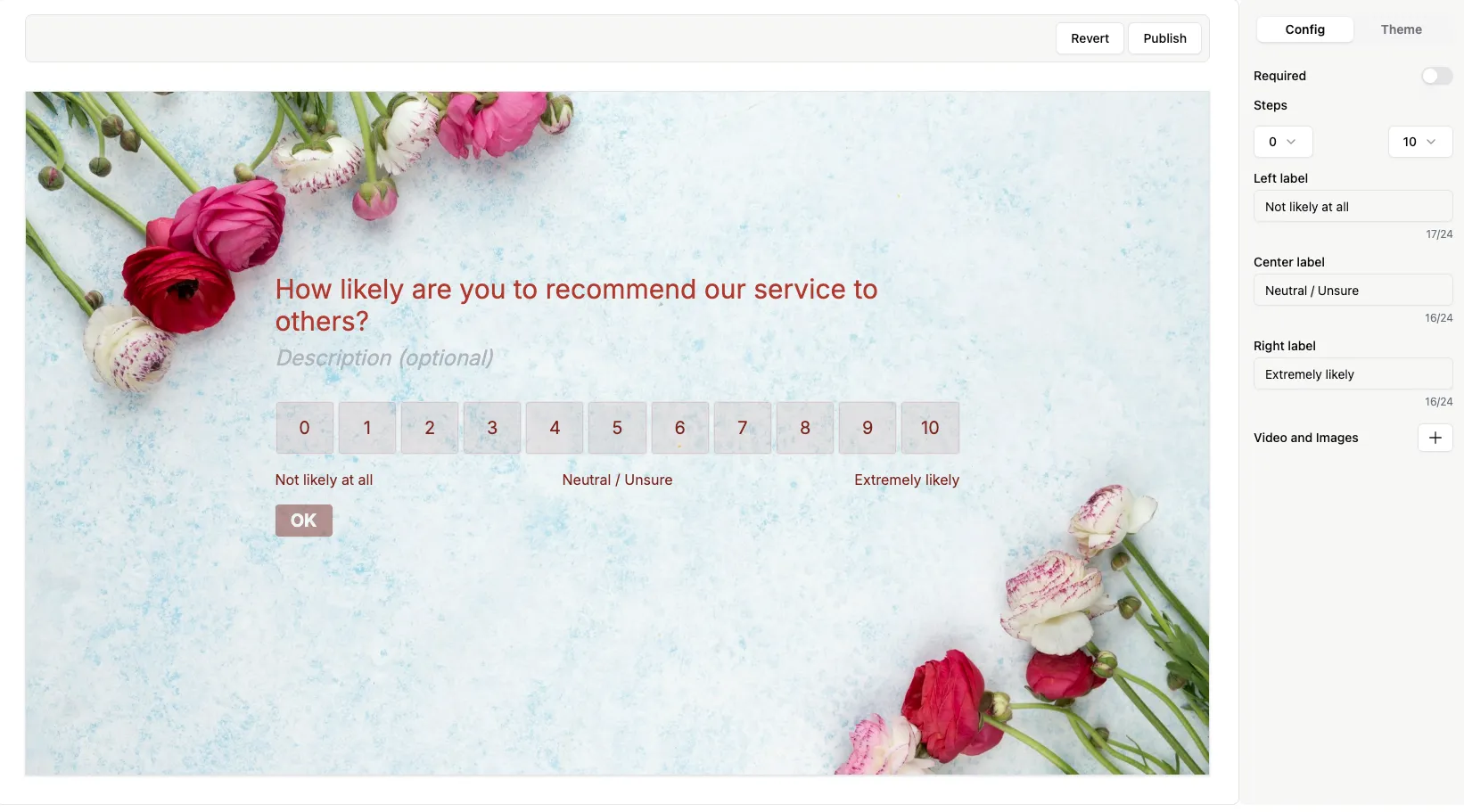
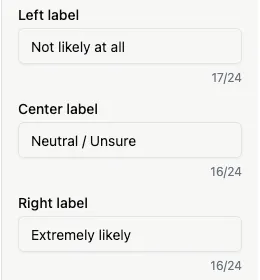
Section titled “Add Labels”Optionally, add labels to guide respondents. You can set text for the left, center, and right of the scale.
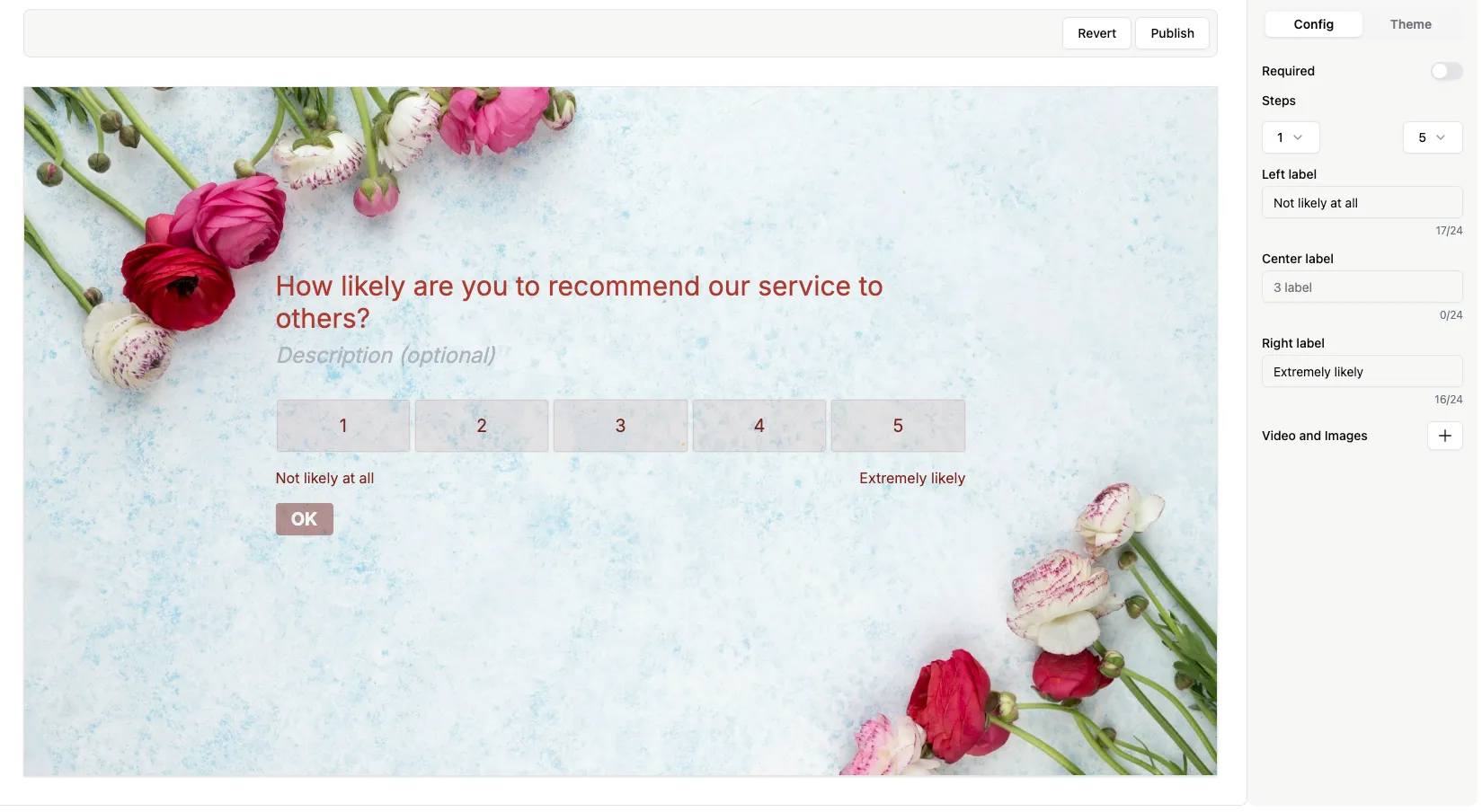
Here’s an example of an Opinion Scale question with 5 steps in a live form: