
Address question type
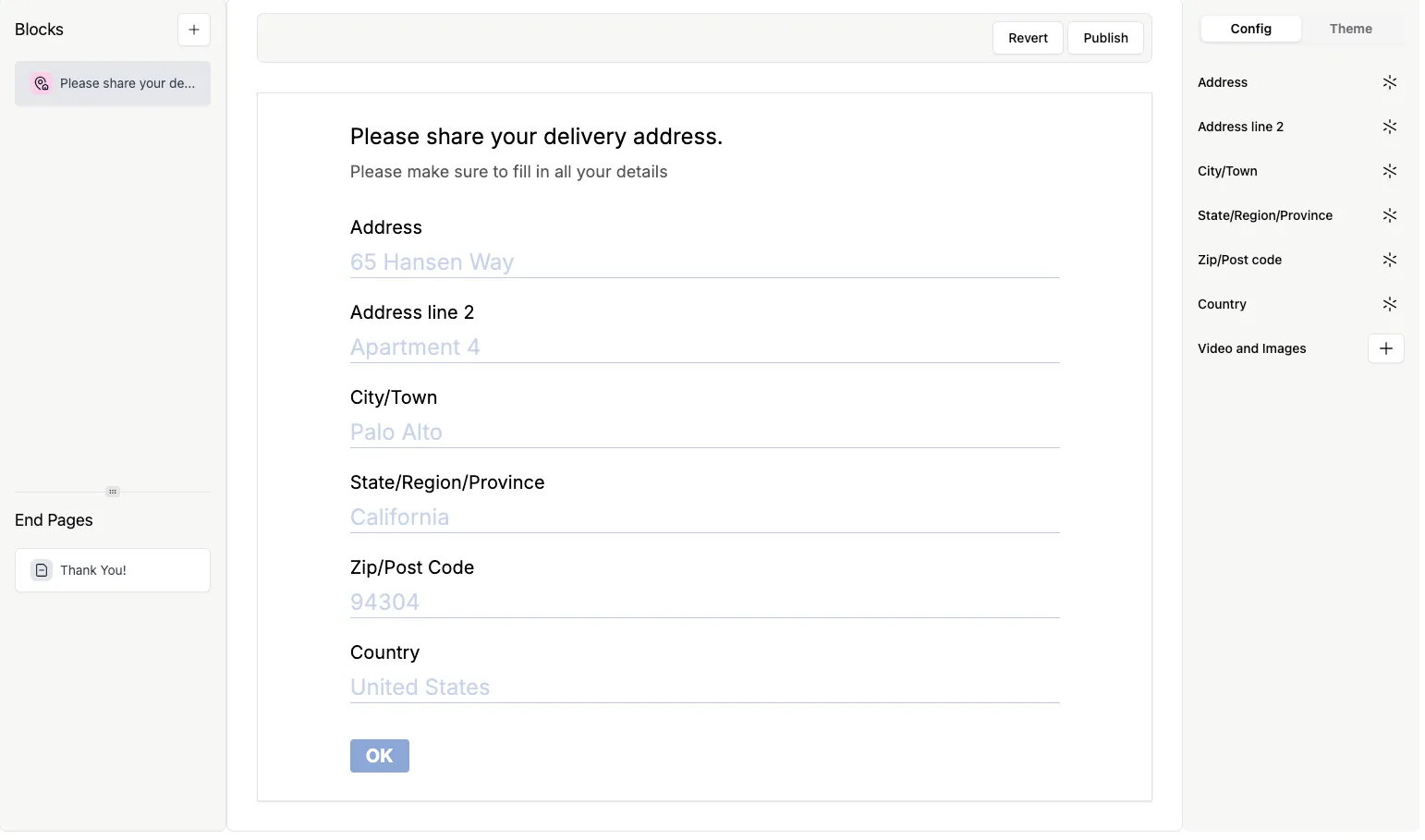
The Address question type lets you gather complete address details in a single question, avoiding the need to create separate fields for street, city, or postal code.
You can collect:
- Street Address
- Address Line 2 (optional)
- City / Town
- State / Region / Province
- ZIP / Postal Code
- Country
How to add an Address question
Section titled “How to add an Address question”- Open your form and click
+ Add Content. - Select Address from the question types list.
- The Address question will appear with all fields displayed on one page.
Customize required and optional fields
Section titled “Customize required and optional fields”Field labels cannot be edited, but you can control which fields are required:
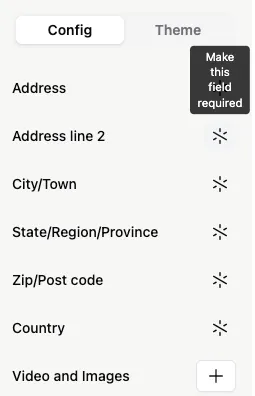
- Make a field required: Click the asterisk next to the field.
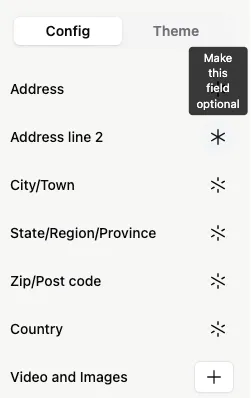
- Make a field optional: Click the asterisk again to remove the requirement.
Enhance your Address question with media
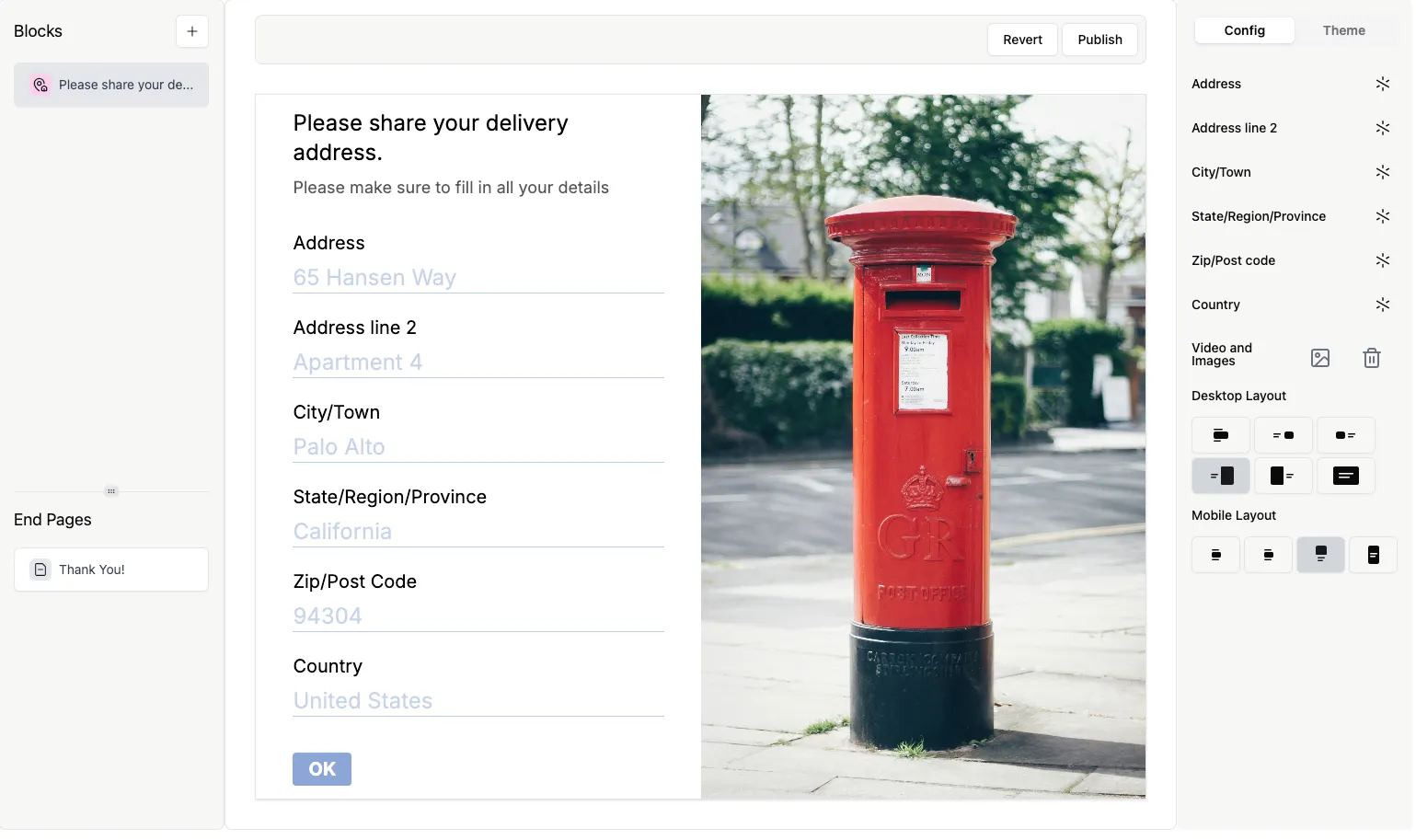
Section titled “Enhance your Address question with media”You can add images or videos to make your Address question more engaging:
- Click the
+next to Videos and Image. - Upload visuals to support your question or provide examples.
When responses are collected, each address field appears in a separate column, making it easy to filter or export the information for your workflow.