Activate the Formware progress bar
The progress bar provides a clear way for respondents to understand how much of the form they have completed so far and encourages them to continue until the end.
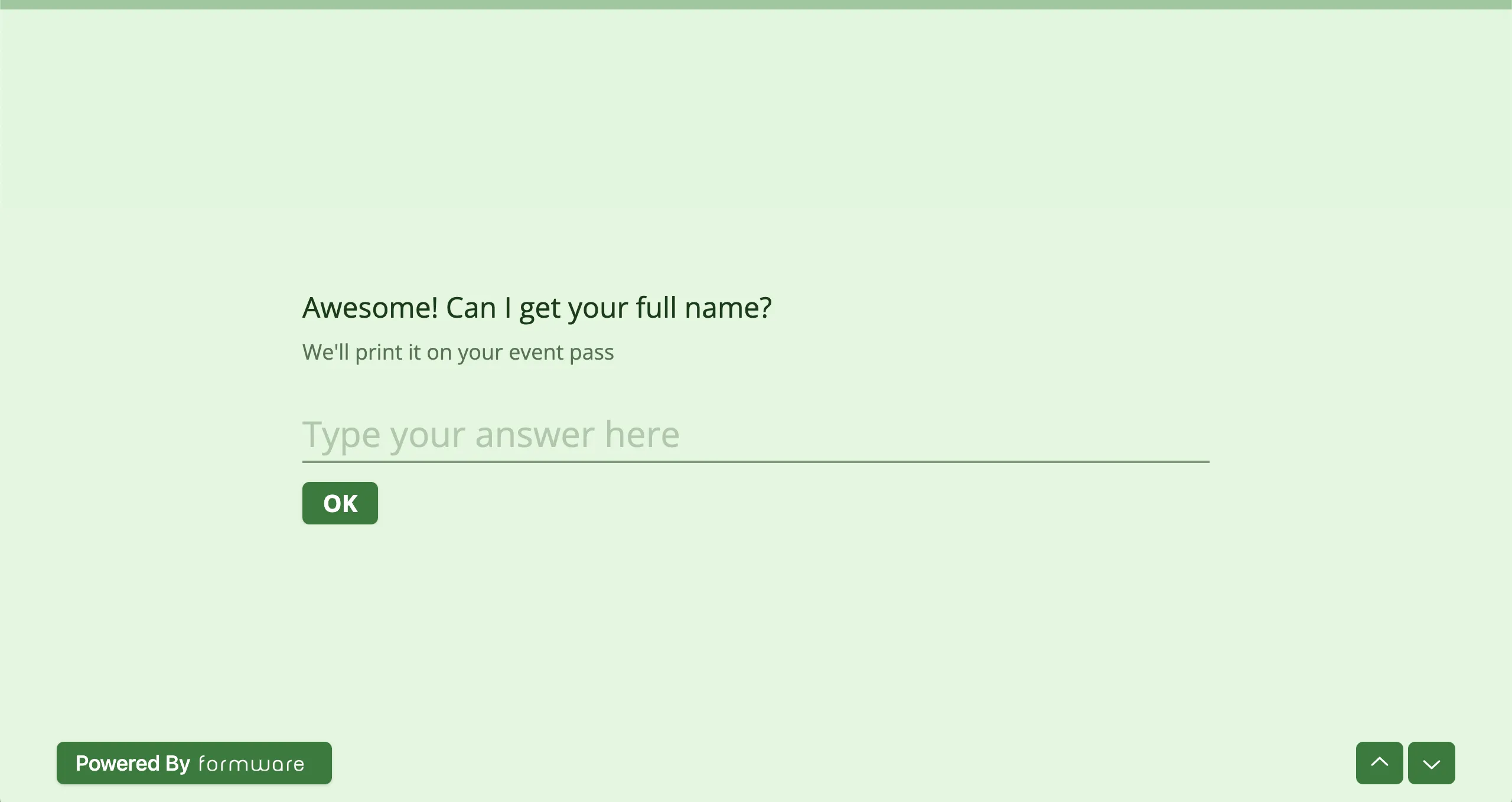
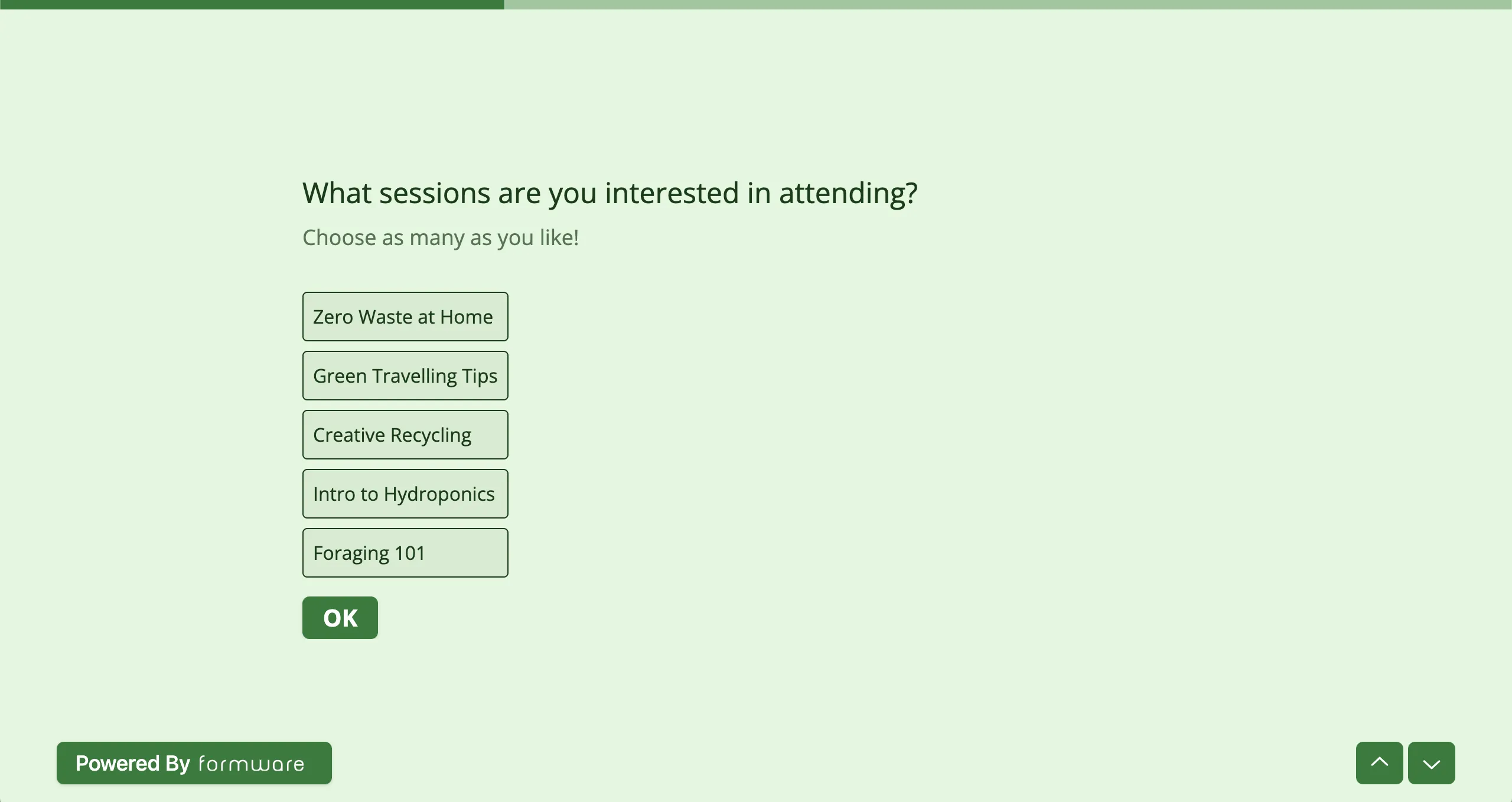
The progress bar shows as a horizontal line at the top of the form that’s partially or completely filled in, according to the respondent’s progress.
Here’s what the progress bar looks like before the respondent has answered any questions.
And here’s what it looks like when the respondent has partially filled out the form.
How to activate the progress bar
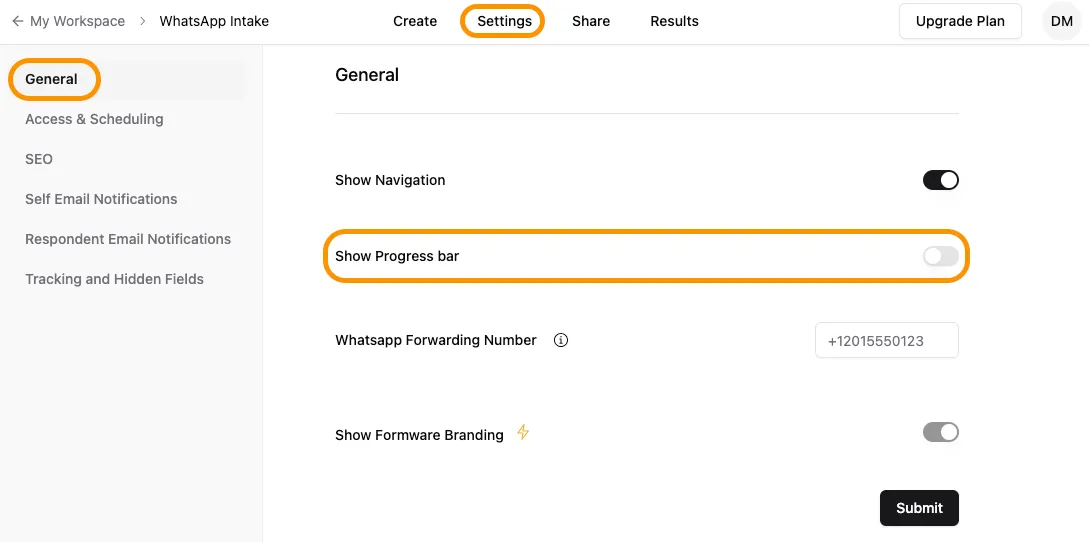
Section titled “How to activate the progress bar”The Progress bar is activated by default for any new form created on Formware. You can enable or disable the progress bar via the Create panel.
- Open the form builder and head to the
Settingstab in the navigation menu at the top. - Toggle the progress bar option on or off.