End Page and Redirects
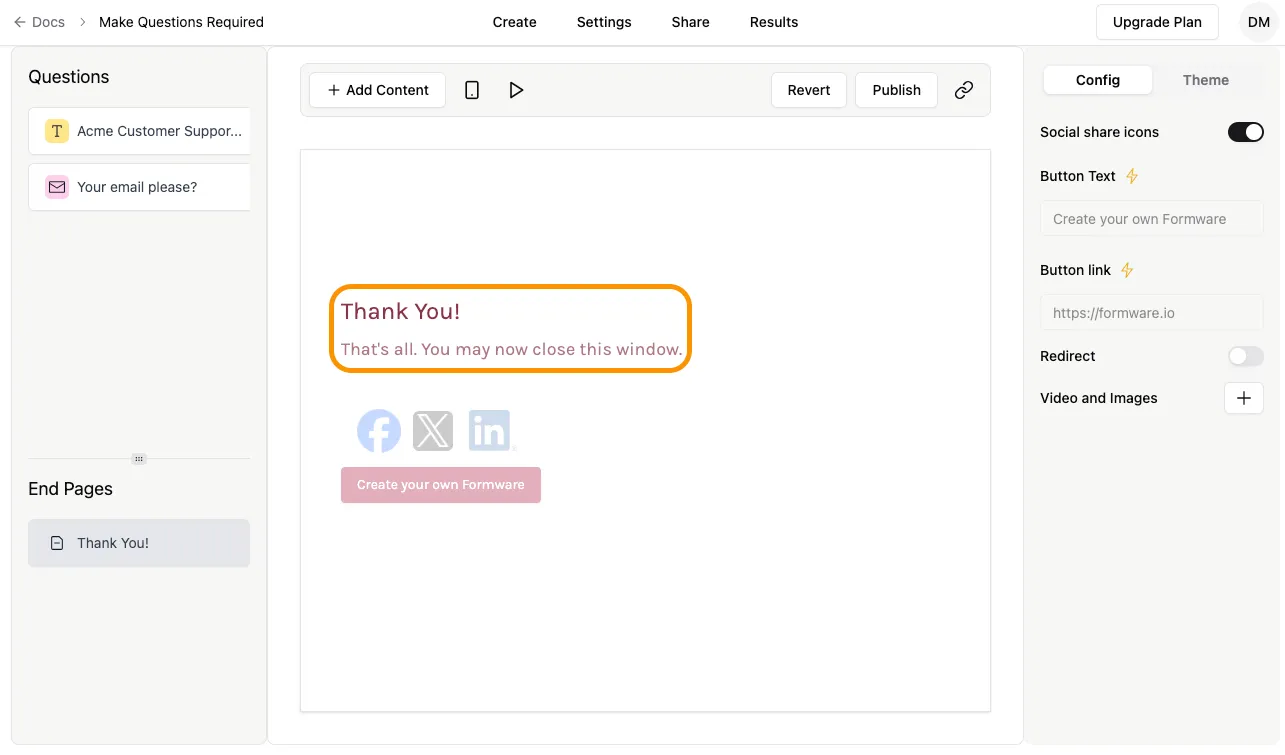
An End page is displayed after submitting a form. When a new form is created, an End Page is added by default to every form in Formware. The title and description of the End page can be customized for free.
Modify Title and Description of End Page
Section titled “Modify Title and Description of End Page”Simply click on the text area in the centre of screen and start typing.
 {width = “400”}
End Page Settings
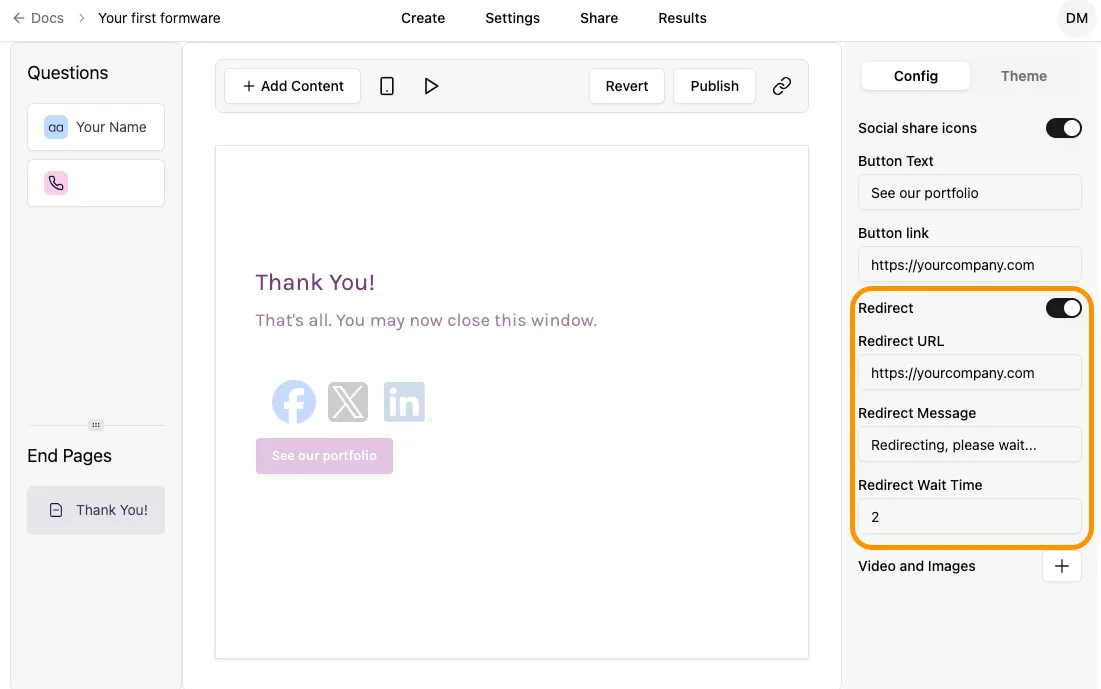
Section titled “End Page Settings”The end page settings can be found on the right panel of the form builder, similar to any other question type. Here, you can find options to either customize the button or turn on an automatic redirect to a URL of your choice.
Button
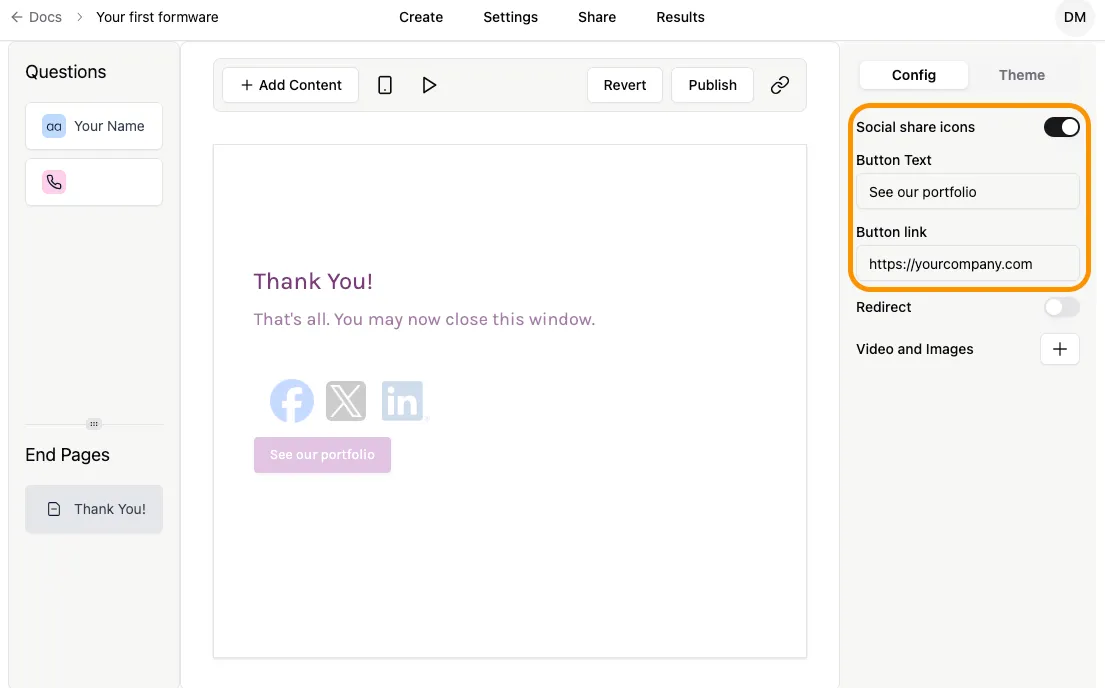
Section titled “Button”By default, your End Screen has a button that says “Create your own Formware”. When a respondent clicks the button, they’ll be taken to this page, where they can learn more about Formware.
You can change the text of the button and the URL of the button link so that your respondents can learn more about your business or brand.
Redirect to URL
Section titled “Redirect to URL”Simply turn on the Redirect toggle button to enable this feature. By default, the End Screen redirects respondents of your form to a new page, as explained above. The redirect happens after a delay as specified by the property Redirect Wait Time. The unit of the delay is seconds.
In the Formware Pro plan, you can change this to link to any URL you like. So if you want respondents to visit your site after completing the form, just add the link here.