Add a background image to your form
Background images can increase the appeal of your forms and are a great way to articulate your brand’s design identity.
You can add or edit the background image of your form under the themes section of the Design panel. We explain how this is done in the steps below. To find out how to insert images, GIFs and video into questions, check out this Help Center article.
How to add a background image
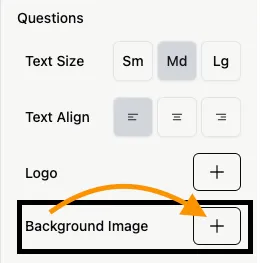
Section titled “How to add a background image”To add a background image, click on the + button next to Background Image section.
You can upload an image or a link to an image URL. Please note that adding invalid URL’s will not display anything.

The image will appear as the background of your form across all questions. If you are also adding a logo, the background will appear behind the logo.
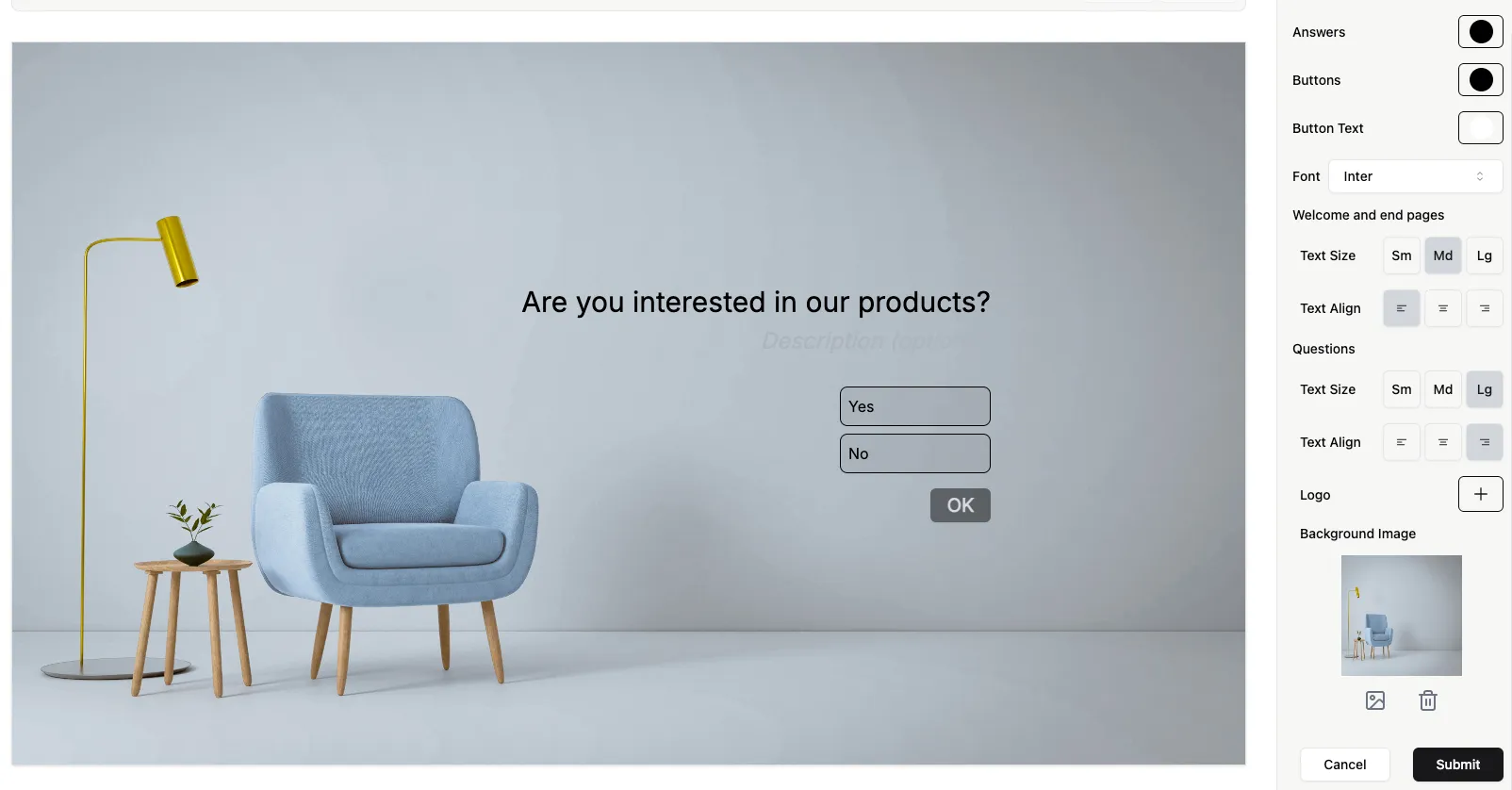
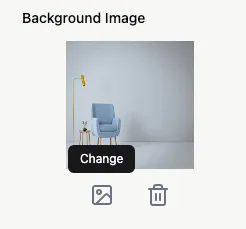
Click the image icon next to Background Image to upload a different file, or click the trash can icon to delete it.