
Rating question
Curious about what your customers think of your product or service? Or how much your friends enjoyed your last party on a scale from 1 to 5? A rating question offers a quick and visual way to gather feedback.
How to use a Rating question
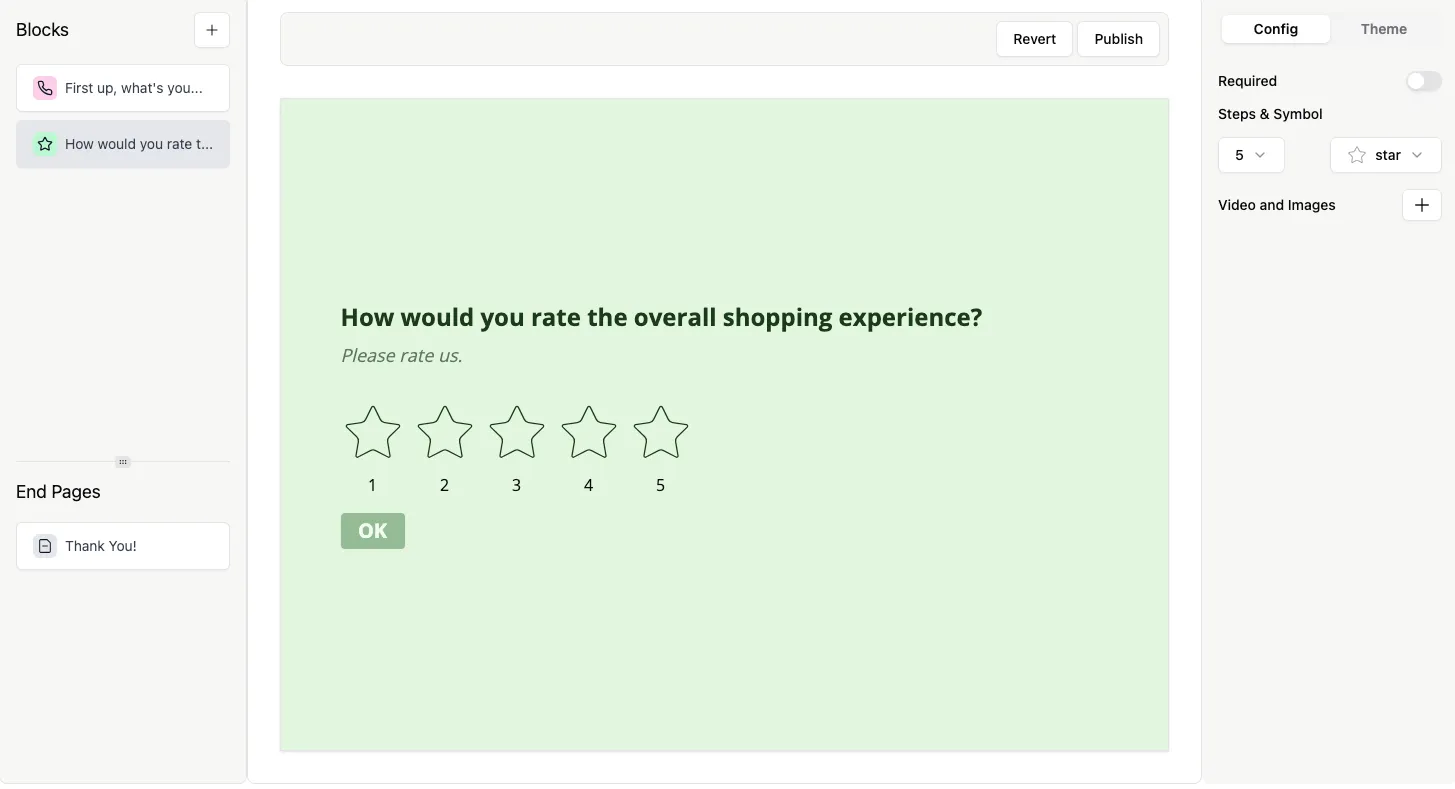
Section titled “How to use a Rating question”1. Open the form that you would like to edit and click on the + Add question button to open the list of available question types.
2. Select Rating.
3. Type your question text in the editor and add a description if you like.
Rating Settings
Section titled “Rating Settings”Edit the settings for your Rating question in the Config tab of the right-hand sidebar.
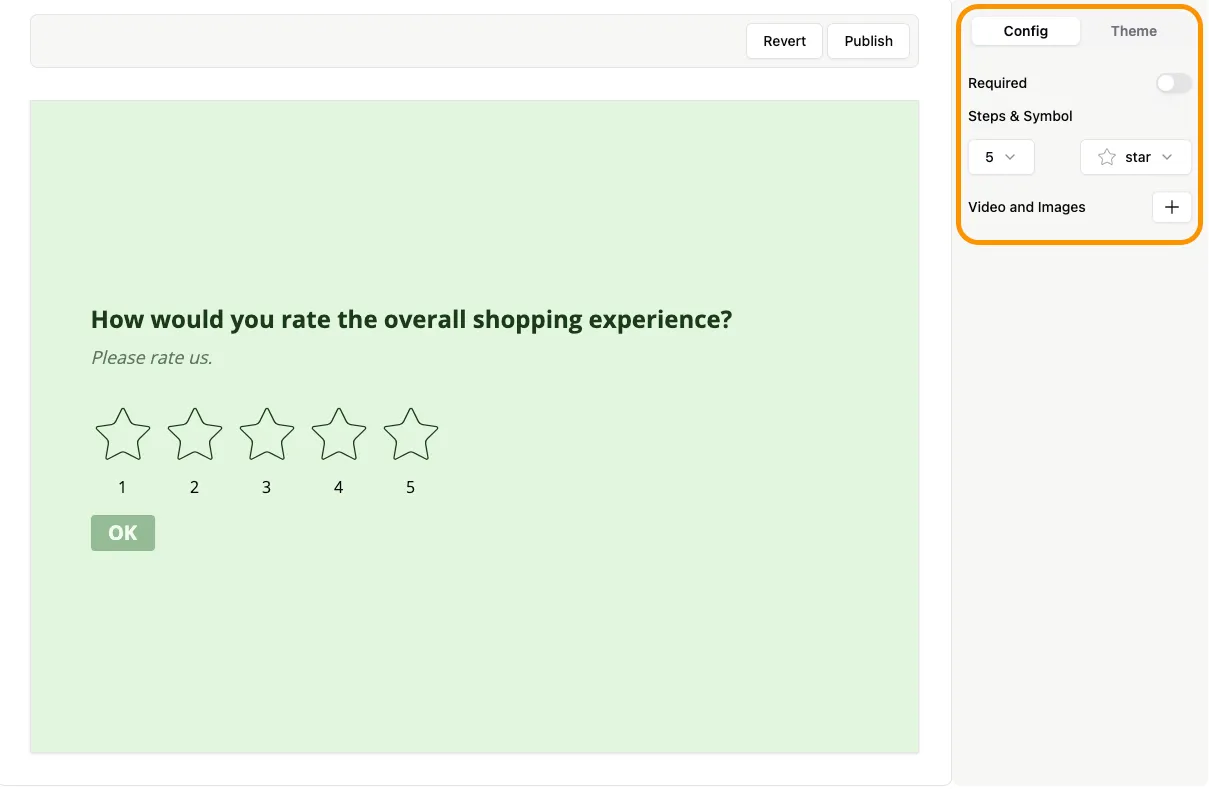
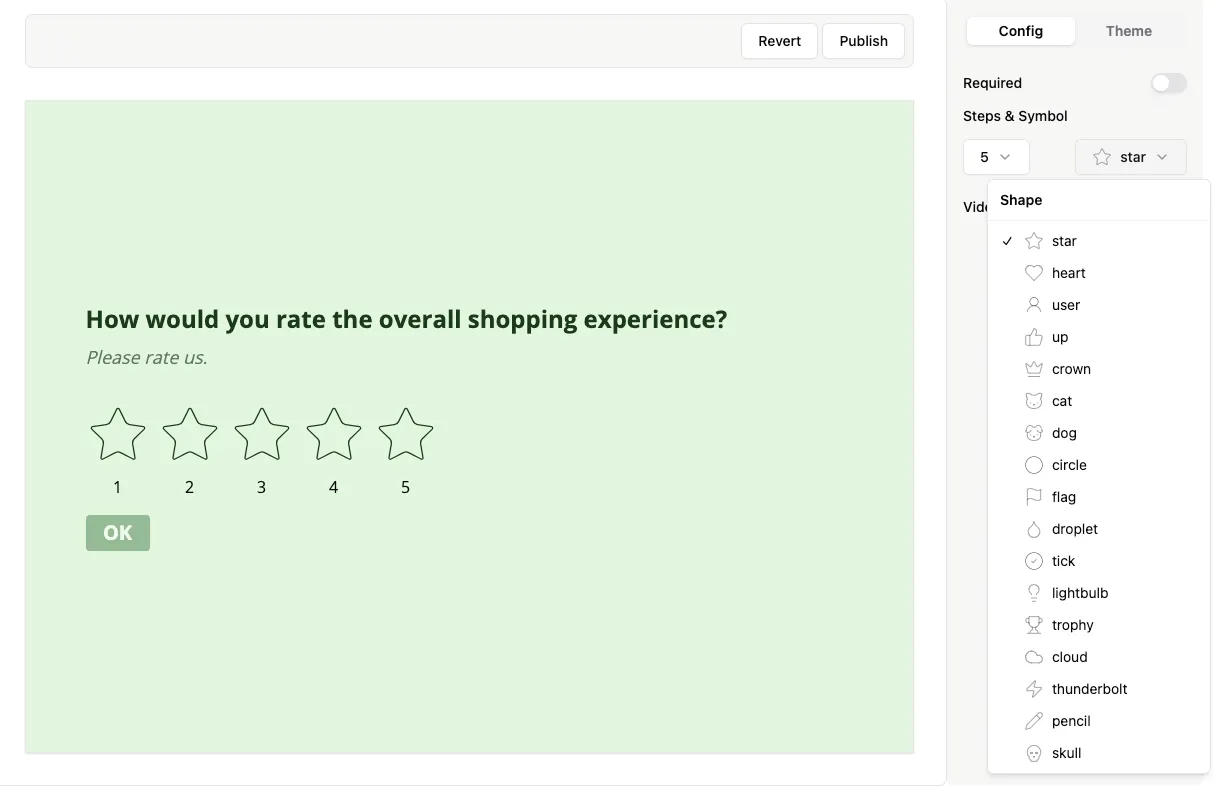
Here, you can set the question to Required, choose the number of options in your rating scale, and select the symbols you want to use.
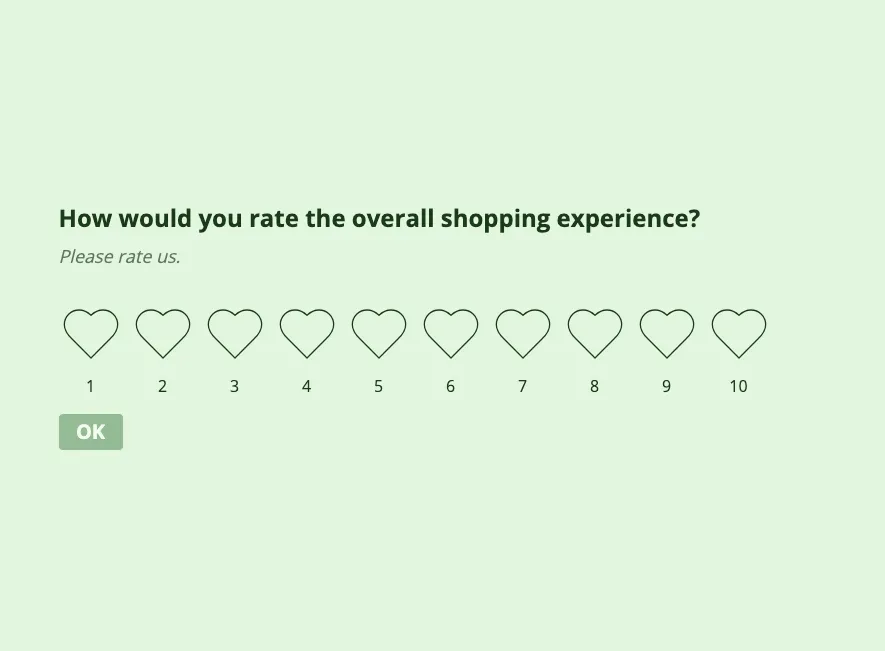
This is what a Rating question on a scale of 1 to 10 with heart symbols looks like:
How to add images to your Rating question
Section titled “How to add images to your Rating question”Check out this article to find out all about adding images.