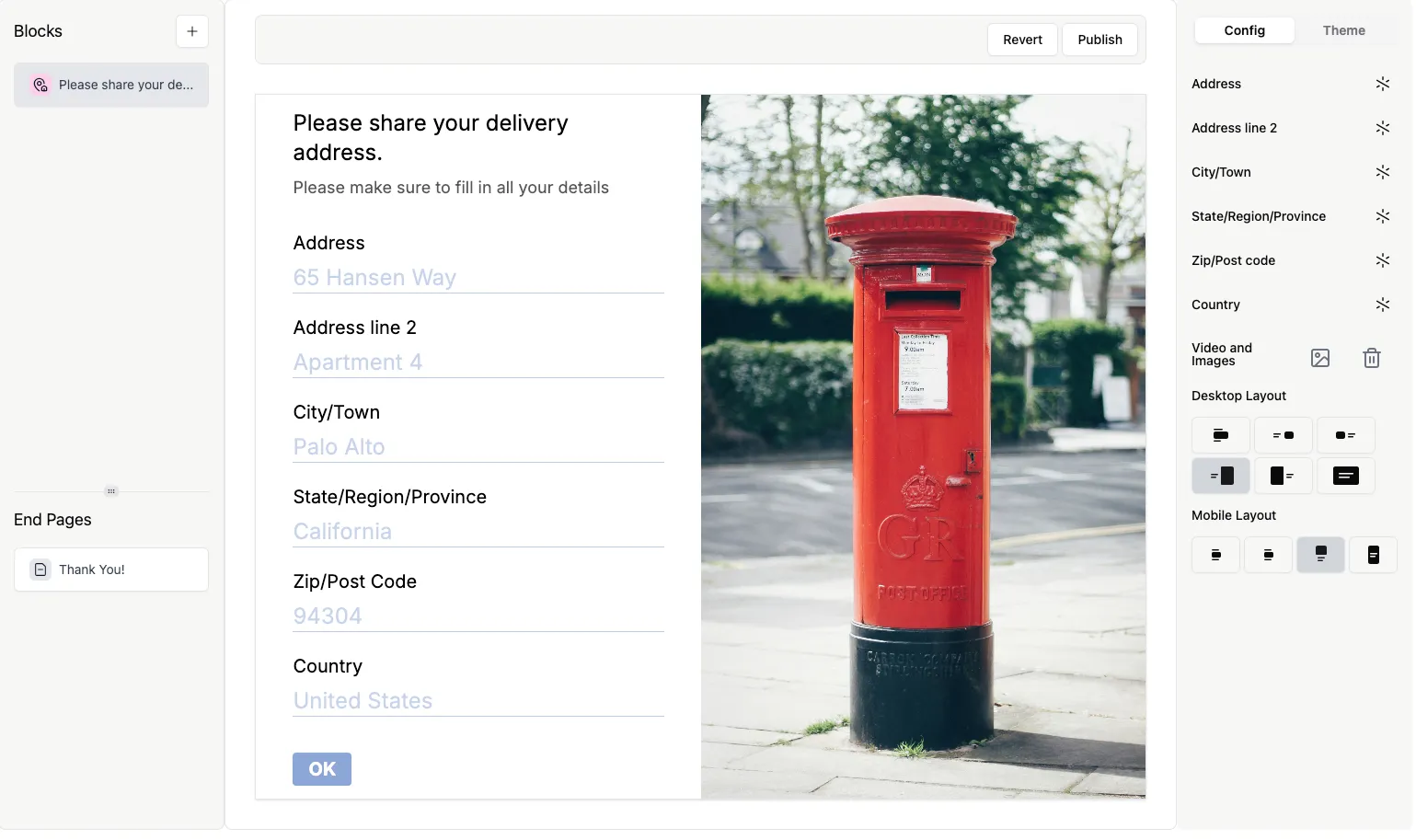
Address question
The Address question type lets you collect all address-related information on a single page, without having to create a separate question for each address line.
You can ask for the following information with the Address question type:
- Address
- Address line 2
- City/Town
- State/Region/Province
- Zip/Post code
- Country
Add an Address question to your form
Section titled “Add an Address question to your form”1. Open the form that you would like to edit and click on the + Add Content button to open the list of available question types.
2. Select Address.
3. Now you’ll see the Address question type with all the address detail questions displayed on a single page.
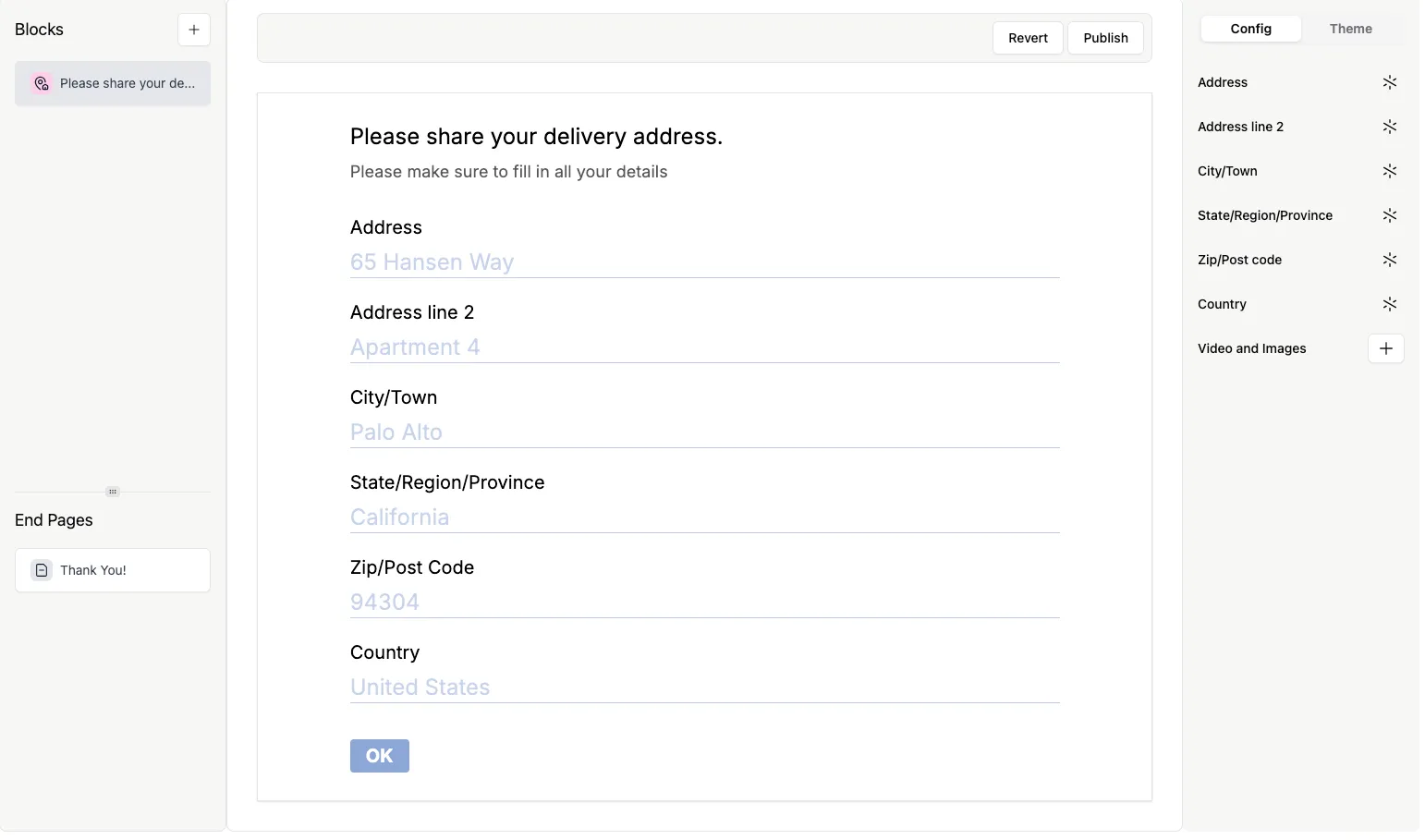
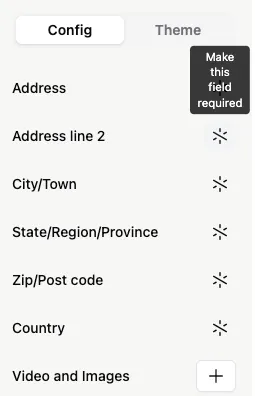
4. To make sure they follow the correct address format, field names and labels can’t be edited, but you can choose to set these fields as required…
5. …or make it optional again by clicking the asterisk.
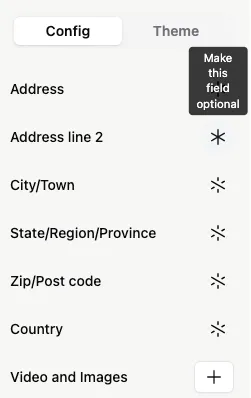
If you set any field within the Address question type as required, the entire Address question will be marked as required on the form. Still, respondents can skip the optional fields and submit the form.
6. Click the + next to Videos and Image to add eye-catching visuals to your Address question.