A survey asks. Engagement converses.
Every form you send is a message from your company, and customers read it as one. Most read like paperwork: a grid of fields, a dozen dropdowns, the word required repeated until goodwill runs out. An engagement form is the same instrument used differently — short, personal, aware of who it’s talking to and when it’s asking — so that answering feels like being listened to rather than processed.
The distinction compounds. A customer who answers two thoughtful questions today is far easier to ask again next month; a customer who abandoned your 24-field questionnaire is gone from every future ask. This page covers the questions worth asking at each touchpoint, a four-moment structure you can copy, and the personalization features that do the heavy lifting — with starting points in the audience engagement template collection.
Questions, grouped by the moment they’re asked
Engagement questions earn their answers by timing. The same question is warm after a checkout and intrusive on a Tuesday morning.
The welcome ask — right after signup or first visit
- What are you hoping to accomplish first? — multiple choice. The single most useful answer a new customer can give you; it reshapes everything you send afterward.
- What nearly stopped you from signing up? — long text. The objection you didn’t know about, handed over voluntarily.
- How did you hear about us? — multiple choice. Though if the link came from a campaign, a hidden field records it more reliably than memory does.
The in-the-moment pulse — after a key action
- Did you find what you came for? — Yes/No. The fastest engagement signal that exists.
- How easy was that? — an opinion scale. This is the Customer Effort Score, and the CES calculator turns responses into a number you can trend.
- What almost got in the way? — long text, optional.
The relationship check — monthly or quarterly
- How likely are you to recommend us? — an NPS question, scored with the NPS calculator.
- How disappointed would you be if you could no longer use us? — multiple choice. The product-market-fit question; the full version lives in the PMF survey template.
- What would make this a 10 for you? — long text. Ask everyone, not just the unhappy — promoters describe the future too.
The at-risk check-in — when usage cools
- What’s changed since you signed up? — long text.
- What almost made you leave? — long text. The full workflow is in the churn survey template.
The playful ones — engagement as entertainment
Not every touchpoint needs to be a measurement. Picture choice questions and quiz formats — “which archetype are you?” — get completed and shared in a way rating scales never will. The e-commerce lead quiz is the pattern to copy.
Four touchpoints, one system
The common mistake is treating engagement as one big annual survey. It works far better as a sequence of small ones, each doing exactly one job:
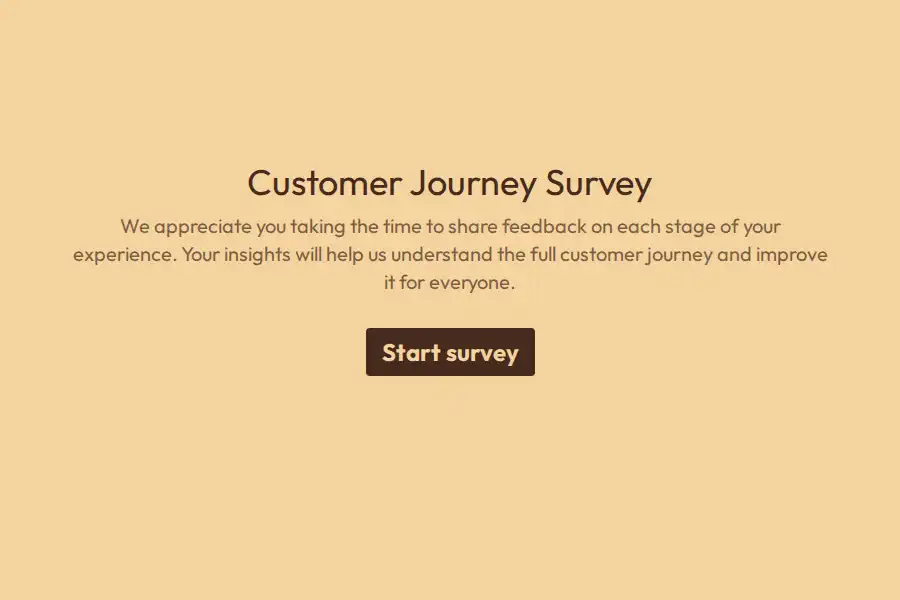
- Welcome (day one) — goal, near-miss, source. Under a minute. The customer journey survey bundles the first three moments into one flow.
- Pulse (after key actions) — found-it and effort. Two questions, ten seconds.
- Sentiment (day 30) — NPS and PMF, with branching.
- Recovery (when engagement drops) — the churn questions, sent before they’re gone rather than after.
Small and frequent beats large and rare for a structural reason: each small form proves the last one went somewhere, which is what makes the next one get answered.
Personalization: what turns questions into conversation
This is where form features stop being form features and become engagement features:
- Know who you’re talking to. Pass
name,plan, orcustomer_idinto the URL as hidden fields, then recall them in question text: “Hi {{first_name}} — what are you hoping to get done today?” No programming; the URL does the work. - Branch on their answers. New-vs-returning is one multiple-choice question with two jump rules — each path then asks only what’s relevant to it. Logic is included on the free plan; it’s not a paid gate.
- Let the form compute. Numeric variables can score answers as they arrive — add points, apply weights — and a text variable can store the verdict. Recall it on the thank-you page: “You’re a {{segment}} — here’s what we’d suggest next.” A personalized ending generated entirely inside the form.
Meeting customers where they already are
The best engagement form is invisible until the moment it’s relevant:
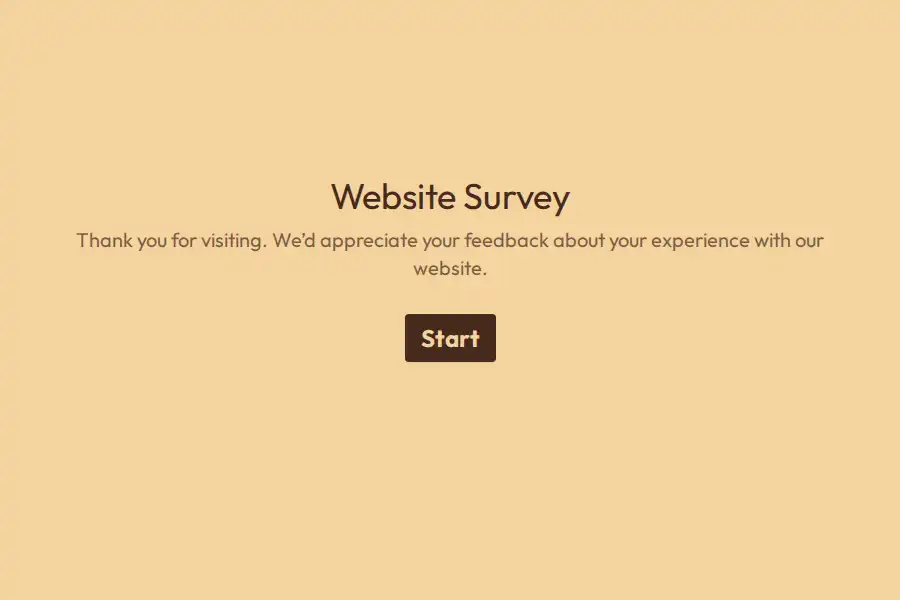
- Embedded, not linked away. Drop the form into product pages, post-checkout screens, or help articles — embedding works across WordPress, Webflow, Framer, Shopify, and custom sites. The on-site pattern is the website survey form.
- WhatsApp. For consumer brands — and any market where WhatsApp is the default channel — this is the engagement surface: a WhatsApp widget on your site, forms shared into chats, and responses forwarded to WhatsApp so the team replies from where they already work.
- Physical touchpoints. A QR code on packaging, receipts, or the shop window turns an offline moment into a digital conversation — with hidden fields tagging which surface produced the response.
- Campaigns. When forms travel through email or ads, the UTM builder labels every response with its origin.
Two details that carry more weight than they should: show the progress bar — people commit to short things they can see the end of — and make the form yours. Colors, fonts, and background images are all customizable on free; a form that looks like your brand reads as your brand talking.
After they answer
- Read responses where they land. Everything collects in one dashboard, segmented by the hidden fields you set.
- Act automatically. A webhook — included on free — pushes each response into your CRM or marketing platform, so a flagged at-risk answer becomes a task the same day, not next quarter.
- Close the loop visibly. Pro can send an automated confirmation email and redirect respondents somewhere useful afterward — the resource they asked about, a booking page, a reward. Engagement that visibly goes somewhere earns the next response.
- Don’t discard the abandons. Partial submissions (Pro) keep what someone entered before leaving. Honest caveat: partials are view-and-export only — they can’t trigger webhooks or emails, so treat them as reading material, not automation triggers.
The form is the engagement test
The self-referential trap, in its purest form: you’re using a form to prove you listen. A transactional questionnaire disproves the thesis in the first ten seconds.
One question at a time is the format that doesn’t. If you’re comparing builders, the Formware vs. Typeform comparison covers the other conversational platform, and the Google Forms comparison covers the free-and-familiar route.
Free covers everything above: unlimited forms, questions, and responses, logic, embeds, hidden fields, recall, and WhatsApp sharing — subject to fair use, with Formware branding on the form. Pro ($29.99/mo or $299/yr) removes that badge and adds your domain, partial submissions, redirects, and respondent emails — the breakdown is on plans and pricing.
Where this sits in the journey: the customer satisfaction workflows cover the scorekeeping layer, and when engagement turns up promoters, customer advocacy is how their stories get put to work.
Frequently Asked Questions
What makes a form engaging instead of annoying?
Four things: it’s short enough to finish in a minute, it only asks what’s relevant to this person, it arrives attached to a moment they’ll remember, and it visibly goes somewhere afterward. Miss any of the four and the response rate explains itself.
How do I personalize questions without a developer?
Hidden fields plus recall plus logic — no code. Pass what you already know (name, plan, segment) through the URL, recall it into question text, and use jump rules to route different customers through different questions. It’s configuration, not programming.
Can I run customer engagement through WhatsApp?
Yes, and it’s one of Formware’s strongest areas: a WhatsApp widget on your site, forms shared into chats, and replies forwarded back to WhatsApp for the team. In WhatsApp-first markets it’s often the highest-response channel available.
How long should an engagement form be?
Two to four questions per touchpoint. The point is to ask often and small rather than rarely and hugely — a ten-second pulse after every meaningful action beats an annual 30-question mega-survey on every metric that matters.
Is this free to build?
Yes — unlimited forms, questions, and responses, plus conditional logic, embeds, hidden fields, recall, and WhatsApp sharing on the free plan, subject to fair use. Pro adds branding removal, your own domain, partial submissions, redirects, and respondent emails — the full comparison has the details.