

What Is a WhatsApp Form Widget?
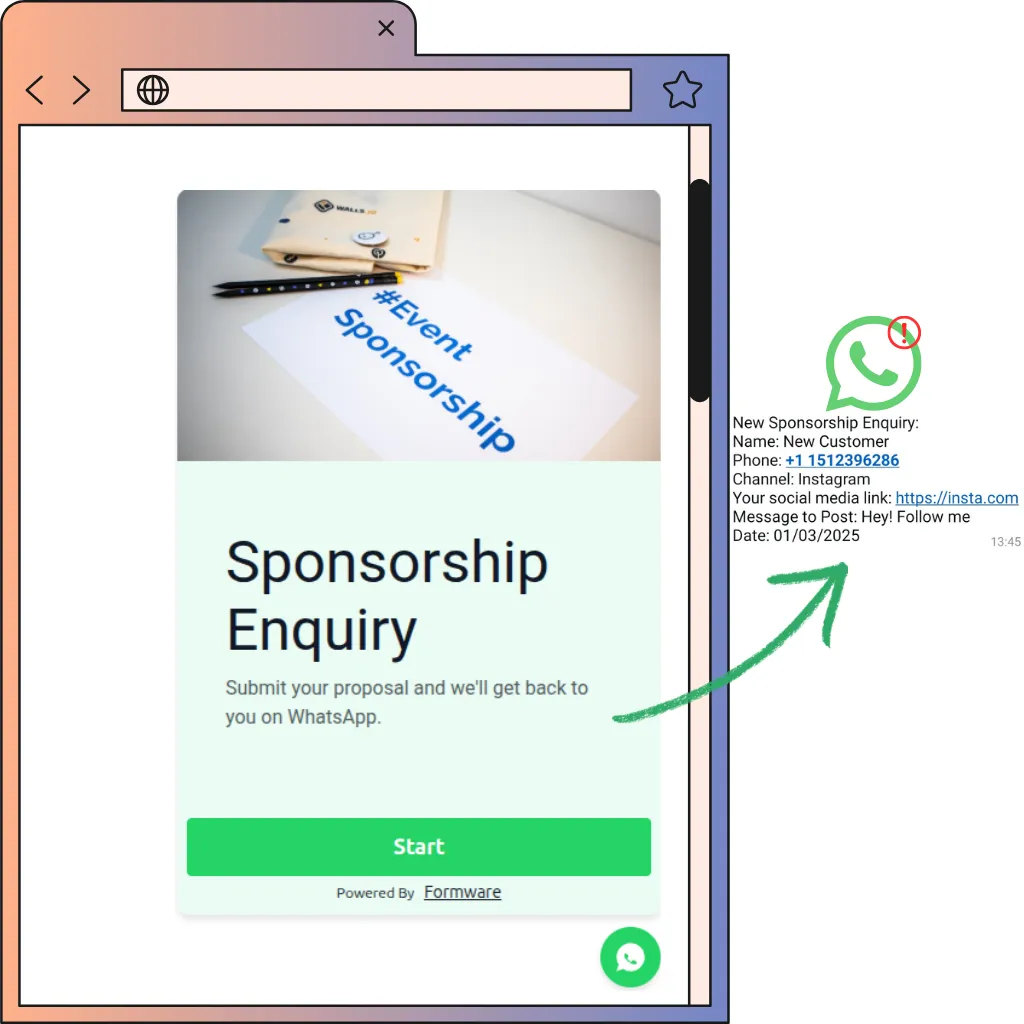
A WhatsApp form widget is a floating, chat-style button on your website that opens a structured form when clicked. Visitors fill it out in a familiar chat-like flow — and each submission is delivered directly to your WhatsApp as a message from the visitor’s own number, ready for an instant reply.
It helps to know the widget landscape, because “WhatsApp widget” means three different things:
- Click-to-chat buttons — a WhatsApp icon that opens a blank chat via a wa.me link (generate one free with our WhatsApp link generator). Simple, free, everywhere — but you receive a greeting with zero context.
- Chatbot widgets — a scripted chat bubble that interviews visitors in message form. Conversational, but answers arrive as typed free text — typos, ambiguity, and all.
- Form widgets — what you’re looking at: a chat-style interface that’s actually a form underneath. Structured, validated inputs with the feel of a chat.
Common uses:
- Lead capture on landing pages, pricing pages, and the homepage
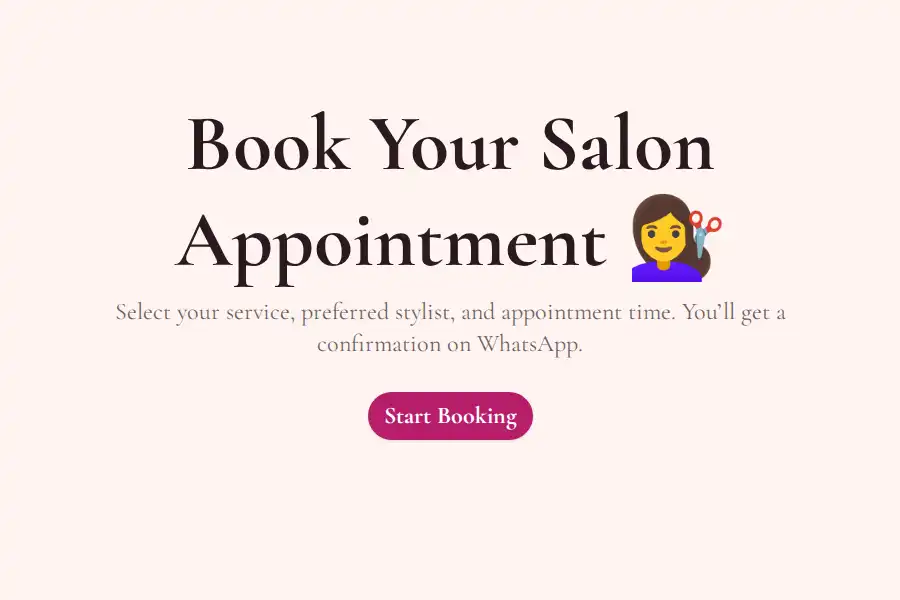
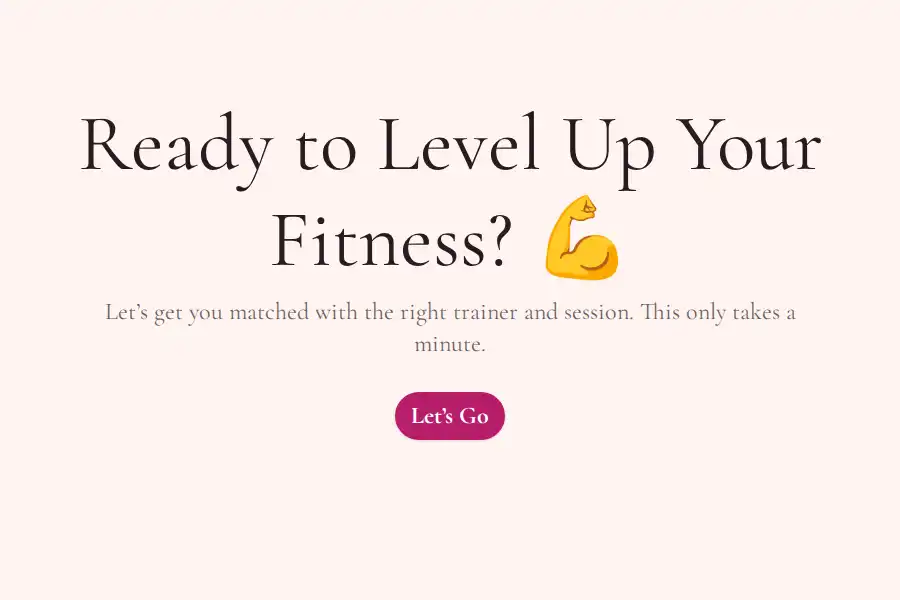
- Appointment requests for salons, clinics, coaches, and studios
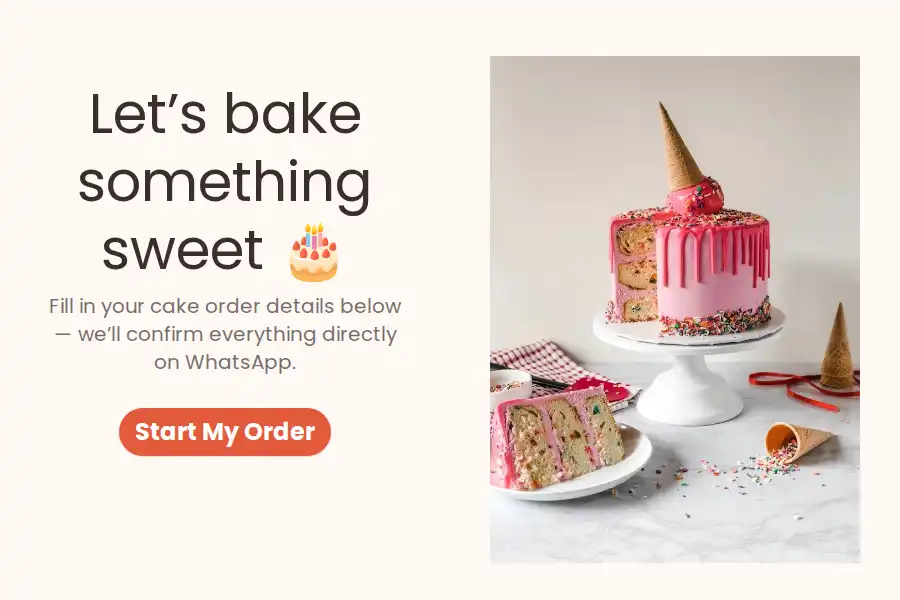
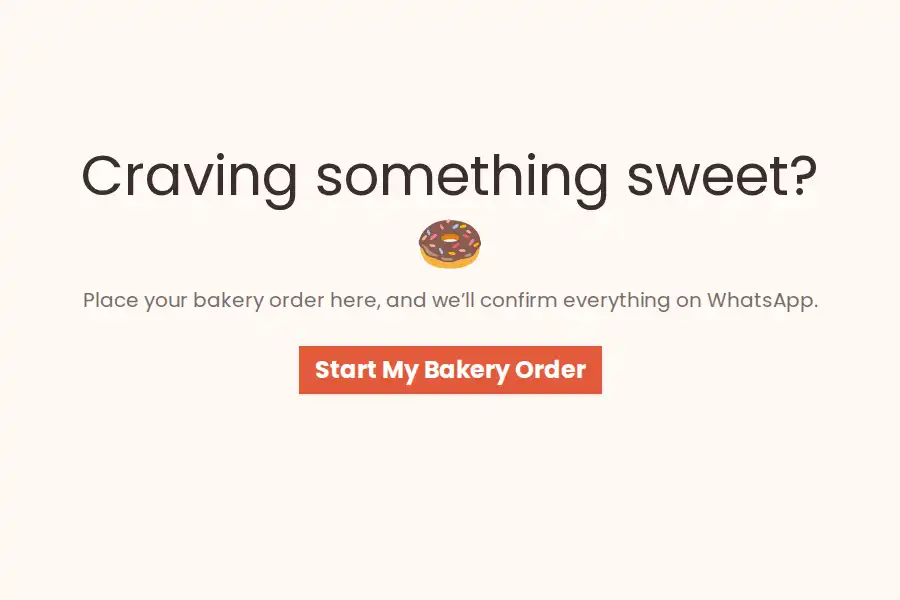
- Order collection for bakeries, boutiques, and food businesses
- Support and inquiries as a friendlier alternative to a contact page
WhatsApp Widget Types Compared
The trade-offs between the three widget types are the whole decision:
| Click-to-chat button | Chatbot widget | Formware form widget | |
|---|---|---|---|
| What opens when clicked | A blank WhatsApp chat | A scripted chat conversation | A structured form |
| What you receive | A “hi” with no context | A chat transcript of typed answers | Structured, labeled answers |
| Data quality | You ask everything by hand | Free-typed text — typos and ambiguity land in your leads | Email validation, date pickers, tap-to-choose options |
| Free plan limits | — (free tools are common) | Often capped — e.g., ~100 responses/month | Unlimited forms and responses |
| Works without WhatsApp installed | No | Usually | Yes — the form is a web page first |
| Where the lead lives | WhatsApp only (if they hit send) | Dashboard chat transcript | WhatsApp plus a structured dashboard record, exportable and webhook-ready |
On chatbot widgets specifically: they’re the closest cousins — Collect.chat even forwards every submission to your WhatsApp, and credit where it’s due, it does the greeter model well. The trade is the medium: a chat-native experience in exchange for unstructured input, plus free-tier response caps that arrive quickly on a site with real traffic. If you’re weighing them head-to-head, see our Formware vs. Collect.chat comparison for the feature-by-feature breakdown.
The one-line version: click-to-chat starts conversations, chatbot widgets simulate them, and a form widget captures them — with the data arriving clean every time.
How to Add the WhatsApp Widget to Your Website
- Create the form that powers the widget — with the WhatsApp form builder or a ready-made template
- Add your WhatsApp number in the form settings — see the forwarding guide
- Copy the widget snippet and paste it into your site — full instructions in the widget embedding guide
- Watch responses arrive in your chats — and reply in the thread
Platform notes:
- WordPress — paste the snippet once, site-wide widget with no plugin; see WhatsApp forms for WordPress
- Shopify, Webflow, Wix, Squarespace — paste into custom code / HTML settings
- Custom sites — paste before the closing
</body>tag
Because the form is hosted by Formware, there’s nothing to maintain on your server — no plugin updates, no conflicts, no database tables.
Where a WhatsApp Form Widget Performs Best
Anywhere visitors arrive with intent but leave without acting:
- Pricing pages — “questions about plans?” answered via a form that starts a real conversation
- Product and menu pages — capture custom-order requests that a cart can’t handle
- Landing pages — an alternative to long forms; the widget catches visitors who bounce off the embed
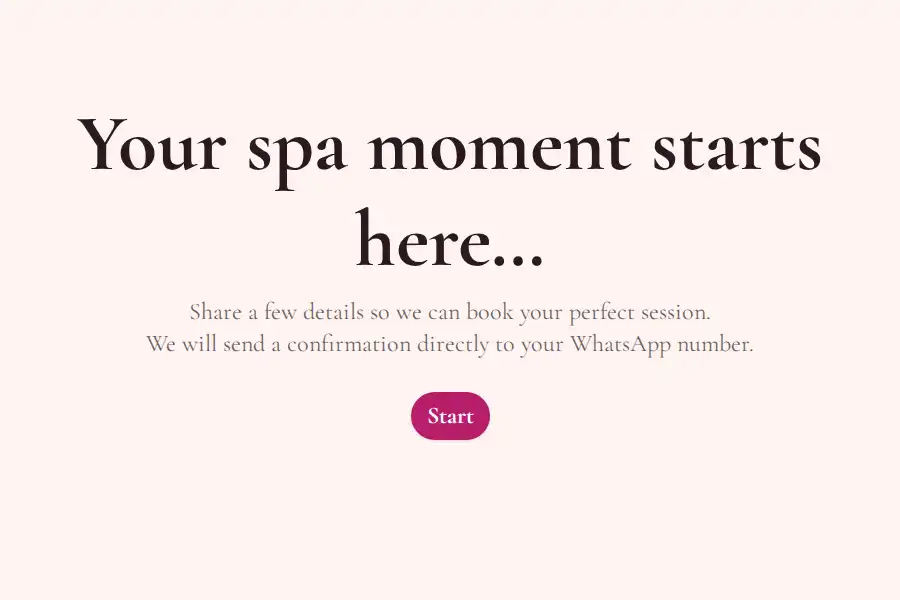
- Service and booking pages — appointment requests without a scheduling system; the full setups for salons and spas, studios & trainers show the widget in action
- Instead of a contact page — a structured inquiry form one click from every page on your site
The pattern: the widget catches the visitors who would otherwise leave silently — and turns them into attributed, structured, reply-able leads.
What Can You Collect With the Widget?
The widget runs any form you build, so the fields are up to you:
- Short and long text
- Multiple choice and dropdowns — including time-slot dropdowns for bookings
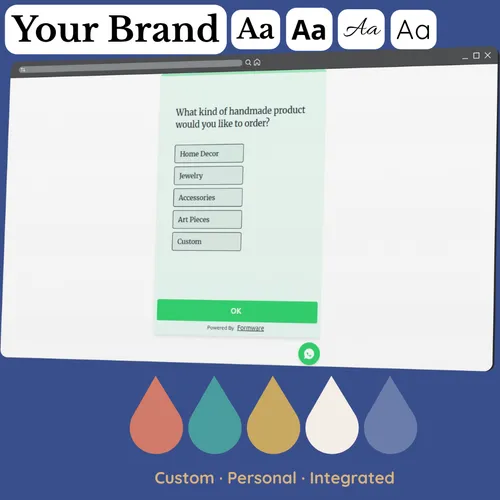
- Picture choices — ideal for product and menu selections
- Dates, phone numbers, email addresses
- File uploads — screenshots, references, documents
- Ratings and opinion scales — for feedback widgets
Best practice for widgets specifically: keep it to 3–5 fields. The widget’s advantage is low friction; a long form inside a small popup wastes it. Capture the essentials, continue the details in the chat.
Best Practices
- Put the widget site-wide, not just on the contact page — intent shows up everywhere. The niche guides show it working end-to-end: food order forms, salon bookings, and more
- 3–5 fields maximum inside the widget; save qualifying questions for the chat or a full form
- Name the widget’s purpose clearly (if customization allows) — “Order via WhatsApp” outperforms a bare icon
- On mobile, test that the popup doesn’t cover critical page elements
- Reply fast — widget visitors are on your site right now; a five-minute reply can catch them before they close the tab
- Pair the widget with a full embedded form on dedicated landing pages — widget for casual capture, embed for committed traffic
Related Pages
- Building forms for the widget? Start with the WhatsApp form builder.
- Comparing chatbot widgets like Collect.chat? Read Formware vs. Collect.chat, or see the best WhatsApp form builders ranked.
- On WordPress? See the no-plugin WhatsApp forms for WordPress setup.
- Capturing leads with the widget? Read the WhatsApp lead capture form guide.
- Taking bookings through the widget? See WhatsApp booking forms — or the dedicated guides for salons and spas, studios & trainers.
- Need just a plain WhatsApp chat link (no form)? Use the free WhatsApp link generator.
Frequently Asked Questions
What is a WhatsApp form widget?
A floating chat-style button on your website that opens a structured form when clicked. Visitors submit their details, and each response is delivered directly to your WhatsApp as a message from the visitor’s own number — so you can reply instantly.
How will I know when someone submits the widget form?
The response arrives in your WhatsApp in real time as a message from the visitor’s number. You can also receive email notifications as a backup, and webhooks can forward submissions to Google Sheets or a CRM.
Is the WhatsApp widget free?
Yes — the widget is included on the free plan, along with unlimited forms, questions, and responses, WhatsApp forwarding, and no response caps. Pro (from $29.99/month) adds options like removing Formware branding, custom domains, and partial submission recovery.
How is this different from a regular WhatsApp chat widget?
Most WhatsApp widgets are click-to-chat buttons: they open a blank chat, and you receive a “hi” with no context. A form widget opens a structured form, so you receive complete, organized details upfront — and it works for visitors without WhatsApp installed, since the form is a web page first.
How is this different from a chatbot widget like Collect.chat?
Chatbot widgets interview visitors in message form and deliver a chat transcript — answers typed as free text, with the typos and ambiguity that come with it. A form widget collects structured, validated inputs instead: email fields validate, dates come from pickers, choices are taps. Free plans also differ sharply — chatbot widgets commonly cap responses around 100/month; this widget never meters you. The full comparison is in Formware vs. Collect.chat.
Is the widget an AI chatbot?
No — deliberately. It feels like a chat, but every question is defined by you and every answer is structured and validated. There’s no AI model interpreting responses, going off-script, or misreading an answer into your leads.
Do I need a WhatsApp Business account or API to use the widget?
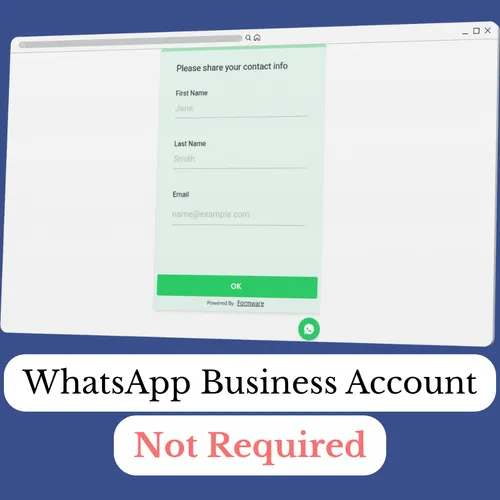
No. Responses are delivered to your regular WhatsApp number without any API, verification, or message templates. The widget also works alongside the free WhatsApp Business app if you use one.
How do I add the WhatsApp widget to my website?
Copy the widget snippet and paste it into your site’s HTML — typically before the closing </body> tag. It works on WordPress, Shopify, Webflow, Wix, Squarespace, and custom sites. Full steps in the widget embedding guide.
Will the widget slow down my website?
No. The form is hosted on Formware’s infrastructure — the widget is a lightweight snippet, comparable to embedding a YouTube video. There’s no plugin installing scripts, no database load, nothing to update on your end.
What forms can I use with the widget?
Any form you build — booking forms, order forms, lead capture, feedback, support inquiries. Any of your forms can be embedded as the widget; you’re not locked into a single use case.
Can visitors submit the form without WhatsApp installed?
Yes. The form is a normal web page that works in any browser — anyone can fill it out. The WhatsApp part happens on your end: you receive the submission as a chat regardless of how the visitor got there.