Retention starts in the paperwork
By the time a new hire meets their team, they’ve already met your systems — and first impressions of how this company does things form fast and stick for years. That’s why onboarding is less an HR task than a product design problem: the packet, the sequence, the tone, and the follow-up are the first artifact of your company’s competence the new hire experiences.
The failure mode is well known: one enormous document containing everything, sent once, chased repeatedly. The fix is to stop treating onboarding as a single form and treat it as a sequence of small ones, each doing one job at the right moment. This page covers that sequence, the role-based branching that removes the scroll-past-irrelevant-fields problem, and what happens when a new hire abandons the packet at field 15 — with starting points in the training and onboarding template collection.
Four forms, four moments
1. The pre-boarding packet — offer signed, before day one
The administrative core, split from everything human so it can be finished in one sitting:
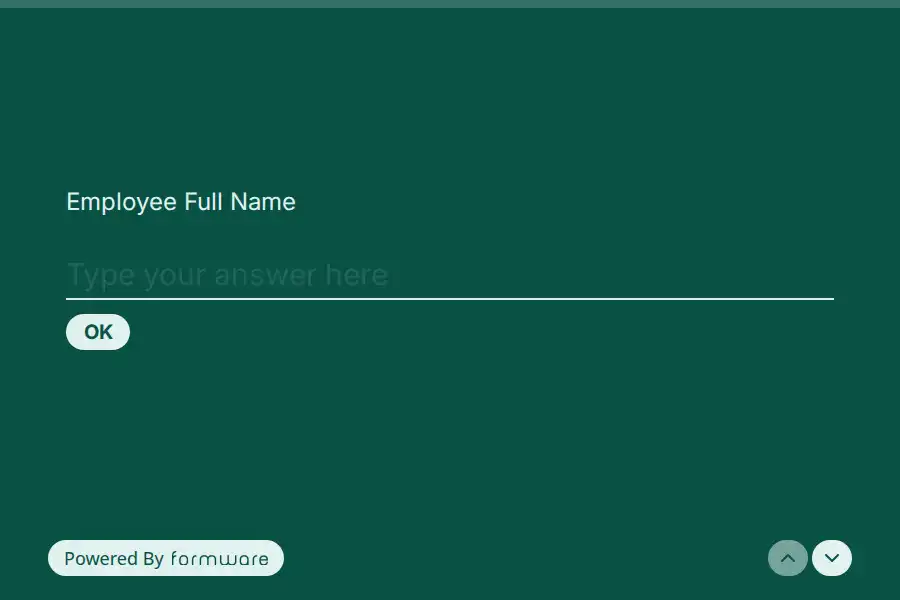
- Personal details — contact info and address blocks, with each sub-field configured as required or optional as needed. The new-employee details template is the base.
- Emergency contact — short and separate; the dedicated template keeps it clean.
- Benefits elections — multiple choice and checkbox questions; the enrollment template structures the options.
- Start date and first-week logistics — a date question for the start, recall information to personalize the rest (“Your first day is {{start_date}} — here’s what to expect”).
The progress bar matters more here than anywhere else in the product: the packet is the longest form you’ll ever send this person, and visible length is what keeps them starting.
2. The human layer — day one
The part the paperwork dump always crowds out. Short, warm, and answered by the person, not about them:
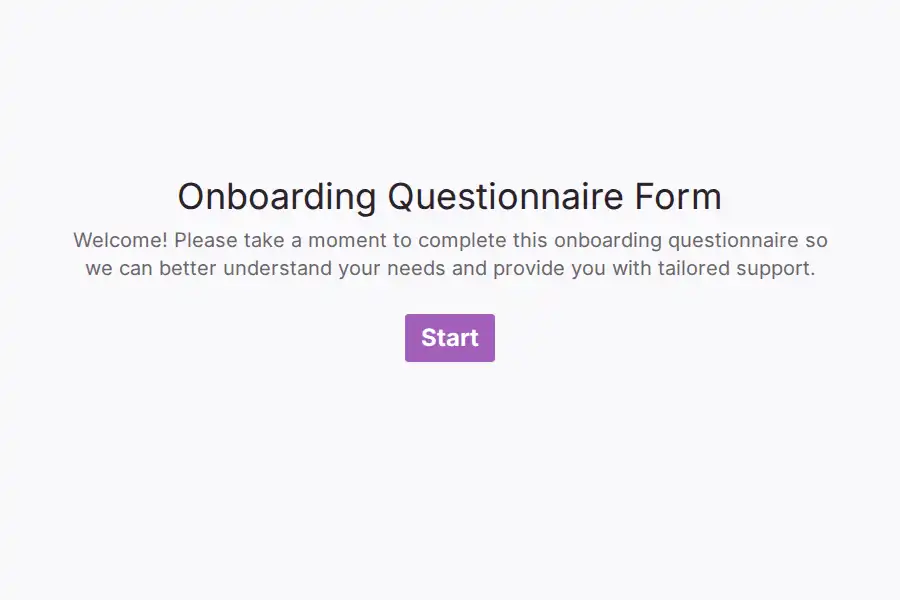
- A “get to know you” set — the onboarding questionnaire template handles it, and the favorites questionnaire is the lighter ritual version (favorite snack, coffee order, how they like to receive feedback) that managers and buddies genuinely use.
- Who’s who — a picture choice question works surprisingly well here: show the team and have the new hire match faces, or let them share a photo for the announcement.
3. The logistics branch — week one
Equipment, access, training — the parts that differ wildly by role. This is the branching section; the recipe is below. File upload takes the ID scan, certificates, and signed documents (10 MB per file on free — fine for scans and PDFs; Pro removes the cap if you’re collecting larger media).
4. The day-30 check-in — before problems calcify
One month in, before small frictions harden into resignation-letter material: what’s clearer than expected, what’s still confusing, what nobody told you. The new hire survey template runs it, and it hands off naturally into the ongoing rhythm on employee engagement.
The branch recipe: one packet, every role
The single highest-leverage logic setup in HR. Instead of maintaining separate forms per department:
- Question 1: “Which team are you joining?” — multiple choice: Engineering, Sales, Operations, Retail…
- Jump rules — conditional logic, available on free: if the answer is Engineering, jump to the engineering section; if Operations, jump to operations. Each section holds only that role’s equipment, access, and training questions.
- Sections converge — every branch’s last question jumps forward to the shared closing section, so the flow reunites before submission. Jump targets can be any question, forward or backward, which is what makes the reconvergence possible.
Two refinements that polish it: recall the team name in later question text (“What does {{team}} need set up first?”), and — the operational trick — duplicate the form per office or cohort while keeping one master template, so regional variants stay in sync with the source.
The sensitive-data section, handled honestly
Onboarding forms touch tax IDs, bank details, and identity documents — so two pieces of straight talk:
Never route sensitive values through hidden fields. Hidden fields carry data in the URL — which gets logged, shared, and bookmarked. They’re perfect for pre-filling first_name, start_date, or team; they’re the wrong tool for anything an identity thief would want. Pre-fill the friendly context, never the sensitive identifiers.
Match the sensitivity to the channel. For the highest-stakes identifiers — full bank details, tax IDs, government ID numbers — check Formware’s current security and compliance documentation before routing them through any form tool, and consider keeping those in your payroll system’s own secure intake. Formware is the right home for the other eighty percent: contact details, emergency contacts, equipment needs, benefits elections, documents, preferences, and the entire human layer. Sequencing matters too — asking for banking details at question two of a welcome form feels very different from asking at the end of a clearly-labeled payroll step.
The abandoned packet — and the honest fix
Here’s the scenario this use case lives with: a new hire starts the packet on a Tuesday, gets to field 15, realizes their bank details are upstairs, and closes the tab. What happens next decides whether your week one is smooth.
The design fix comes first: build for one sitting. In Formware, a respondent who leaves a form mid-way has to start from the beginning — there’s no resume link. So split the packet deliberately: a five-minute details form, a separate benefits form, a separate logistics form. Small forms get finished; the mega-packet gets abandoned and re-abandoned.
The safety net underneath: on Pro, partial submissions preserve everything a respondent entered before leaving — which means the Tuesday abandoner’s fourteen answers aren’t lost, and HR can see exactly what’s still missing and chase precisely that, instead of re-sending the whole packet. One honest boundary: partials are view-and-export only — they can’t trigger emails or webhook automations, and the respondent can’t resume from them. They’re for the HR side of the desk, not the new hire’s.
Getting the forms to the new hire
- Email the links during pre-boarding — a direct Formware URL, no account needed on their end, mobile-first because packets get started on phones.
- Pre-fill the friendly context — first name, start date, team via hidden fields built with the UTM builder when sends are bulk — so the form opens already knowing who they are.
- Deskless and field roles — a QR code on the offer letter, the welcome desk, or the shift-handover clipboard reaches hires who live outside the inbox.
- Required questions, used sparingly — making the genuinely-blocking fields required (bank details for payroll, emergency contact) is how the back-and-forth chase shrinks; making everything required is how packets get abandoned.
After submission
- One dashboard per form, so payroll, IT, and the manager each read their own form instead of one shared monster.
- Push into your HRIS. A webhook — included on free — sends each completed response to your HR system or spreadsheet; filtering and routing happen in the receiving tool.
- Watch for the abandonment pattern. If partials (Pro) keep showing the same field where people stop, the fix is form design — shorten, split, or resequence — not more chasing.
- Share the flow without sharing the keys. HR owns the master templates; IT and hiring managers need to see responses, not edit forms. Pro’s workspaces with roles — Editor for HR, Viewer for managers — is built for exactly this split.
The packet is the first impression
The self-referential trap, day-one edition: you’re trying to communicate “this company is organized and cares about your time” — through the medium of your company’s forms. A 40-field bureaucratic dump communicates the opposite before the new hire reads a word of your culture deck.
Small, sequenced, personalized forms demonstrate the claim instead. One question at a time is the format that does it naturally. If you’re weighing builders, the Formware vs. Jotform comparison covers the HR-forms incumbent, and Formware vs. Google Forms the free-and-familiar route HR teams default to.
Free covers the whole flow above — unlimited forms, questions, and responses, role-based logic, recall, file uploads at 10 MB, embeds, QR — subject to fair use, with Formware branding on the forms. Pro ($29.99/mo or $299/yr) removes the badge, lifts the file-size cap for larger documents, adds partial submissions for the abandonment net, custom redirects to your welcome page, and the workspace/roles layer for HR-plus-IT-plus-managers; the breakdown is on plans and pricing.
Where this sits in the employee journey: candidate feedback is the stage before, employee engagement the rhythm after, and employee satisfaction the measurement layer that ties them together. Onboarding isn’t only for employees — the same structure powers member onboarding and product onboarding.
Frequently Asked Questions
What should an employee onboarding form actually collect?
Split it by moment: pre-boarding takes personal details, emergency contact, benefits elections, and start-date logistics; week one takes role-specific equipment and access; day one takes the human layer; day 30 takes the check-in. The failure isn’t collecting too little — it’s collecting all of it in one form at one time.
When should onboarding forms go out?
The admin packet right after the offer is signed — completion before day one is the entire point, so day one can be about people. The logistics branch during week one, and the check-in at day 30. Nothing on day one except the human layer.
How do I stop one generic form serving every department?
One multiple-choice question — “which team are you joining?” — plus jump rules per branch, converging before submission. Conditional logic is included on the free plan, and duplicating the form per office or cohort keeps regional variants manageable.
Can a new hire resume a form they left half-finished?
No — a respondent who abandons a form starts over, so design for one sitting: small, separate forms rather than a mega-packet. The Pro layer underneath is partial submissions: HR keeps and sees everything entered before the abandon, so you know exactly what’s missing and chase only that. Partials are view-and-export only — they can’t trigger automations and can’t be resumed by the respondent.
Is Formware suitable for collecting bank details and tax IDs?
For the most sensitive identifiers, check Formware’s latest security and compliance documentation before routing them through any form tool — and consider keeping full banking and tax details in your payroll system’s own secure intake. The practical pattern many teams run: Formware handles contacts, emergency information, equipment, benefits elections, documents, and the human layer, while the highest-sensitivity items stay in dedicated secure channels. Hidden fields should never carry sensitive values regardless — they live in the URL.