The bridge between signup and belonging
A signup is a transaction; a member is a relationship — and onboarding is the bridge between them, crossed or not within the first few weeks. The pattern is consistent across paid communities, gyms, associations, libraries, and professional networks: the members who take a first meaningful action early stay, and the ones who drift past that window lapse quietly, long before renewal season reveals the damage.
The fix is a specific artifact: a short goal-capturing questionnaire at the moment of joining, which does three jobs at once — it tells you why each member joined, it tells them you intend to do something with that answer, and it acts as the first meaningful action itself. This page covers the questions, the branch-by-goal recipe, the day-30 check-in, and the honest follow-up stack. (The employee version of this journey lives on employee onboarding; the product version on product onboarding — this page is the membership flavor.) Starting points are in the membership template collection below, and everything runs on the free plan.
The questions that matter in the first week
Onboarding questionnaires fail by being either trivial (name and email you already have) or exhaustive (a census form nobody finishes). The set that earns its two minutes:
Motivation — the anchor question
- “What’s the main thing you’re hoping to get from your membership?” — multiple choice: Network, Learn, Advance my career, Find collaborators, Access events, Something else. This single answer drives the branching recipe below and your programming decisions for the year — a community where 40% joined for learning has a different content job than one where 40% joined for networking.
Identity and context
- Role or field — short text or multiple choice. Matching material.
- Experience level — multiple choice. Separates the programming for newcomers from the programming for veterans.
- Location or timezone — matters for anything with events.
Preferences
- Topics of interest — a checkbox question, several selections allowed. Feeds content curation and event planning alike.
- How they want to be involved — multiple choice: attend, contribute, volunteer, just listen. The volunteers introduce themselves here.
The human layer
- “What would make this membership clearly worth it a year from now?” — long text. The answer is your renewal pitch, written by the member themselves.
- One light question — the favorites-questionnaire ritual (coffee order, current read, one fun fact) gives the welcome message something personal to say. The employee favorites questionnaire translates directly to members.
The new member questionnaire template bundles the full set; the membership sign-up template handles the registration moment that precedes it.
The branch recipe: onboarding by intent
The old member-onboarding failure is one generic flow. The fix is one form with goal-driven branches — the same mechanism the planning page uses for attendee types, pointed at member intent:
- The anchor question (motivation, above) as question one.
- Jump rules — one per goal: if “Network” → the intro questions (what they do, who they hope to meet); if “Learn” → the topics questions (skill level, what they want to master); if “Advance my career” → the job questions (field, seniority, openness to opportunities). Logic is included on the free plan; rules run top to bottom, first match fires.
- Each branch holds two or three questions, maximum.
- Converge — every branch’s last question jumps forward to the shared close: preferences, the human layer, submit.
One honest boundary: the logic can sort members by intent, but it can’t match them to each other — there’s no cross-respondent comparison inside a form. Member matching happens in your tooling afterward: the goals live in the responses dashboard (filter by “Network” to see this month’s networkers to introduce), or a webhook streams each member into your CRM or community platform where the matching rules run. The form produces the data; the platform produces the pairings.
Personalization that costs nothing extra
The questionnaire’s answers are raw material for every touch that follows:
- Recall the name throughout — recall information puts {{name}} into the question text partway through and the thank-you page at the end: “Welcome aboard, {{name}} — your first event is {{next_event}}.” A personalized close generated entirely inside the form.
- Recall their goal on the thank-you page. “Since you’re here to build your network — here’s this month’s introductions thread.” The member’s own answer, played back as their personal starting point. One caveat to verify in your setup: the branch structure means each goal path’s thank-you moment is shared — word the close around whatever was recalled rather than the branch taken.
- Carry the goal into every later form. The member ID and goal ride along as hidden fields on the satisfaction survey’s link — the day-30 check-in (below) arrives already knowing who they are and why they joined.
The day-30 check-in
Thirty days in, before the silent fade hardens into a lapse decision, one short survey does the retention work:
- “Have you gotten value from your membership so far?” — a rating question, 1–5.
- The branch: if 3 or lower → “What’s missing so far?” — long text, the recovery conversation starter. Higher scores continue to:
- “What’s been the most useful part so far?” — long text — which doubles as testimonial material later.
- “Would you recommend us to a colleague?” — the NPS question as the membership health metric, trended quarter over quarter with the NPS calculator.
- Voluntary contact — an email field for anyone who wants a real conversation.
The member satisfaction template runs it. The pattern is deliberately the same as the employee satisfaction check-in — membership retention and staff retention share a psychology.
Follow-ups, honestly
The drift-prevention sequence after the questionnaire — what Formware does, and what your stack does:
- The instant welcome happens on the form itself: the personalized thank-you page, or on Pro a respondent email with dynamic form data — one confirmation, sent the moment they submit, customized with their name and goal.
- Free self notifications alert you (or the community manager) on each new member — fixed in format, and exactly the “someone new just joined” ping that matters.
- Sequences and drip campaigns are your email platform’s job, fed by the webhook — included on free — which carries each member’s answers to your CRM or email tool the moment they submit. Segment on the goal answer there, and the “networker” gets the introductions thread while the “learner” gets the starter course — automation that Formware enables rather than performs. Don’t let a template promise otherwise; this is the boundary.
- Bring them somewhere on submit: on Pro, a custom redirect lands new members directly on the Start Here page, the introductions thread, or the events calendar — the next action one click from the last answer.
Reaching members where they already are
- The questionnaire link rides in the welcome email — a direct Formware URL, no login asked of the member, mobile-first because that’s where the joining email gets opened.
- Chat-first communities run on WhatsApp. For communities whose members live in group chats — and in WhatsApp-first markets this is most of them — sharing the form into the group or DM and forwarding responses to the organizer’s own WhatsApp keeps onboarding inside the community’s actual channel.
- Gyms, clubs, and physical memberships: a QR code on the welcome desk, the locker room, and the joining pack — new members scan and answer while the front desk finishes the paperwork.
- Embed on the member portal — the questionnaire lives next to the member benefits via embedding.
- Brand it like the community. Colors, fonts, and background images are customizable on free; on Pro the badge comes off and your logo takes its place — the difference between “part of the community” and “part of some software.”
After submission
- The dashboard is the roster filter. Every new member’s goals collect in one view — filter by goal, interest, or location when planning events, content, or introductions.
- Stream into your systems. The webhook pushes each member into your CRM, community platform, or email tool — the single connection that makes everything downstream automatic.
- Watch the abandoners. On Pro, partial submissions keep whatever was entered before abandonment — view-and-export only, but a half-finished questionnaire with a name and a goal is a member worth a personal message.
- Split the work when the team grows. Community managers, event leads, and volunteers need visibility, not builder access — Pro’s workspaces with roles give Editors and Viewers their own lanes; free keeps everything with one user.
The questionnaire is the community’s first impression
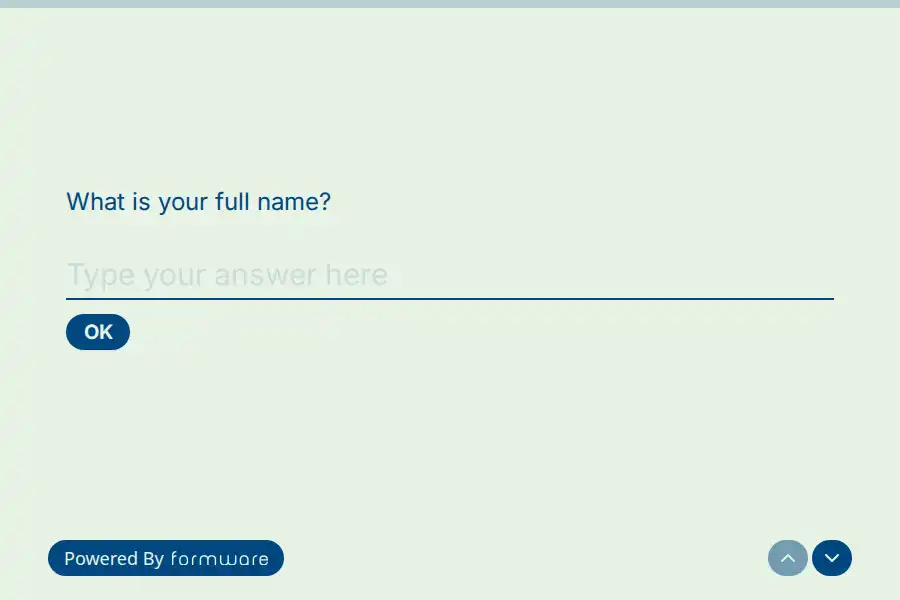
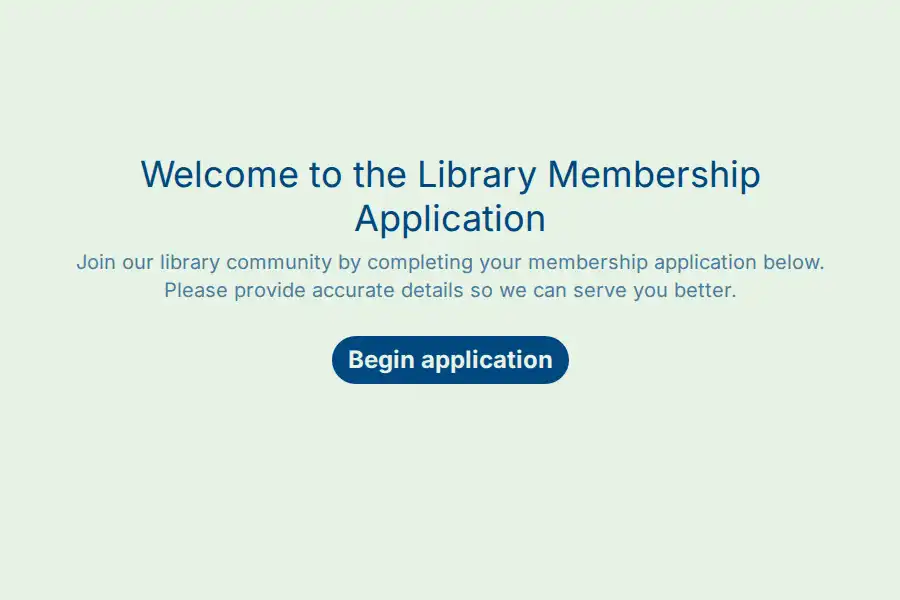
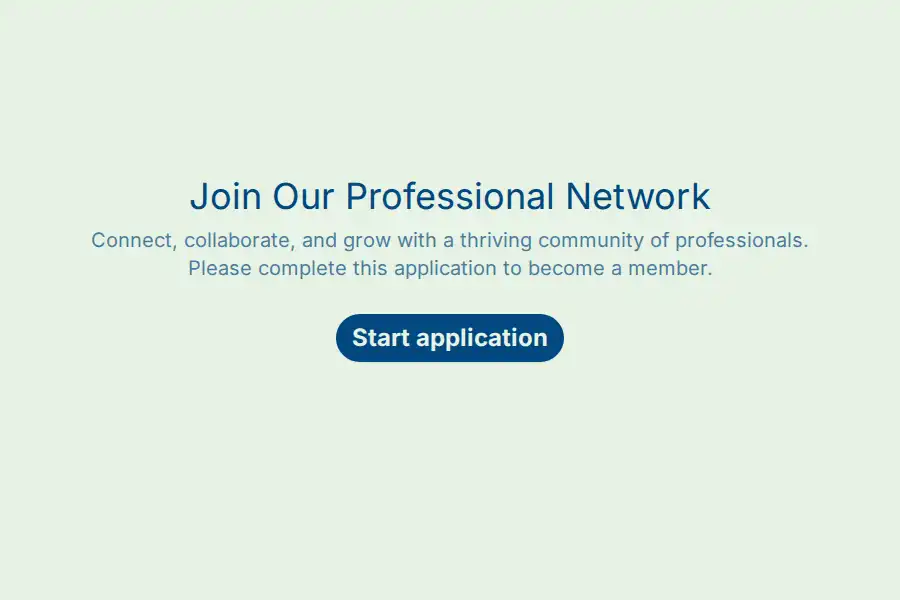
The self-referential trap, membership edition: you’re promising belonging through the medium of a form — and a cold, bureaucratic intake form is precisely what belonging doesn’t feel like. A two-minute flow that asks why they joined, branches to their interests, and greets them by name on the other side demonstrates the hosting the community promises. For paid memberships especially, the questionnaire is the first proof the dues are buying something personal.
If you’re comparing builders, the Formware vs. Typeform comparison covers the conversational builder most community teams hear about first, and Formware vs. Google Forms the free default most volunteer-run organizations reach for.
Free runs the whole flow — unlimited forms and responses, goal branching, recall, webhooks, embeds, WhatsApp, QR — subject to fair use, with Formware branding on the forms. Pro ($29.99/mo or $299/yr) removes the badge, adds your logo and domain, the personalized respondent welcome email, custom redirects to your Start Here page, and the workspace layer for community teams; the breakdown is on plans and pricing.
The onboarding family: employee onboarding for staff, product onboarding for software users, this page for members — and once members are active, customer engagement covers the touchpoint rhythm that keeps them.
Frequently Asked Questions
What questions should a member onboarding form ask?
The anchor: “what’s the main thing you’re hoping to get from your membership?” — as multiple choice, because it drives the branching. Then identity and context (role, experience level), preferences (topics as checkboxes, involvement style), and one human-layer question that gives the welcome something personal to say. Skip anything the signup already collected, and keep the whole thing under two minutes.
Can the form personalize the welcome for each member?
Yes, two ways: conditional logic branches each member through only their goal’s questions, and recall plays their name and answers back on the thank-you page — “Welcome, {{name}}, here’s your starting point for {{goal}}.” On Pro, the respondent confirmation email adds dynamic form data to the same effect.
Can form answers trigger different email sequences per member?
Not inside Formware — there are no answer-based drip sequences here. The stack: the webhook carries every member’s answers to your email platform or CRM the moment they submit, and segmentation on the goal answer happens there. Formware produces and delivers the data; the sequences live downstream. The one-shot Pro respondent email covers the instant welcome; everything timed after that is your platform’s job.
How do I stop new members going quiet after joining?
Ask for their goal on day one, act on it visibly (the personalized close), and run the day-30 check-in before the fade hardens — a five-question survey whose low-score branch opens the recovery conversation. Retention work is done in the first month or not at all.
How do I match new members to each other?
The form collects the data; matching happens in your platform. Filter the responses dashboard by goal or interest to make this month’s introductions, or webhook members into your CRM or community tool where matching rules run automatically. Inside the form itself there’s no cross-respondent logic — by design.