A habit, not an event
Engagement surveys fail in a predictable rhythm: the annual survey goes out, results arrive in a deck, nothing changes, and the following year’s response rate quietly halves. The version that works inverts the shape — smaller surveys, steadier rhythm, visible outcomes — and treats engagement as a practice instead of a measurement event.
The stakes are asymmetric, exactly as with customers: silence doesn’t mean things are fine, it means the exit interview is where you’ll find out. A pulse program is how disengagement announces itself while it’s still fixable. This page covers the question sets worth running, the cadence that sustains trust, and the anonymity mechanics that decide whether any of it is honest — with starting points in the HR template collection.
Four question sets, four jobs
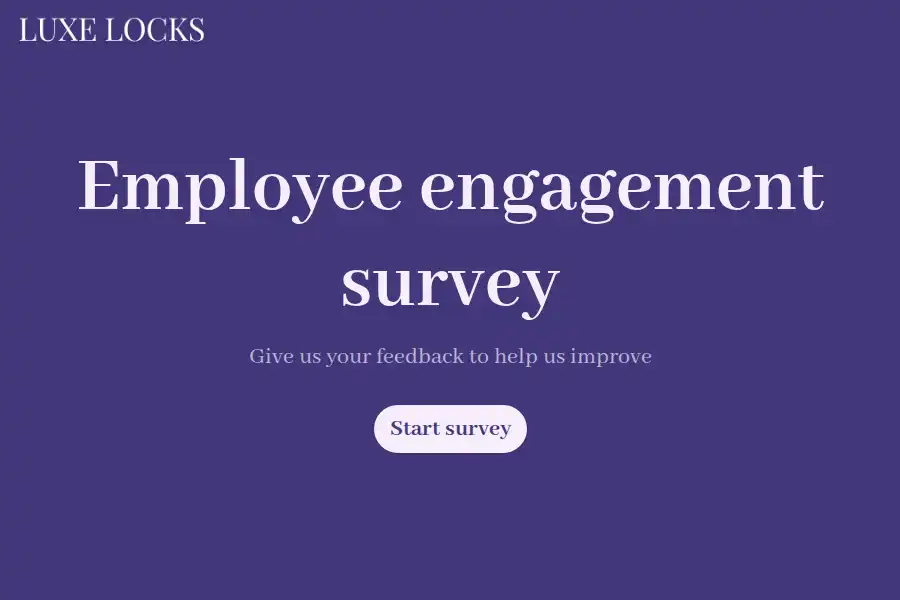
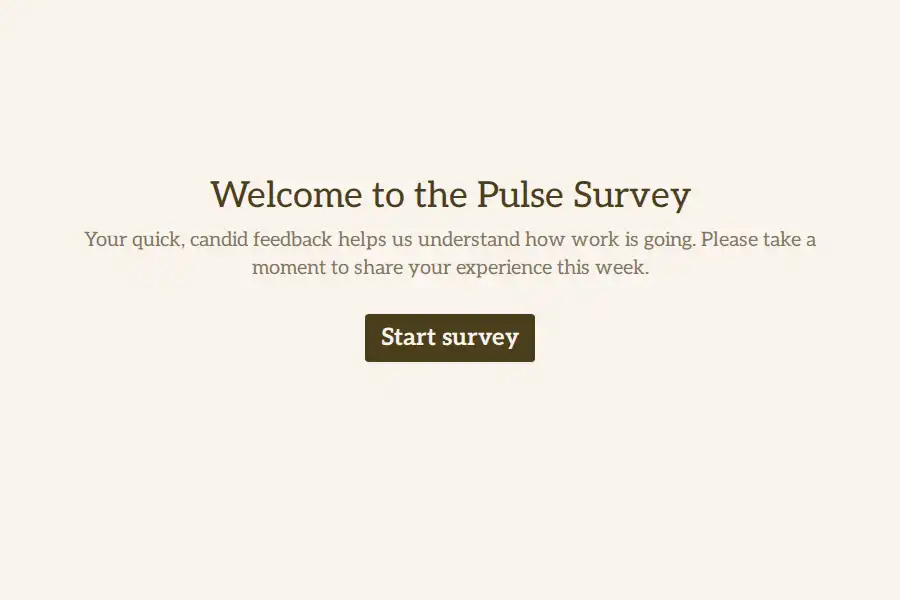
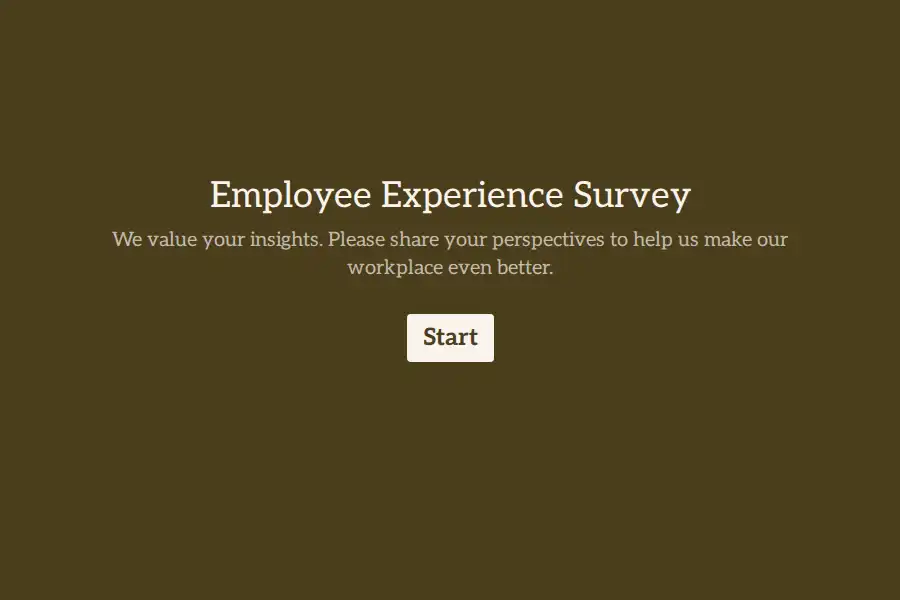
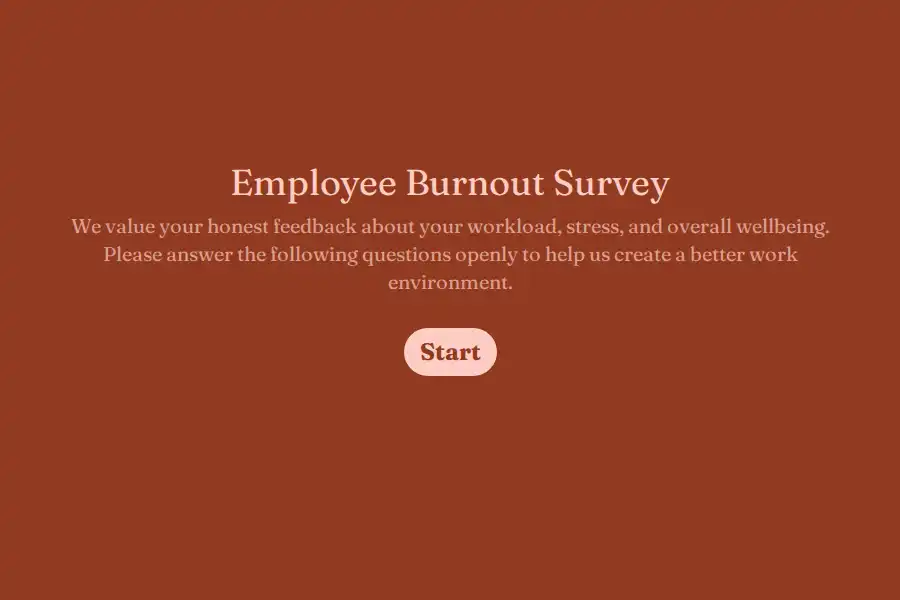
Don’t build one survey that tries to measure everything. Build small ones, each doing one job:
The core pulse — quarterly
- How likely are you to recommend working here to a friend? — the NPS question repurposed as eNPS, 0–10, scored exactly like customer NPS with the NPS calculator. One number, trended across quarters.
- Do you feel your contributions are recognized? — Yes/No.
- Do you have the tools and information to do your job well? — an opinion scale. The cheapest operational fix-list you will ever collect.
- What’s one thing we should change? — long text. Countable, and therefore trackable quarter over quarter.
The burnout check — when energy dips, or before a busy season
- How sustainable does your current workload feel? — opinion scale.
- When did you last take proper time off? — multiple choice.
- Anything you’d want leadership to know about your workload? — long text, optional.
The burnout survey template runs this as a standalone check-in rather than burying it in the general pulse.
The stay interview — for people you specifically don’t want to lose
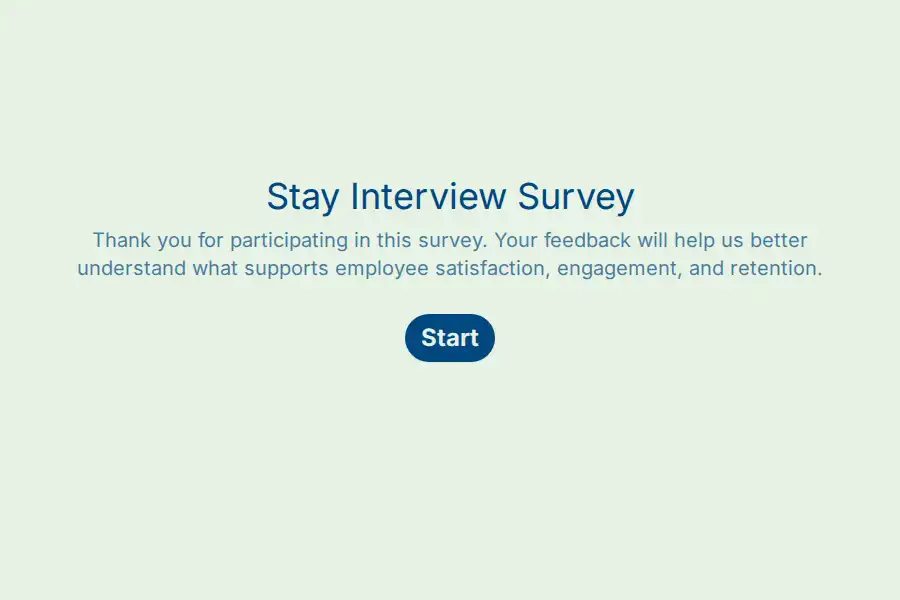
Run by managers, one-on-one in spirit even in form shape: what keeps you here, what would tempt you away, what should change while you’re still here. The stay interview survey structures it — this is retention work done before the resignation letter, not after.
The full experience map — annually
The long-form layer: onboarding, growth, management, belonging, across the whole journey. The employee experience survey is the deep-dive version; the core engagement template covers the standard full survey.
Anonymity: the part that decides everything else
Get this wrong and none of the data is honest. Get it right and even the hard questions get real answers. Three rules:
1. Anonymity is what the form doesn’t ask for. A form is anonymous when it collects no name, no email, no employee number — what the form doesn’t ask, it can’t store. There’s no toggle that makes a form anonymous; there’s only the absence of identifying fields. Design the form without them and say so plainly in the invitation: “No names, no emails — 8 questions.”
2. Hidden fields and anonymity are enemies. Formware’s hidden fields pass data through the URL — which is exactly how you’d personalize an onboarding form with an employee ID. For anonymous engagement surveys, don’t: an ID in the URL is an identifier, no matter what the form itself asks. If you want coarse segmentation (department, site), use it sparingly — a department of three people plus a department field is three identifiable respondents.
3. Offer the middle path, not a toggle. The pattern that respects both honesty and follow-up: keep the survey anonymous, and end it with one voluntary question — “Want someone to reach out about anything here?” — with an email field the respondent fills in only if they choose. Anonymous by default, contactable by choice. The anonymous feedback template is built exactly this way.
One more caution in the same spirit: only promise anonymity you can keep. If responses pass through a webhook into a system that logs other metadata, or if small segments make people inferable, soften the claim to “confidential” rather than “anonymous” — a broken anonymity promise is worse than a modest one.
A cadence that builds instead of burns trust
Three rhythms, layered:
- Quarterly pulse — the core set above, 8–10 questions, under three minutes. This is the backbone; the pulse survey template and the pulse questions library keep the wording consistent between rounds, which is what makes the trend real.
- Annual deep-dive — the full experience map. The exception, not the rhythm.
- Always-on suggestion form — embedded on the intranet, linked in the team’s tools, open all year: the employee suggestion template as a standing channel between pulses. Ideas shouldn’t wait for March.
Consistency matters more than frequency: the same eNPS question, worded identically, every quarter, is what turns responses into a trend line. Rewriting questions each round forfeits the comparison.
A structure that works: the quarterly pulse
Nine questions, roughly three minutes:
- eNPS — 0–10.
- The branch. A conditional rule on question 1: if the score is lower than 7, add “What would most improve that score?” — long text. Promoters skip it; nobody’s time is wasted and nobody’s negativity is interrogated.
- Energy check — opinion scale (“How sustainable does your workload feel?”).
- The branch again: if energy is 3 or lower, add the burnout follow-up — “What’s driving that?” Only the people who can usefully answer it see it.
- Recognition — Yes/No.
- Tools and information — opinion scale.
- Growth — Yes/No (“Am I learning and progressing here?”).
- One thing to change — long text.
- Optional contact — the voluntary email from the anonymity section.
A progress bar shows the size of the ask before committing; the thank-you page closes with the only promise that matters — “Results go to the whole team within two weeks” — and then that promise has to be kept.
Reaching the whole team — including the ones without desks
- Knowledge workers: paste the link into Slack, Teams, or email — a direct Formware URL, no login asked of the respondent.
- Frontline and deskless teams: a printed QR code on the break-room poster, the locker room noticeboard, the back-of-shift clipboard. This is the difference between an engagement program that measures HQ and one that measures the company — warehouse, retail, hospitality, and care teams respond to posters, not calendar invites.
- Intranet or employee portal: embed the form where policies and announcements already live.
- Label the round, not the person: a hidden field for the survey round (
round=2025-Q1) or site keeps results organized — while respecting rule two above about never identifying respondents.
After the responses arrive
- One dashboard holds every round; the hidden round field keeps quarters separated and comparable.
- Close the loop within two weeks. “You said / we did” in the all-hands or the team channel — even “you said, we investigated, here’s why we can’t” beats silence. This is the entire trust engine; nothing else on this page matters as much.
- Push into your HR systems. A webhook — included on free — sends each completed response to your HRIS or spreadsheet; the alerting and filtering happen in the receiving tool.
- Control who sees what. Raw engagement data is sensitive. Free keeps responses with a single user; Pro adds shared workspaces with roles — HR as Editor, leadership as Viewer — so the numbers can be shared without handing over the raw text answers.
- Watch the response rate as an engagement signal in itself. Falling participation is data: it usually means the loop isn’t closing visibly.
The survey is the culture, demonstrated
The self-referential trap, workplace edition: you’re asking whether the company listens — through a form the company sent. A mandatory-feeling, 40-question corporate questionnaire answers the question before anyone reads it. A three-minute pulse that asks honestly, protects anonymity properly, and reports back what changed demonstrates the answer instead.
One question at a time is the format that does this naturally. If you’re comparing platforms, the Formware vs. SurveySparrow comparison covers the employee-experience-focused alternative, and Formware vs. Google Forms the free-and-familiar route — relevant here because internal-comms teams reach for Forms by default.
The free plan runs the whole program above — unlimited surveys and responses, logic, eNPS, embeds, QR — subject to fair use, with Formware branding on the form. Pro ($29.99/mo or $299/yr) removes the badge, adds your domain, and brings the workspace/roles layer for HR-plus-leadership access; the breakdown is on plans and pricing.
Where this sits in the employee journey: candidate feedback covers the hiring stage, employee onboarding the first weeks, and employee satisfaction the measurement layer that pairs with this one.
Frequently Asked Questions
How often should engagement surveys go out?
Quarterly for the core pulse, annually for the deep-dive, with an always-on suggestion form between rounds. More frequent than quarterly only works if surveys get smaller — a two-question monthly pulse is sustainable; a fifteen-question monthly one is survey fatigue by week eight.
Should employee surveys be anonymous?
For anything touching management, workload, or culture — yes, in practice. Design anonymity in by omitting identity fields, never passing IDs through hidden fields, and saying plainly in the invitation that no names are collected. Offer a voluntary email field at the end for anyone who wants follow-up, so anonymity doesn’t cost you the ability to act on specific issues.
How do I measure engagement with a number?
Use eNPS — the same 0–10 “would you recommend” question aimed at the workplace, scored with the NPS calculator — trended across identical quarterly surveys. Pair it with the participation rate itself: a rising eNPS with a falling response rate is telling you something the score can’t.
What questions get honest answers?
Short, specific, and safe ones: “Do you feel recognized?” beats “How engaged do you feel at our company?” — and every management-adjacent question must sit behind real anonymity, or you’ll collect what’s safe to say instead of what’s true.
Can HR and leadership share access to the results?
On Pro, yes: shared workspaces with role-based access — HR as Editor, leadership as Viewer — means results reach decision-makers without sharing the builder or the raw responses more widely than intended. Free keeps everything with a single user.