
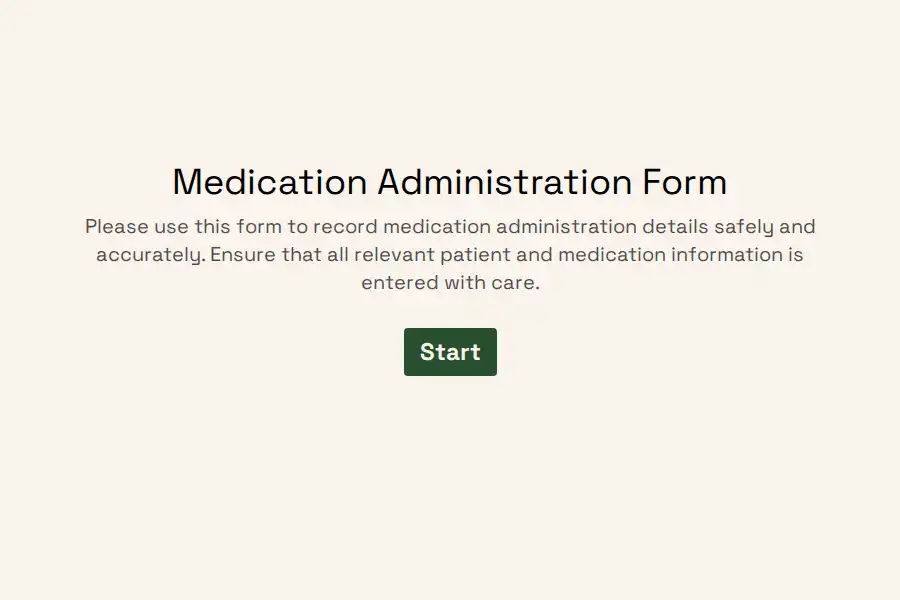
Medication Administration Form Template
Medication documentation has a characteristic failure mode: it happens at the end of the shift instead of the moment of the dose. A caregiver working through a busy round intends to write it all up afterward — and afterward, memory blurs doses together. Which resident got the 8 a.m. antihypertensive? Was that the 5 mg or the 10 mg evening? Paper MARs left at the nurses’ station invite exactly this drift, and an incomplete record is a compliance finding waiting for an inspector.
This medication administration form template moves the record to the bedside. One entry per dose, completed in the room, in under a minute — producing a timestamped, attributed, searchable history of every medication given.
The Five Rights, Built Into the Sequence
Every administration training starts with the five rights; most paper MARs make staff reconstruct them from memory. The template walks them instead, one confirmation per screen:
- Right patient. Full name and date of birth — two identifiers, checked against the wristband, before anything else. For repeat administrations, recall information carries the patient’s name into later questions so the record reads naturally.
- Right medication. The medication name exactly as it appears on the label, not the shorthand everyone uses at handover.
- Right dose. A numeric field that forces the amount to be stated — “1 tab” doesn’t survive an audit; “5 mg” does.
- Right route. A dropdown — oral, topical, inhaled, subcutaneous — because route errors are among the most dangerous and the most preventable.
- Right time. The administration date and time captured on the entry itself, not inferred from when the form happened to be filled in.
Scheduled Doses and the As-Needed Problem
Routine rounds are only half the documentation load. As-needed medications are where records traditionally fall apart — given at odd hours, documented sporadically, and reviewed never. The template handles both in one flow: an entry type question distinguishes a scheduled dose from a PRN administration, and PRN entries add two extra prompts — the reason given (pain, nausea, agitation) and whether it worked, captured as a yes/no with room for observation. Over a few weeks, those PRN entries become a frequency picture that prescribers can actually use: the resident requesting pain medication every four hours is a care-plan conversation the record should be triggering, not hiding.
Observation Is Documentation Too
The dose is half the record; the response is the other half. Each entry carries a reaction check — no observed effects, or something observed — with a note field for what was seen and when. Two patterns this unlocks: an adverse reaction triggers an immediate alert to the clinical lead rather than waiting for the incident to surface at handover, and over time the reaction history per patient builds into a tolerance record that new staff can read in minutes instead of piecing together from shift notes.
The End-of-Shift Question, Answered Instantly
“When was the last dose given, and by whom?” is the question every handover hinges on — and the one paper systems answer worst. Here, the response list is the MAR: filter to the patient, scan the timestamped entries, see the administrator against each one. Double-dosing risk collapses when the previous dose is a glance away. Every entry closes with the administrator’s name confirmed through a signed attestation — accountability attached to the record itself, which is exactly what audit reviewers ask to see.
Making It Work on the Floor
- One copy per resident or patient. Duplicate the form per person in residential and long-term care settings, renaming each copy to match the resident — the record stays per-patient from the first dose.
- Speed that survives a busy round. A progress bar and the short flow keep entry under a minute, and a saved partial entry survives any interruption at the bedside.
- House it as your own. Customize the appearance to match your facility’s documentation so tablets on the med cart feel like standard kit, and keep administration records restricted to clinical staff with workspace permissions.
For the wider clinical paperwork stack — intake, consent, satisfaction — see the healthcare forms collection and the healthcare survey library.
Frequently Asked Questions
Is this form a replacement for our eMAR system?
Facilities with a full electronic MAR already in place will typically keep it — this template serves the settings that eMAR pricing and complexity haven’t reached: small residential homes, outpatient clinics, specialty practices, trial sites, and home-care operations. There it functions as the MAR itself: a per-patient, dose-by-dose record with the verification structure, timestamps, and attribution that regulators expect, without the enterprise software overhead.
How does one form handle both scheduled rounds and PRN doses?
The entry-type question branches the flow: scheduled doses run the lean five-rights path, while PRN entries add the reason and the effectiveness check. One form covers the whole med cart, and the PRN extras only appear when they’re relevant — so routine rounds stay fast and as-needed documentation finally gets the detail it has always deserved.
What happens when a dose is refused or withheld?
Document it — refusals are clinical events with their own record-keeping requirements. Mark the entry accordingly in the notes and record the stated reason where the resident gave one. A MAR that shows only successes is incomplete; reviewers read a refusal entry, properly documented with follow-up, as evidence of a working process rather than a failing one.
Can different staff members use the same form across shifts?
That’s the design. Each entry carries its own administrator’s attestation and timestamp, so a shared link — or a per-patient copy — serves the whole roster without logins or shared credentials. The handover question that once required reading three shift logs becomes a filter on the response list, and the incoming shift starts with a record instead of a briefing.