The personal shopper, as a form
Ecommerce’s quiet leak isn’t traffic — it’s the middle: shoppers who arrived interested, faced a catalog they couldn’t navigate, and left without telling you why. A product recommendation quiz closes that gap by doing what a good shop assistant does: asking about them — skin, goals, commute, occasion — and coming back with one confident answer instead of forty options.
It works for a reason worth naming: the recommendation is earned in front of the shopper. Because they answered the questions, the result feels tailored rather than pushed — which is why quiz-takers convert at higher rates than catalog-browsers, and why the format has become the standard play in beauty, supplements, apparel, and consumer tech.
There’s a second engine under the first: every answer is zero-party data — preferences the customer told you directly, which no analytics tool can infer. A skincare store that ran one quiz knows its customers’ skin types and concerns at a depth its competitors are guessing at. This page covers the question set, the matching logic recipe, the email-capture moment, and placement — with starting points in the product recommendation collection and the quiz templates. Everything runs on the free plan.
The questions: their life, not your specs
The quiz fails when it asks the customer to translate your catalog. The rule: ask about the shopper’s life; do the translating in the logic.
- The goal or context — “What will you use it for?” / “What’s your skin like?” / “Where will you wear it?” — multiple choice or, better, picture choice: image-based options lower the reading burden and keep the quiz feeling visual. Picture choice also supports randomized options (a quiet counter to order bias) and an “Other” path.
- The constraint — budget band, sensitivity, size, occasion — multiple choice. Shoppers answer constraint questions honestly when they’re framed as helping (“so we can skip anything you’d find too rich”).
- The preference — scent, style, texture, color family — picture choice again; this is where supersized images earn their place.
- The lifestyle signal — routine, climate, activity level — the questions that separate a good recommendation from a filterable attribute.
- The email — placed before the final question, for the reason in the next section.
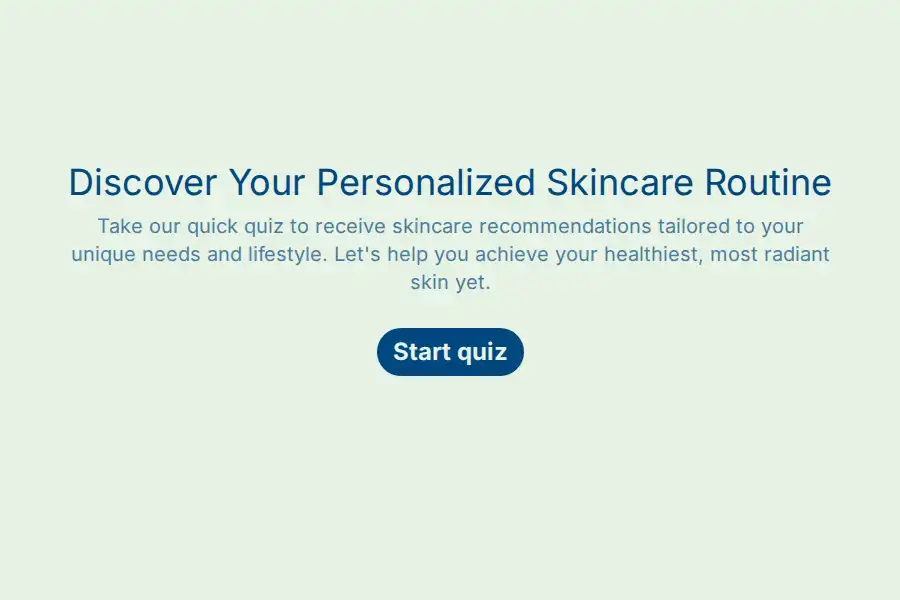
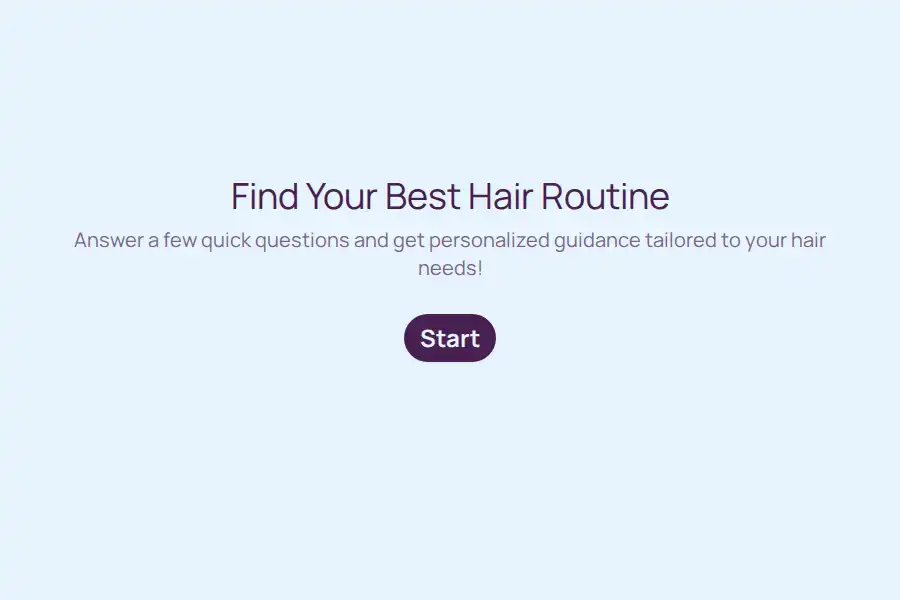
Three to seven questions total, each one advancing the match. The skincare quiz and hair quiz are the canonical examples of the genre; foundation shade matching is the purest case — where the quiz genuinely outperforms browsing, because nobody can match their own shade on a screen.
The matching recipe: logic that computes the recommendation
Here is the honest mechanics — everything below is documented Formware behavior, on free:
1. Keep the outcome tree shallow. The recipe recommends an outcome bucket, not an exact SKU from a thousand. Five to twelve outcomes is the sweet spot — often product lines or bundles rather than individual variants. A quiz that maps 500 products needs an algorithm, not a form; a quiz that maps six curated outcomes converts better anyway, because confidence comes from one clear answer.
2. Ask the deciding questions, all required — so the outcome matrix is deterministic (no blank answers producing no match).
3. On the final question, one rule per outcome. Each rule is a conditions array that ANDs answers from the earlier questions — condition sources include any previous question’s answer:
- If skin type = “Dry” and main concern = “Fine lines” → set
recommendation= “The Renewal Set”- If skin type = “Dry” and main concern = “Breakouts” → set
recommendation= “The Balancing Duo”- If skin type = “Oily” and main concern = “Breakouts” → set
recommendation= “The Clarifying Kit”- (…one rule per combination your catalog actually serves; a catch-all “else” rule sets a sensible default so nobody sees an empty result)
Text variables take static values — so the product name (and its one-line pitch) goes into the rule. The buckets are mutually exclusive, so exactly one rule fires; variable updates apply and evaluation continues, and the form flows naturally onward.
4. Recall it on the thank-you page. The thank-you page recalls the variable: “Your match: {{recommendation}} — here’s why it fits what you told us.” Add a static “Shop your match” link beneath it and, if you like, recall their {{name}} for the greeting. For richer per-product endings — imagery, several products per result — the variant is jump rules routing to dedicated “result” screens deeper in the form; the recall version is simpler and easier to maintain.
Scaling honesty: the rule count grows with combinations — four skin types × four concerns is sixteen rules, manageable; add a third dimension and it’s sixty-four. That’s the form’s ceiling, stated plainly. The craft answer is the one good merchandisers use anyway: collapse the catalog into a small set of defensible outcomes before writing the quiz.
The email moment: capture before the reveal
The highest-leverage design choice in the whole format: put the email question before the final one.
- On free: the quiz still shows the result on the thank-you page, and every answer — email included — streams through a webhook into your email platform. The shopper gets their match; you get a consented subscriber tagged with their own quiz answers.
- On Pro: a respondent email with dynamic form data delivers the recommendation to their inbox — “Your match: {{recommendation}}” — which turns the result into a retargetable artifact that survives the tab being closed. Customizable subject, body, From Name; sent through Formware’s infrastructure.
- The tag-along offer: a discount code for completing the quiz is the classic completion nudge — delivered on the thank-you page (free) or in the respondent email (Pro).
Either way, the quiz answers flowing into your ESP mean the follow-up flows can branch on what shoppers told you — skin type, use case, budget band — which is segmentation no pixel can reconstruct. That’s the zero-party-data dividend, and it’s why the quiz pays even when the visitor doesn’t buy today.
Placing the quiz where shoppers already are
- Embedded where intent lives — the product category page, the landing page, the homepage hero: the embedding guide covers Shopify, WordPress, Webflow, Framer, and custom storefronts.
- Link-in-bio is the social storefront. The quiz URL in the Instagram or TikTok bio converts social traffic that would otherwise bounce off a catalog — a direct form URL, no login asked of shoppers.
- QR on the physical layer. A QR code on the package insert or the shelf talker brings existing customers into the quiz — “find your next match in 60 seconds” — with a hidden field tagging which insert produced the scan.
- WhatsApp, for chat-first commerce. When a customer asks “which one should I get?” in chat, the answer is the quiz — shared into the conversation, answered in two minutes, with the result sitting in the thread where the purchase decision is being made.
After the responses arrive
- Read the funnel, then fix it. Response counts per question in the dashboard reveal where shoppers bail — the question everyone quits at is the question to rewrite. On Pro, partial submissions show where abandoners stopped (view-and-export only), and the completed-but-didn’t-buy answers tell you which outcome isn’t converting.
- Watch the outcome distribution. If one bucket collects 70% of shoppers, the quiz is working — and your merchandising should know it. If outcomes split evenly but sales don’t follow, the mismatch is downstream of the quiz.
- Iterate fast. Quizzes are the most iterative form in this whole system — duplicate the form and A/B a question, a hook, or the email moment, with hidden fields telling you which version produced which responses. No engineering required; the merchant owns the optimization loop.
- Feed the ESP, not just the checkout. The webhook’s steady stream of quiz answers is the asset that compounds; treat it as the quiz’s primary output and the conversion as its bonus.
The quiz is the brand’s first conversation
The self-referential trap, storefront edition: a quiz promises personal understanding — and a clunky, text-heavy, desktop-only quiz disproves the promise in the first screen. A shopper who abandons your quiz was a shopper who would have abandoned your catalog; but a shopper who finishes a fast, visual, one-question-at-a-time consultation has already experienced the brand as helpful. The quiz isn’t a lead magnet bolted onto the store — it’s the store’s service standard, demonstrated.
If you’re comparing builders for this format specifically, Formware vs. involve.me and Formware vs. Outgrow cover the two interactive-quiz specialists, and Formware vs. Typeform the conversational incumbent.
Free runs the whole play — unlimited quizzes and responses, matching logic with variables, picture choice, embeds, QR, WhatsApp, webhooks — subject to fair use, with Formware branding on the quiz. Pro ($29.99/mo or $299/yr) removes the badge — the difference between “a quiz” and “part of the storefront” — adds your logo and domain, the respondent email that delivers the match to the inbox, and partial submissions for funnel analysis; the breakdown is on plans and pricing.
Around this page: product feedback for the loop after purchase, lead generation for the demand-side funnel that fills the top, and customer engagement for the rhythm that keeps buyers in the loop.
Frequently Asked Questions
How long should a product recommendation quiz be?
Three to seven questions, each advancing the match — under two minutes on a phone. Start with a hook that states the payoff (“Find your routine in 60 seconds”), ask about their life rather than your specs, and put the email question before the final question so the capture happens before the reveal.
How does the quiz actually compute the recommendation?
With conditional logic and a text variable: the final question holds one rule per outcome bucket, each rule ANDing the answers from the earlier questions and setting recommendation to a static value; the thank-you page recalls it — “Your match: {{recommendation}}.” Keep the outcome tree to five or twelve buckets (product lines, not SKUs), make every question required, and add a default rule so no answer combination lands empty. All of it is free-plan logic.
Can the quiz capture emails and send the result?
Yes. The email question sits before the final question; on free, the result shows on the thank-you page and every answer streams to your email platform via webhook. On Pro, a respondent email with dynamic form data delivers the recommendation to their inbox — the retargetable version of the result. The segment flows for what happens after that live in your email tool.
Where should the quiz live?
Embedded on the category or landing page where intent peaks, linked from your social bios where discovery happens, QR-coded on package inserts and shelf talkers for existing customers, and shared into WhatsApp when the question “which should I buy?” arrives in chat. One quiz, every surface — with hidden fields tagging where each response came from.
Can I test and improve the quiz over time?
Yes — and it’s the format’s superpower. Watch per-question completion in the dashboard (and Pro partials for where abandoners stop), duplicate the form to A/B a question or the email moment, and track the outcome distribution against actual sales. The quiz is a merchant-owned optimization loop with no engineering dependency.