Praise is nice. Proof is usable.
A testimonial is a very specific artifact: a few sentences, attributed to a real person, describing a change your product caused — cleared for publication. Almost every failed testimonial request fails at one of those requirements: the quote is too vague to place, or the person never agreed to be named, or it arrived three months after the warm feeling faded. The form you send decides which of these you get.
This page goes deep on the craft — the prompts, the structure, the permission mechanics, the video question. Testimonial collection is one instrument inside the broader program: the NPS gate that finds your advocates, the referral ask, the case-study workflow, and the CRM routing all live on customer advocacy, and the two pages are designed to work together. If you want a ready-made starting point instead of a build, the flagship templates are below and the marketing template collection holds the wider set.
Prompts that produce quotable lines
Generic questions produce generic answers; the fix is specificity in the prompt. These earn their keep:
- “Before you found us, what was the problem?” — long text. Every strong testimonial opens in the before-state; ask for it directly instead of hoping the customer supplies it.
- “What did you try first, and why didn’t it stick?” — long text. The comparison is what makes a quote persuasive to someone still shopping.
- “What’s different in your week now?” — long text. Present-tense, concrete. “We stopped losing weekends to invoicing” beats “great value” every time.
- “Finish this sentence: ‘I’d tell a peer who’s on the fence to…’” — short text. The constraint is the trick: a one-sentence limit forces the answer into quotable shape. If a respondent only gets this far, you already have something publishable.
- “On a scale of 1–5, how would you rate us overall?” — a rating question. Displayed above the quote, the star and the sentence reinforce each other.
Two structural prompts that bookend the quote: an early multiple-choice — “Which of these describes you?” (founder, marketer, freelancer, operations…) — so quotes can later be shown to prospects who match; and a closing website question for the LinkedIn or company URL you’ll link the attribution to.
A structure that works: the 90-second quote form
Eight questions, roughly ninety seconds, in this order:
- Name, role, company — short text or contact fields. This is the credit line; collect it first so the rest of the form is attributable.
- Which of these describes you? — multiple choice. Persona tagging, usable later for matched display.
- The before — long text.
- The change — long text.
- The one-liner — short text, the “finish this sentence” prompt.
- The star rating — rating question.
- Permission — the two-step consent, detailed below.
- Headshot or logo — file upload, optional. A face doubles a quote’s credibility; images fit comfortably inside the free plan’s 10 MB ceiling.
A progress bar makes the small size of the ask visible, and the thank-you page should say what happens next — most respondents have never been told what becomes of a quote they gave. The structure is pre-built in the testimonial template; the deeper long-form version is the success story questionnaire.
Permission: the part that makes a quote publishable
This is where most testimonial programs quietly break — the quote is great, and nobody can find a record of what it may be used for. Two questions, asked separately, fix it permanently:
The blanket consent — a legal/consent question: “May we publish your answers as a testimonial, with your name, role, and company attached?” This is your audit trail. No consent recorded, no publication — treat it as law.
The scope — a checkbox question: “Where may we use it? Check all that apply” — website, social media, sales decks, print, paid advertising. A customer will happily grant a website quote who would balk at their face in a paid ad; the checkbox lets them draw the line, and it lets you honor it years later without guessing.
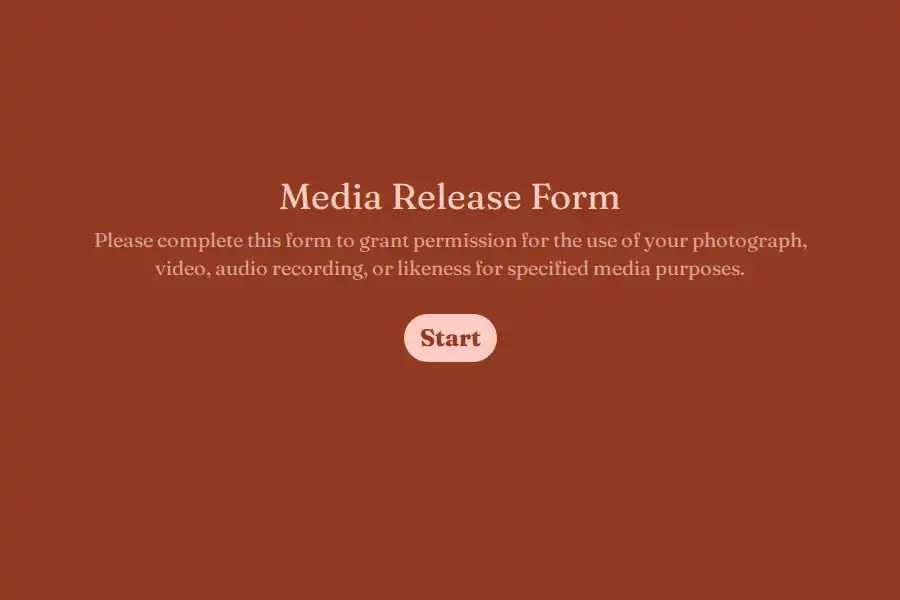
Two optional extras that complete the paper trail: for video or photographed testimonials, a formal likeness release — the media release template is the starting point — and a voluntary “May we email you to confirm the final wording?” with an email field, which sets up the courtesy in the next section.
Video, headshots, and the friction budget
Video testimonials convert superbly and cost the most friction of any format. Plan for it honestly:
- The realistic default is a link, not a file. A raw phone video blows past 10 MB instantly. Ask for a Loom or YouTube link via the website question instead — zero friction, no upload ceiling.
- If you want in-form uploads, know the plan boundaries. The file upload question accepts video and audio; the free plan caps files at 10 MB, and Pro removes the cap entirely. Headshots and logos are fine on free; raw video is a Pro-sized ask.
- Structured video beats freeform video. If you do collect recordings, use the same beat structure as the text form — problem, change, one-liner — so the edit comes out usable.
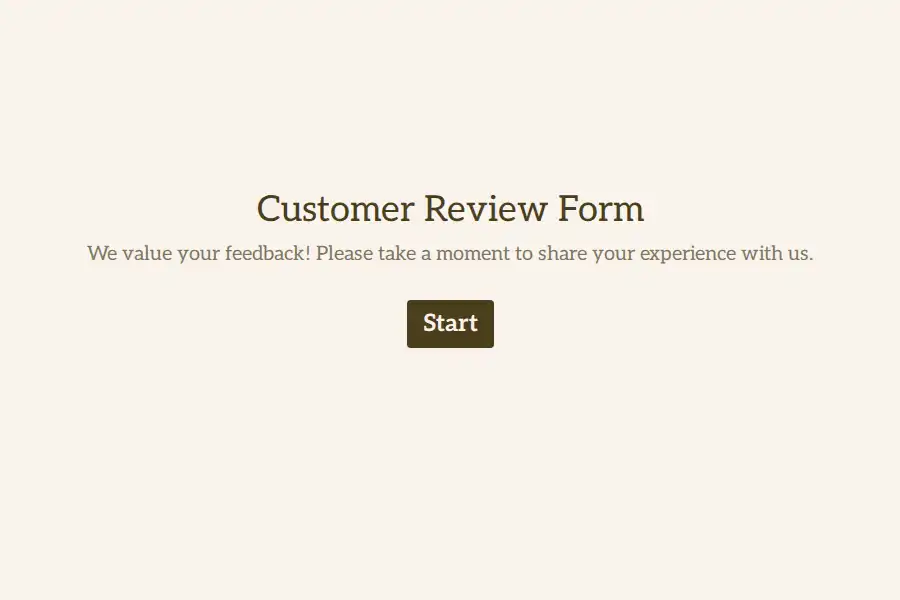
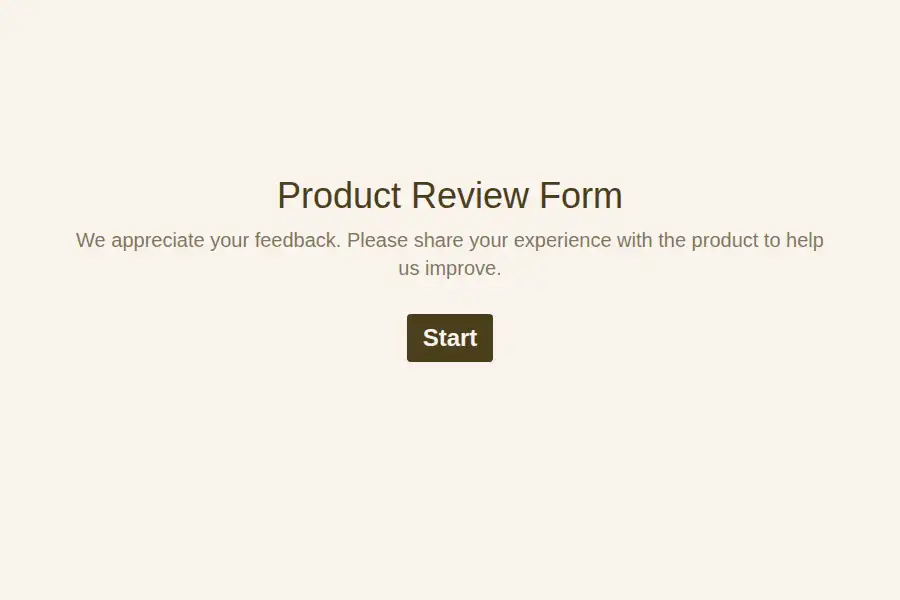
The video upload template bundles the upload flow; the customer review form and product review template cover the shorter, rating-led variants.
After the quote arrives
- Everything lands in one dashboard, filterable by the persona and source fields you set — which is what makes persona-matched display possible later: founder quotes on the founder page, agency quotes on the agency page.
- Apply the editing courtesy. Light tightening is normal; changed meaning is not. Send the final wording back for a one-word “approved” — the respondent’s email from the consent step makes that a thirty-second reply for them.
- Route new quotes automatically. A webhook — included on free — pushes each response into Slack or your marketing tracker while the momentum is fresh.
- Show them the result. Pro’s custom redirects can land the respondent on your testimonial wall or a review site (G2, Capterra) after submitting — turning one captured quote into a second, public one.
- Don’t lose the almost-finished. On Pro, partial submissions keep what someone entered before abandoning — view-and-export only, worth reading even though they can’t trigger automations.
- Agencies, this is where Pro earns itself. Collecting testimonials for clients means separate workspaces per client, with role-based access — Editor for the account manager, Viewer for the client — instead of one shared login. Unlimited members and multiple workspaces are Pro territory by design.
The form is the first proof
One self-referential trap, slightly different flavor this time: the customer is about to write down that working with you is excellent — and your form is the experience they’ll be summarizing. A clunky grid contradicts the quote they’re composing; a clean, one-question-at-a-time flow is the experience the quote will describe. If you’re comparing builders, the Formware vs. Typeform comparison covers the other conversational option, and Formware vs. Google Forms the free-and-familiar route.
The free plan covers the whole workflow above — unlimited forms and responses, consent and checkbox questions, file uploads, embeds — subject to fair use, with Formware branding on the form. Pro ($29.99/mo or $299/yr) removes the badge, adds your logo and domain for customer-facing collection, custom redirects, respondent emails, and the agency workspace layer; the breakdown is on plans and pricing.
Adjacent pages: customer advocacy for the full program around these quotes, and customer satisfaction for the measurement that tells you who to ask.
Frequently Asked Questions
How do I get customers to actually write testimonials?
Ask right after the win, keep the form under two minutes and say so, and make the prompts specific — “finish this sentence” beats “tell us about your experience” because the constraint does the writing for them. The one-liner question means even a minimal respondent produces something usable.
Can I edit a customer's quote before publishing?
Light tightening for grammar and length is standard practice; changing the meaning is not — and it erodes trust if discovered. The clean pattern: tighten, then send the final wording back for a quick approval, using the email captured in the consent step. The permission checkbox records where it may be used; the approval records what was published.
Do I really need a separate permission question if they filled in the form?
Yes. Completing a feedback form is not consent to market with its contents. A dedicated consent question — plus the checkbox for scope — is what makes a quote publishable months later, and it costs one extra screen. For video or photo, use a full media release.
How do I collect video testimonials?
Ask for a link (Loom, YouTube) rather than a file — it removes the friction and the size limits entirely. If you want uploads in-form, the file upload question accepts video, but note the free plan’s 10 MB cap; Pro removes it. Structure the recording with the same prompts as the text form so the footage edits into something usable.
Where should testimonials be displayed?
Where decisions get made: near pricing, on landing pages matched to the persona who wrote them, and in sales decks for the segment the deal is in. The persona question at the top of the form is what makes matched placement possible — tag every quote at collection time, not display time.