


The Studio Desk Is a Scheduling Problem Wearing an Apron
Three artists, forty open DMs, one shared calendar, and a sleeve client who needs four sittings but only told you about one. Studio desks don’t fail on artistry — they fail on logistics: double-booked chairs, no-shows who never confirmed, and session requests missing the one detail (‘full day? half?’) that the whole week depends on.
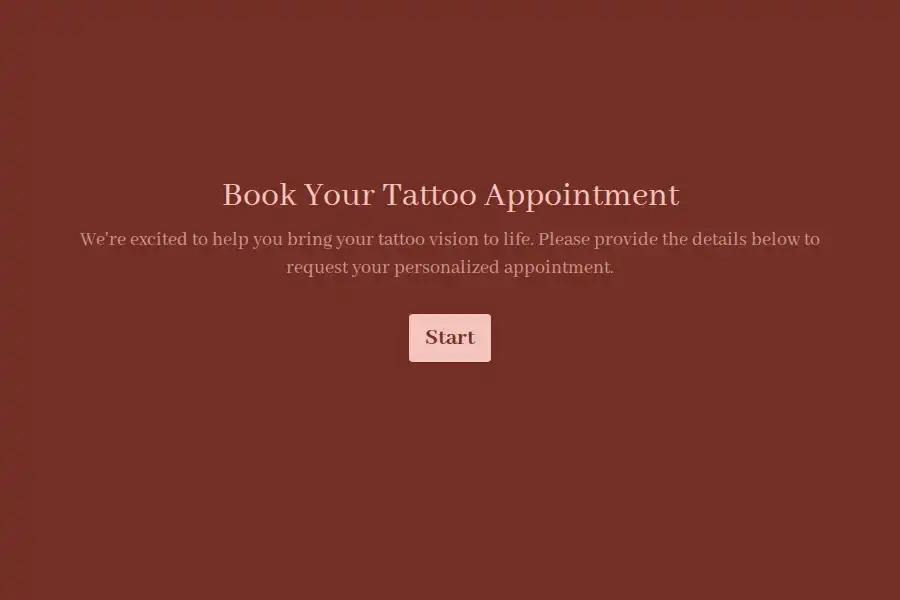
This tattoo booking form template is built for the desk rather than the drawing board. Every request arrives session-ready: scoped, scheduled against real availability, and bound to your studio policies before a single slot is offered.
What the Desk Needs Before a Slot Exists
- Who’s asking — name and best contact number, captured with a phone field because same-day changes happen by text, not email.
- New work or a continuation — a multiple choice question separating fresh pieces from ongoing projects, with a number field for how many sittings a large piece still needs. Multi-session work is where calendars quietly collapse; scoping it at booking keeps sleeves from cannibalizing small-piece days.
- Session size estimate — a dropdown of your real units: under two hours, half day, full day. Your book runs on these blocks, so collect them in your units.
- Which artist — the roster as another dropdown, or ‘first available’ for flexible clients. When you tag each artist’s request link with hidden fields, submissions file themselves by chair automatically.
- Availability that’s real — a date field for the earliest start plus multiple choice for days and times that genuinely work. ‘Anytime’ clients are the ones who cancel.
Policy, Signed Before the Slot
No-shows and deposits are policy problems, and policy belongs in writing. A legal field captures the acknowledgments your studio actually enforces: eighteen-plus only, deposit terms, the reschedule window, and the day-of basics — eat beforehand, arrive unimpaired, skip the numbing cream. Signed at booking with a timestamp, it converts awkward conversations into referenced agreements.
Run the Book Like an Operations Desk
Long planners get interrupted — partial submissions save the sleeve client’s detail mid-thought. Every confirmed request triggers an instant alert to the desk, and each client receives a confirmation email carrying prep instructions and arrival details — which quietly kills the ‘what do I bring?’ messages. When the book fills, close the form in one click and open a waitlist variant; cancellations become a phone call to a warm list instead of a dead slot.
Clients already live in WhatsApp, so meet them there: forward booking replies straight to the studio phone and share the form link wherever your regulars coordinate. Studio operations sit naturally beside the booking templates collection.
Frequently Asked Questions
What's the difference between a booking form and a consultation form?
The consultation collects the design brief; the booking form fills the calendar. This one scopes sessions, captures availability, assigns artists, and enforces policy — the desk-side work that gets a client into a chair.
How should we handle multi-session projects?
Ask at booking how many sittings remain and the preferred cadence — weekly, fortnightly, monthly. Blocking the whole arc against real availability prevents the half-finished sleeve that haunts your calendar for months.
Can we enforce deposits and cancellation terms?
Yes. The policy acknowledgment is signed at submission with a timestamp, and a post-submission redirect can carry clients to your payment page — deposit collected before the slot is ever held.
What happens when the book is full?
Close the booking form and swap in a waitlist link. Cancellations then fill from the waitlist by phone or WhatsApp instead of leaving a paid chair empty.
Can one form serve several artists?
Yes — the artist roster is a dropdown, and tagging each artist’s promotion links with hidden fields routes submissions to the right chair while keeping one clean request flow.