
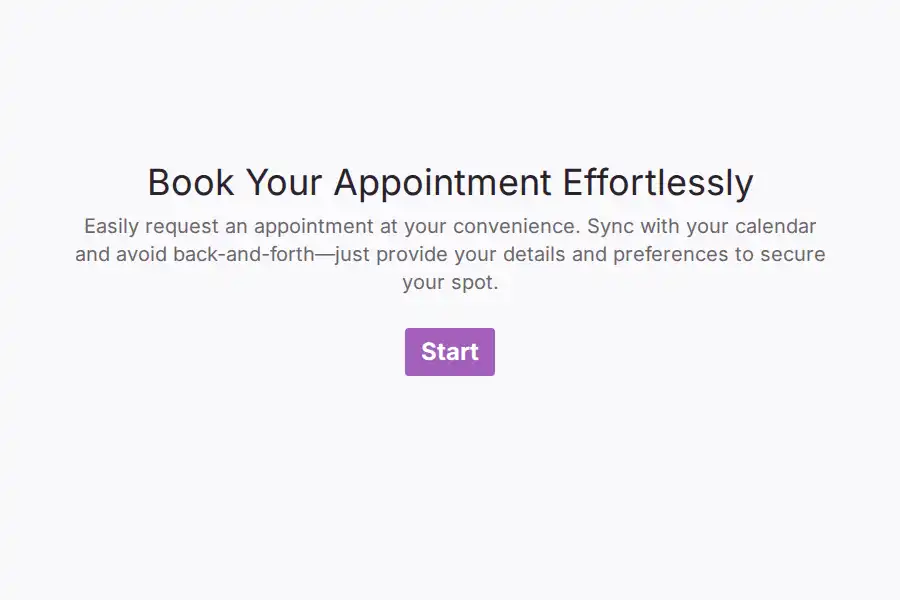


Appointment Form Template
The first ten minutes of most professional consultations are spent on logistics, not advice. Finding a time took four emails, and then the meeting itself opens with twenty questions that could have been answered on a web page. This appointment form template compresses both problems into a single flow: the client picks a session type, answers only the questions that session actually needs, and proposes a day that works for them. By the time you join the call, the background work is done.
One Form That Changes Shape per Appointment Type
A discovery call, a portfolio review, and a technical consult are different conversations — so they shouldn’t share one generic intake. The form opens with a session-type selector built on a dropdown question, and each choice leads into its own tailored block: a strategy session asks about objectives and timeline, a design review asks for links to existing work via a website field, a finance consult asks about entity structure. You assemble these paths in the question editor with no code — clients simply never see questions that don’t apply to them. Shorter paths mean higher completion rates and better-prepared professionals on the other end.
What Each Client Is Asked
- Contact essentials — a single contact block captures name, email, and phone in one step, so follow-ups land in the right inbox and the right pocket.
- Preferred day — a proper date picker eliminates the “sometime next week?” ambiguity and the typo’d dates that come with it.
- Time window and timezone — a short answer for morning-or-afternoon preference keeps remote scheduling honest across regions.
- The brief — an open long text prompt asks what they want to walk away with. This answer is the meeting’s agenda, written by the client themselves.
- Continuity — recall information lets later questions reference earlier answers, so a returning client sees their own words carried forward instead of a blank slate.
From Submission to Seated Meeting
- The client is acknowledged instantly. An automated confirmation email can recap what they asked for and list what to bring — documents, links, numbers — so preparation starts on their side too.
- You see it the moment it lands. The responses view collects every request in one sortable list, with the brief sitting next to the preferred date.
- The closing screen does quiet work. A customized thank-you page can carry your rescheduling policy, parking or dial-in details, and typical response time — the three things every follow-up email would otherwise have to repeat.
Who Runs Their Bookings This Way
Independent consultants, coaches, agencies, and advisory practices — anyone whose hourly rate depends on walking in prepared. The consultation template collection covers adjacent session types, and the freelancer library holds the rest of a solo professional’s client paperwork.
Frequently Asked Questions
What is an appointment form?
An intake page that pairs scheduling questions with briefing questions in one submission. Instead of a bare “pick a time” widget, the client also explains what the meeting is for, which turns the booking itself into your preparation material. One submission equals a time preference and a head start.
How does the form show different questions for different session types?
The session-type selection drives what comes next: each option leads into a question block written for that specific meeting. A prospect booking a strategy session is asked about goals; someone booking a technical review is asked about systems and access. Clients experience it as a shorter, more relevant form — you experience it as never again opening a meeting with “so, what did you want to cover?”
What should I ask a client before a first consultation?
Four things cover nearly every practice: what outcome they want, what they have already tried, what constraints apply — budget, deadline, approvals — and who else is involved in the decision. Five minutes of client-side answering replaces fifteen minutes of call-side excavating, and it frequently reveals that the booked session type wasn’t the right one, which is far cheaper to fix before the meeting.
How do I reduce no-shows on booked appointments?
Set expectations three times: in the confirmation email, on the thank-you screen, and in a calendar invitation the client accepts. Asking for a mobile number as part of the contact block lets your reminder travel by text, which is where same-day reminders actually get read. Clarity about your cancellation window — stated on the closing screen — does the rest.