


The Clearance Record Behind Every Set of Company Keys
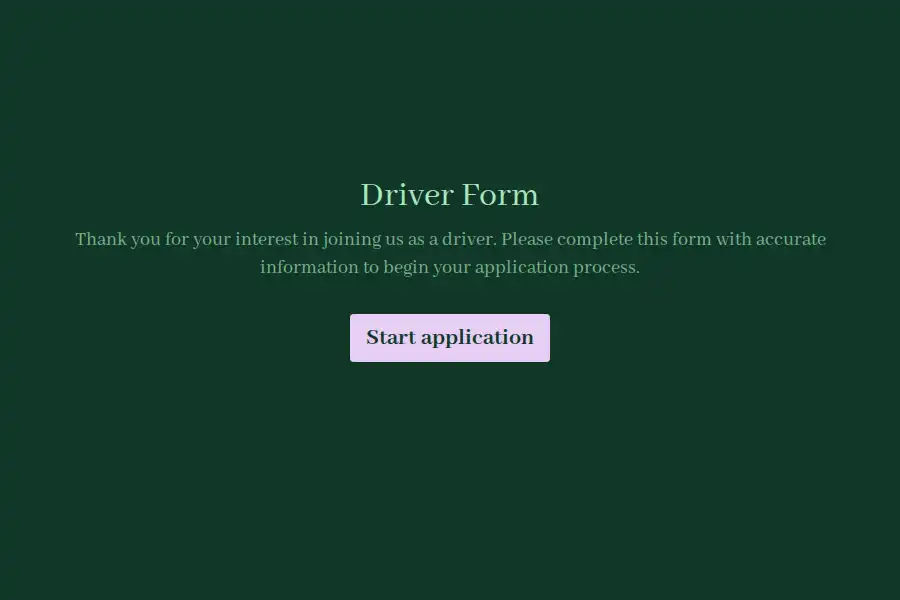
When a sales rep borrows the pool car or a technician takes the van home, your exposure as an employer depends entirely on what is in writing. An authorized-driver list maintained on a spreadsheet proves very little after an incident. This driver form creates the record that matters: who is cleared, what license they hold, what they acknowledged, and when the authorization expires — documentation your insurer and legal team will actually accept.
Assemble the Complete Clearance Profile
Each submission builds one auditable driver profile:
- Identity and role: name, department, and work contact details.
- License specifics: license number captured in a short text field, license class, and the expiry date your ops team will diary.
- Experience level: years behind the wheel, recorded as a number field, so thresholds like ‘three years minimum’ are checkable at a glance.
- Vehicle authorization: which vehicle categories the employee may operate, selected from a dropdown you define.
- Incident disclosure: a yes or no question on prior accidents or violations, with space to elaborate where needed.
- Document evidence: a scan or photo of the current license through file upload.
- Written consent: a legal field covering MVR checks and your vehicle use policy, acknowledged with a timestamp.
Make Re-Certification a Routine, Not a Project
Licenses expire; authorizations should too. Duplicate the form once a year and send the copy to your cleared-driver list — re-certification takes each employee two minutes, and your records always reflect the current year. Push each submission into your HR system or records platform via webhooks so expiry tracking happens where your data already lives, and fold the clearance into day-one paperwork as part of employee onboarding.
Restrict Who Can See Driver Records
License numbers and incident disclosures are sensitive personal data. Keep them inside HR by assigning organization roles and permissions — editors process clearances, viewers check status, and nobody outside the program browses raw records. To make the form feel like part of your internal systems, add your company logo and point it at an internal address with a custom domain.
If your fleet program sits within a wider people-ops function, the human resources templates and their HR-specific sub-collection cover the neighboring workflows.
Frequently Asked Questions
What should a company driver authorization form include?
At minimum: identity and role, license number, class, and expiry, years of driving experience, the vehicle categories being authorized, an incident disclosure, a license image, and signed consent covering record checks and your vehicle policy.
Is written consent required before pulling an employee's driving record?
In most jurisdictions, yes — a motor vehicle record contains protected personal data, and employers generally need documented authorization before requesting it. The legal acknowledgement field captures that consent with a timestamp you can produce on demand.
How frequently should driver authorizations be renewed?
Annually is the common baseline; high-usage or higher-risk fleets often shorten the cycle to every six months. The practical move is duplicating the form each cycle so every employee holds a current, dated clearance.
What about employees who drive personal cars for work?
Cover them with the same form, adjusted: collect proof of personal auto insurance and an acknowledgement that their policy extends to business use. Grey-fleet drivers need clearance just as much as company-vehicle drivers.
Who inside the company should be able to view submissions?
Restrict access to the HR and fleet-safety staff who administer the program. Role-based permissions let you grant check-the-status access to managers without exposing full records to the wider business.