
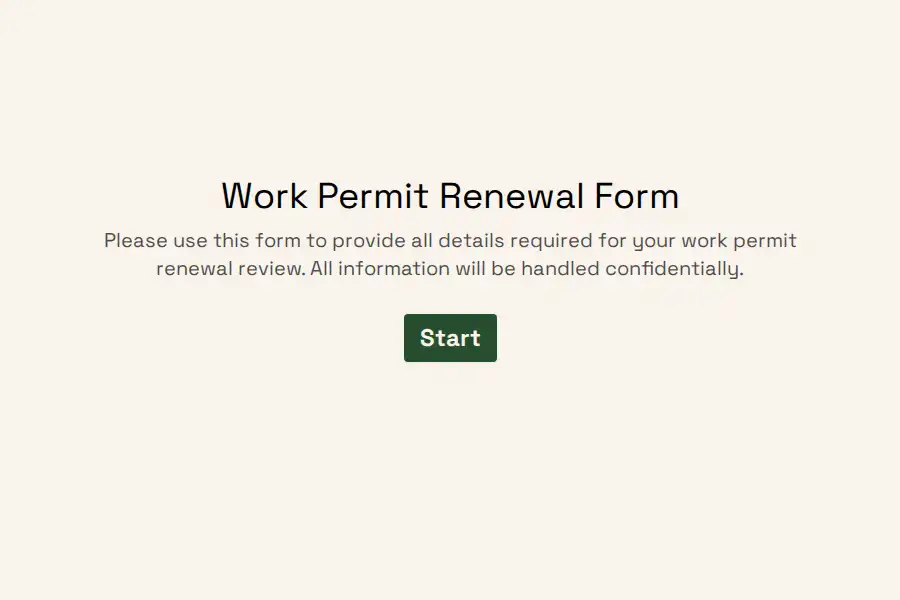


Work Permit Renewal Form Template
Employers with foreign national staff carry one recurring obligation: know precisely when each work authorization runs out, and act months — not weeks — before it does. This work permit renewal form template gives HR, legal, and mobility teams a single intake point where employees report their current authorization status, attach identity records, and confirm whether anything about their role has changed since issuance.
Used consistently, the submissions become a living compliance calendar. Instead of reconciling spreadsheets and inbox threads, your team opens the response list, sorts by expiry, and works the backlog of upcoming deadlines.
What the Template Collects
- Identity basics — legal name, date of birth, country of citizenship, email, phone, and residential address.
- Role details — job title, department, work site, start date, and the responsible manager’s name and email.
- Authorization facts — permit number, issuing country, permit category, and the exact date it ceases to be valid.
- Change declarations — a yes/no check on whether duties, pay, or contracted hours have shifted, plus space to describe what changed.
- Verification records — uploads for the current permit, passport bio page, and dependent paperwork where relevant.
- Signed affirmation — a required declaration that everything provided is accurate and complete.
Each block maps to a purpose-built input: a date field removes format guesswork around expiry, upload fields accept PDFs and scans, the legal question type records the affirmation as a timestamped answer, and yes/no branching surfaces changed-employment cases automatically.
Running Renewals as a Program, Not a Fire Drill
- Collect on a schedule. Send the form to everyone whose authorization lapses within the next two quarters. Recall information lets returning staff skip retyping details you already hold.
- Track completion. The responses view shows at a glance who has reported and who still owes a submission.
- Sync downstream. A webhook can push each entry into your HRIS, case tracker, or expiry spreadsheet the moment it lands.
- Restrict access. Immigration records are highly sensitive. Apply workspace roles and permissions so only cleared reviewers can open submissions, and invite specific teammates rather than sharing logins.
- Keep it on-brand. Because staff receive this directly from their employer, adding your logo is a quick trust win — see brand logo options.
Need coverage for adjacent people-ops workflows? Browse the full human resources template library or the focused employment forms collection.
Frequently Asked Questions
Who completes the form — the employee or HR?
The staff member completes it; HR owns the program around it. Your team decides who receives the link, when reminders go out, and who reviews each submission. Separating the two keeps accountability clear: employees vouch for their own details, while compliance specialists own verification and filing.
Which documents should staff attach?
Most teams ask for a scan of the current permit or authorization card, the passport bio page, and any visa stickers tied to the current entry. Because uploads accept common file types from desktop or mobile, employees can complete everything in one sitting.
How do we nudge people before their permits lapse?
Treat the link like a scheduled task: request submissions at a fixed checkpoint — commonly six months ahead of expiry — and follow up with anyone outstanding. Many teams pair the intake with internal calendar alerts so nothing depends on memory.
Can several reviewers work from the same account?
Yes. Colleagues can be invited into your organization with their own access level, so HR generalists, mobility specialists, and counsel each see what their role requires — without shared credentials or ad hoc file exports.