
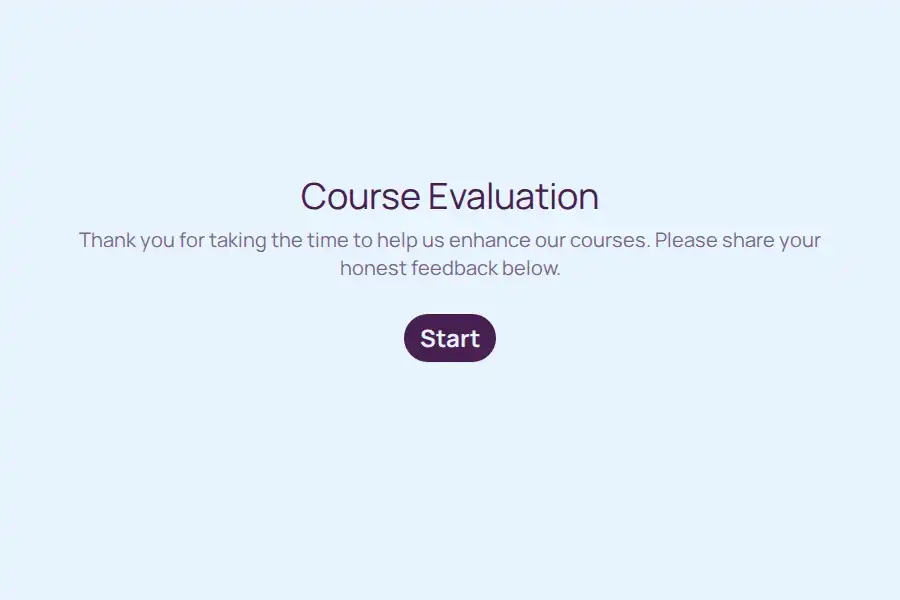

Course Evaluation Form Template
By the time final grades post, the chance to fix anything has already passed. A course evaluation form closes that loop while it still matters, giving students a structured way to report on pacing, materials, and instruction — and giving you evidence to redesign the next iteration. Like the rest of the education templates in this collection, it replaces the paper handout abandoned in lecture halls with a form students complete in three minutes from any device.
What Students Are Asked
The question set balances scores students answer quickly with prompts that produce the detail you redesign around:
- Course and section details, captured with short-text fields so results from parallel sections stay separated.
- Overall experience on a five-point rating scale — the headline number for the term.
- Instruction clarity, workload fairness, and assessment usefulness, each on an opinion scale so terms stay comparable.
- A recommendation metric using the standard NPS question: would students advise a classmate to take this course.
- Two written prompts — the single most valuable part of the course, and the one thing that should change.
Scores tell you something is off; the written answer tells you what.
Collecting Honest Answers
Anonymity drives candor. Strip identifying fields from the student-facing questions and say so explicitly in the form introduction — students who believe their names are attached soften every criticism.
Then lower the friction of responding:
- Embed the form in your LMS course page, so it sits beside the materials students already open.
- Share the link in the final lecture and reserve the last five minutes for completion.
- For online sections, paste the link into the course chat, or send it through WhatsApp where distributed cohorts already live.
Release timing matters as much as channel: the final week of teaching, before exam pressure peaks, combines fresh memories with the term’s highest completion levels.
Reading Results Across Sections
When you teach multiple sections or coordinate a program, comparability is everything. Duplicate the form per section rather than rebuilding it, keep scale questions identical, and sort responses by the section field. Divergence between cohorts that hides inside a program-wide average becomes visible immediately.
Track two numbers across consecutive terms: the overall rating and the recommendation score. A course can hold a steady rating while its recommendation score quietly erodes — that gap is your earliest warning, and it usually appears a full term before satisfaction follows. For related academic formats, the education surveys collection covers midterm pulses, module feedback, and graduation surveys built on the same structure.
Frequently Asked Questions
Should course evaluations be anonymous?
Almost always. Sharper, more useful criticism arrives when students trust that ratings cannot be traced to them. Keep large lectures fully anonymous; in small seminars where written comments might identify an author anyway, run a midterm pulse instead while you can still act on it.
When is the best moment to release the evaluation?
The final week of teaching, before revision season absorbs everyone’s attention. Forms released after the last lecture but before exam pressure collect more responses — and better ones — than forms competing with finals.
Can I adapt this for online or self-paced courses?
Yes. Swap instruction clarity for items about video quality, forum responsiveness, or platform navigation and keep everything else. The anchored scales carry over without modification, so your online and in-person numbers remain comparable.
How do I compare instructors fairly?
Identical scale questions on every instructor’s form, grouped by the course and instructor fields. Only data collected under the same conditions supports fair comparison — and written comments should inform, but never replace, that comparison.