What Is a WhatsApp Order Form for Makers?
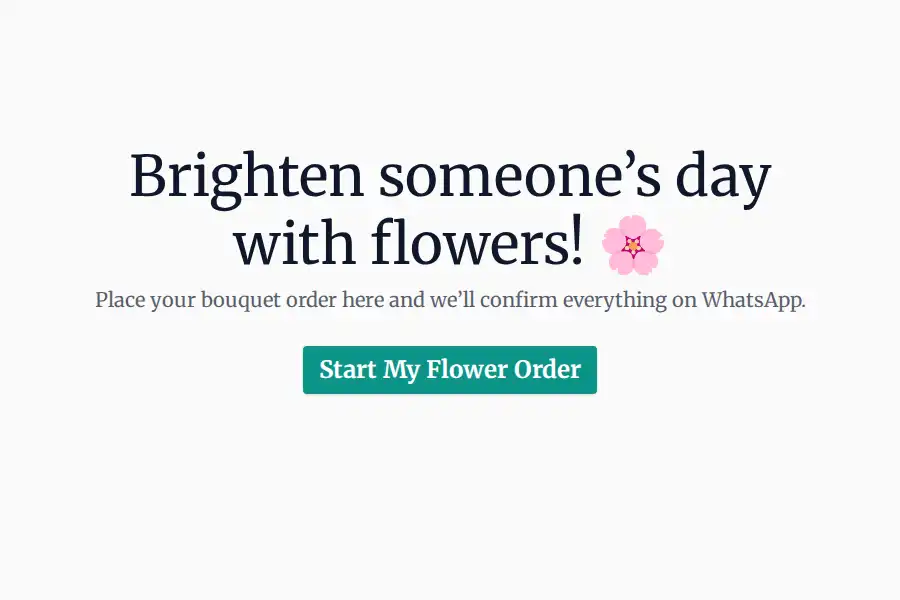
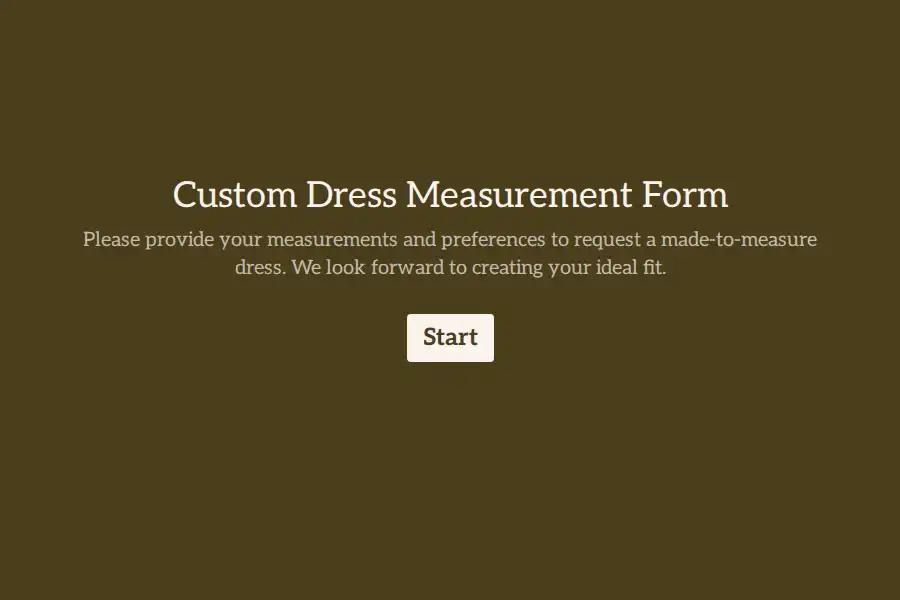
A WhatsApp order form is a web form buyers open from your bio, status, or a QR code — capturing the order as structured data: product, size or measurements, personalization text, color, deadline, and delivery details — with file upload for reference photos. The completed order arrives in your WhatsApp as a message from the buyer’s own number, ready to confirm in one reply.
Custom work is conversation-driven: buyers DM “can you make this but in blue?” The form keeps the conversation channel and adds the part chat can’t do — a complete, unambiguous order ticket.
Why Custom Orders Break in DMs
Made-to-order sellers lose hours to archaeology: scrolling a chat to find the measurements, double-checking which spelling of the name goes on the pendant, discovering the delivery address two days before the deadline. And the worst failures are silent — a misunderstood personalization discovered at delivery.
A form makes every order answer the same questions in the same order: what, customized how, by when, delivered where. The reference photo arrives attached, not as a separate message you have to match to an order.
What to Put in Your Order Form
- Product & options — picture choice for variants (colors, materials, styles) — buyers tap the photo, not type the description
- Size / measurements — short text or number fields, labeled exactly how you need them
- Personalization — long text for names, dates, engravings, and “anything else we should know”
- Reference photo — file upload (10 MB on free)
- Deadline — date field
- Delivery details — address fields, revealed by conditional logic when the buyer picks delivery over pickup
Running several product lines? One form with logic (choose Clothing → size fields appear; choose Jewelry → engraving fields appear) or one focused form per line — both forward to the same WhatsApp number.
How to Set It Up (~5 Minutes)
- Build the form with the WhatsApp form builder or start from a template below. Add your WhatsApp number — details in the WhatsApp forwarding guide.
- Share it where buyers already are — Instagram bio, stories, WhatsApp status, QR code inside packaging for repeat orders. Tagging links with the UTM builder shows which channel each order came from.
- Confirm in chat. Orders arrive from the buyer’s number — reply to confirm, and each buyer’s full order history stays in one thread.
More WhatsApp Guides
- WhatsApp order forms — the complete guide for product ordering
- WhatsApp food order forms — the same setup for bakeries and home chefs
- WhatsApp forms for WordPress — embed the order form on your website, no plugin
Comparing tools? See how Formware compares with WhatsForm and Collect.chat.
Frequently Asked Questions
Can buyers order through Instagram?
Yes — that’s the most common setup. Put the form link in your bio and stories; buyers tap through, and the order arrives in your WhatsApp. You can also generate a plain WhatsApp chat link for quick questions alongside the form.
Can one form cover multiple products?
Yes, with conditional logic — buyers pick the product, and only that product’s fields appear. For distinct product lines with very different flows, separate forms forwarding to the same number work just as well.
Can buyers attach a photo of what they want?
Yes — the file upload field accepts images (10 MB per file on the free plan; no limit on Pro), so reference photos arrive attached to the order itself.
Is it free?
Yes — unlimited forms and unlimited orders with WhatsApp forwarding on the free plan. Free forms carry Formware branding; Pro ($29.99/mo) removes it and adds your own domain.