
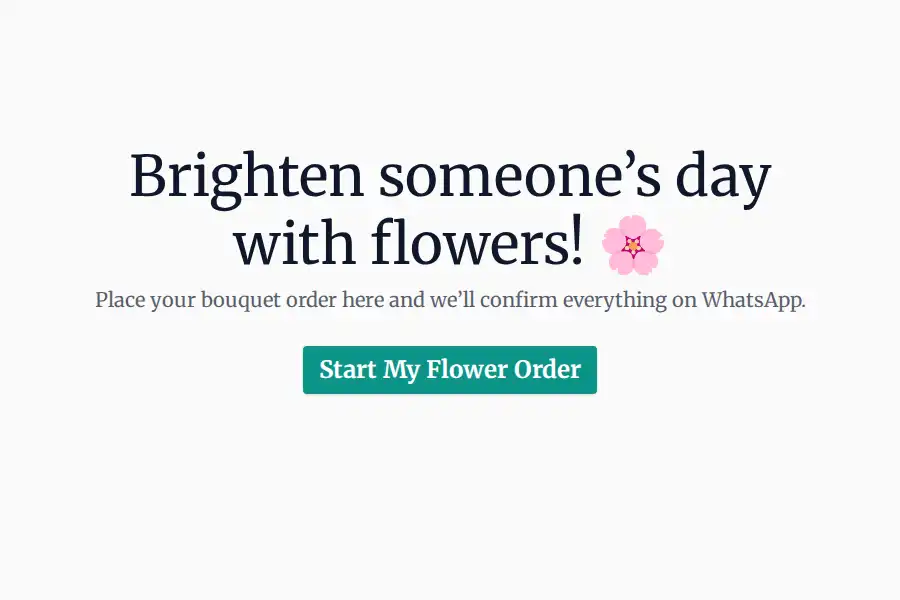

What Is a WhatsApp Flower Bouquet Order Form?
A WhatsApp flower bouquet order form is a structured digital form designed to capture specific details of flower arrangement orders directly through WhatsApp. It’s primarily for small businesses – florists, gift shops, and similar – seeking to streamline the ordering process from Instagram or WhatsApp bio traffic. It solves the problem of fragmented, time-consuming DM conversations and enables immediate confirmation and order processing. This is typically used when a customer clicks ‘Order Now’ in a business’s Instagram bio and wishes to order a bouquet via WhatsApp.
- For: Small service businesses (florists, gift shops) taking online orders.
- Problem Solved: Reduces back-and-forth DM conversations and enables instant order confirmation.
- When Used: When a customer initiates an order request through Instagram or WhatsApp.
When Should You Use This Template?
If your flower bouquet orders are coming in through unstructured WhatsApp messages, this template helps you streamline the process. Replace your WhatsApp number with a form link that is connected to your WhatsApp number, and let customers provide all essential details—bouquet type, size, delivery date, and personalized notes. Once submitted, the information is automatically formatted and sent directly to your WhatsApp, saving time, reducing errors, and making order management effortless.
What to Include in a WhatsApp Flower Bouquet Order Form
This template focuses on capturing precise information, critical for perishable goods. Consider these fields:
Bouquet Type: (Multiple Choice: Classic Roses, Mixed Flowers, Seasonal Blooms, etc.) - Crucial for inventory management.
Recipient Name: (Text Field) - Essential for personalized delivery.
Recipient Phone Number: (Text Field) - Absolutely mandatory for delivery.
Delivery Address: (Text Field - Address Autocomplete integration recommended) - Accurate location is key.
Delivery Date: (Date Picker – Respects shop holidays) – Reduces delivery errors.
Occasion: (Multiple Choice: Birthday, Anniversary, Sympathy, Just Because) - Improves order categorization.
Card Message: (Text Field - Character limit enforced) – Allows sentiment capture.
Special Instructions: (Text Field – Optional) - Catches unique requests.
Upsell Opportunities: (Conditional Logic – e.g., “Would you like a vase with this?”) – Increase average order value.
Example Scenario: A customer clicks the link in a florist’s Instagram bio to order a Valentine’s Day bouquet. The form captures the recipient’s name, address, and the specific bouquet type, along with the desired delivery date.
Conditional Logic Example: If the customer selects “Sympathy,” a field appears to capture the name of the deceased. This streamlines the process and ensures respectful messaging.
Best Practices for Designing an Effective WhatsApp Flower Bouquet Order Form
- Reduce Dropdowns: Limit excessive dropdowns to prevent cognitive overload. Focus on the most impactful categories.
- Address Autocomplete: Integrate address autocomplete to minimize manual typing errors, a major pain point.
- Character Limits: Enforce character limits on fields like “Card Message” to control the level of detail captured and prevent rambling responses.
- Don’t Over-Ask: Avoid asking questions that aren’t directly relevant to fulfilling the order.
Benefits of Using This Template
Implementing this WhatsApp order form template offers significant operational improvements, leading to higher order conversion rates and reduced administrative overhead. The data collected is instantly actionable, providing valuable insights into customer preferences and demand patterns. By streamlining the ordering process, businesses can focus on what they do best – creating beautiful floral arrangements.
- Increased Order Conversion Rates: The structured form eliminates ambiguity and reduces the risk of order errors.
- Improved Data Quality: Precise order details minimize the need for back-and-forth clarification.
- Faster Response Times: Instant confirmation reduces customer anxiety and builds trust.
- Operational Efficiency: Automates order intake, freeing up staff time for fulfillment.
- Inventory Management: The collected data (bouquet type, seasonal blooms) directly informs inventory decisions.
Frequently Asked Questions
Can this template be adapted for different industries, such as wedding flowers or corporate gifting?
Absolutely. While the core structure remains the same, adaptations are essential. For wedding flowers, add fields for “Wedding Date” and “Wedding Style” (e.g., Rustic, Modern, Romantic). For corporate gifting, incorporate fields for “Company Name” and “Gifting Purpose”. Segment your forms based on industry to tailor questions and increase relevance. For example, corporate gifting forms should include options for bulk discounts. Test and refine your forms regularly based on specific industry needs.