


The First Fifteen Minutes Belong to Triage
When someone notices a security event — a phishing email that got a click, a laptop that vanished, credentials doing odd things at 3 a.m. — the first quarter hour decides the shape of everything after. Yet most organizations collect that first report through whatever channel is nearest: a Slack message, a hallway conversation, an email with the subject line ‘URGENT???’ and no attachment.
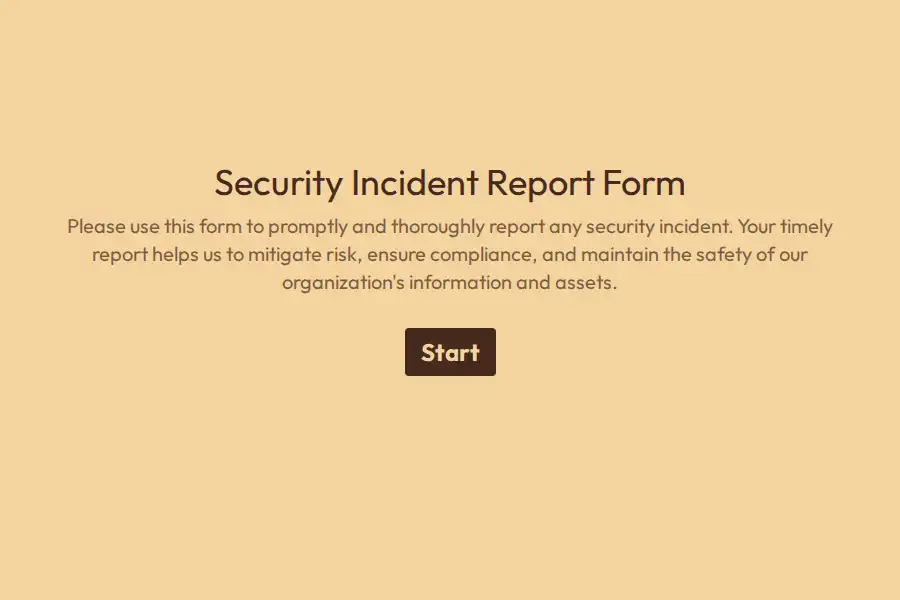
The security intake form exists to make the first report the useful report: structured so an analyst can triage without a single follow-up question, and routed so nothing waits in a general inbox while its containment window closes.
What the Analyst Needs First
- What was observed, exactly. Not a conclusion — an observation. ‘A login alert from a country we don’t operate in’ is data; ‘we’ve been hacked’ is a mood. The long text field says so explicitly.
- When it was noticed, and when it started. Two date-time fields — detection time and suspected start — because the gap between them is the dwell time, and dwell time is the number every post-incident review obsesses over.
- What’s touched. Systems, accounts, devices, data — a multiple choice plus free text for the specifics. The asset list is the blast radius, and the blast radius is the response plan.
- Is data involved? The exposure question: personal data, financial records, credentials, health information — potentially accessed, potentially exfiltrated, unknown. This single answer determines whether regulatory notification clocks are now running.
- What’s already been done. Passwords changed? Machine isolated? Anything not done because nobody was sure they were allowed? The containment-status field prevents the classic double-blind where two responders each assume the other pulled the plug.
Severity Is an Output, Not a Guess
Reporters shouldn’t classify severity — they should report facts, and the structured answers set the tier: active data exposure routes one way, a suspicious but contained event another, a lost but encrypted device a third. Some organizations add a standing hidden field on the intake link tagging department and site, which sharpens triage without asking the reporter another question.
The Channel Matters as Much as the Form
A security intake that lives where people already are gets used: pinned in the internal comms platform, linked from the IT help portal, embedded on the intranet. Every submission fires a self notification to the on-call channel, and webhooks push each report into the ticketing system where the SOC works. Related technical formats sit in the IT collection and the technology category.
Frequently Asked Questions
Should employees be able to report anonymously?
Rarely useful here — follow-up questions are the norm in security triage, and an anonymous report the analyst can’t question is often a dead end. What matters more is making the reporter feel safe: the form’s own text should state plainly that good-faith reports are welcomed and never penalized.
What about false alarms?
They’re the cost of a working channel, and a cheap one. A triage process that punishes false alarms trains people to wait for certainty — and certainty, in security, usually arrives with the incident already mature.
How does this relate to the official incident response plan?
This form is the plan’s front door: it standardizes detection reports before the IR process takes over. Once triaged and confirmed, the case moves into your IR workflow — with the intake record as its opening evidence.
Should the form ask for technical artifacts like logs?
Accept them via upload, but never require them — employees who can’t produce a log file shouldn’t be discouraged from reporting. The analyst collects the deep artifacts during response, with proper chain-of-custody handling.