
WhatsApp Widget
Smart WhatsApp Form Widget for Your Website
Collect structured info and start meaningful WhatsApp conversations instantly — no vague DMs.
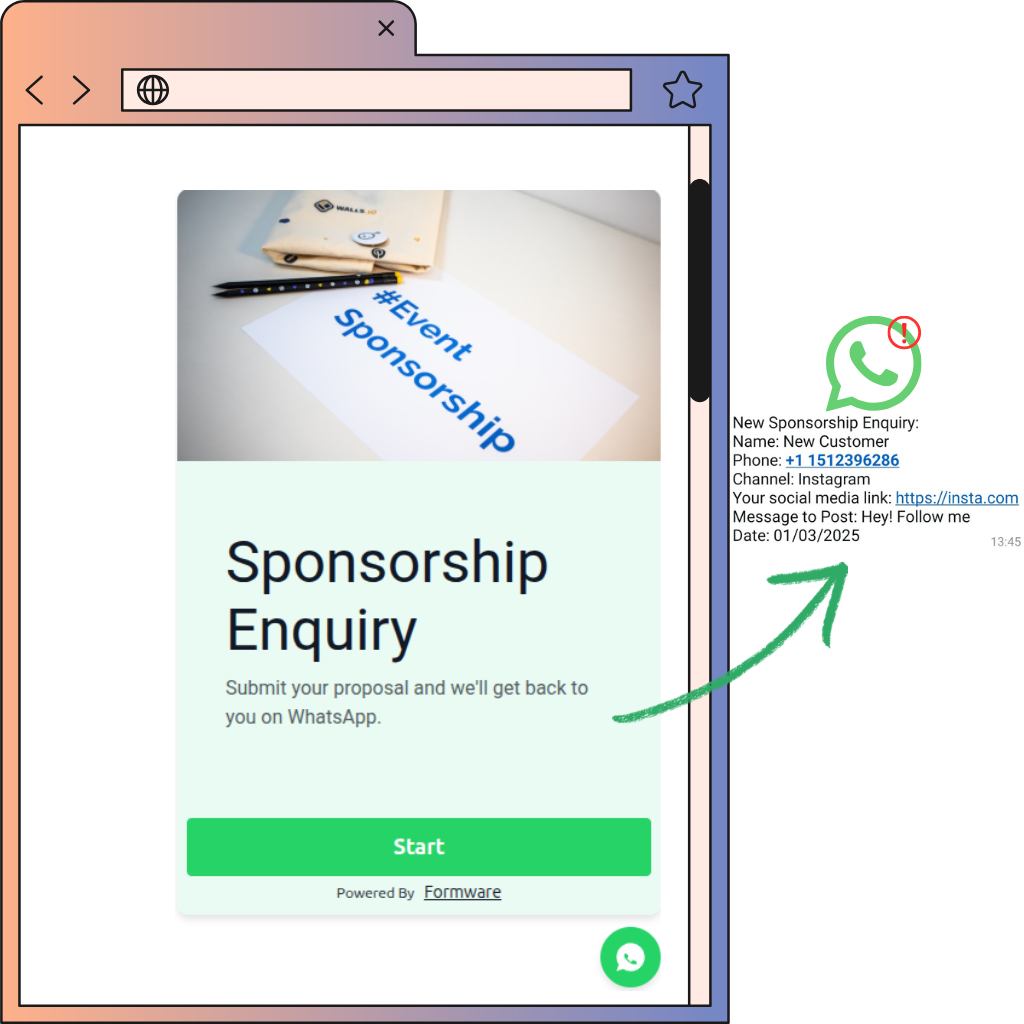
How Our WhatsApp Widget Works
Step 1: Create Your Form
Create your form using Formware’s intuitive drag-and-drop builder. Whether it’s a booking form, order form, or lead capture form, you can create it in minutes.
Tip: Start with a pre-built Template to save time.
Step 2: Link Your WhatsApp
Enter your WhatsApp number in the form settings. Once the form is submitted, responses will go straight to your WhatsApp, from the user’s WhatsApp number—no Business API required.
Need help? Check out our guide on WhatsApp form forwarding.
Step 3: Embed as a Widget
Embed the form directly on your website as a floating chat widget. Visitors click the widget, fill the form, and responses come directly to you — seamless and interactive.
Learn how to embed your form as a widget here.
Step 4: Enhance Your WhatsApp Experience
Make communication even faster with WhatsApp Business tools like quick replies and away messages.
Learn how to set this up here.
Why Choose a WhatsApp Form Widget?
Collect Complete Information Upfront
Stop vague WhatsApp messages — get all necessary details from your visitors before the conversation even starts.
Engaging One-Question UX
Keep users engaged with a chat-like, one-question-at-a-time format that works on mobile and desktop.
Seamless WhatsApp Integration
Receive responses directly in your WhatsApp from the visitor’s number, with optional email notifications for backup.
Multiple Question Types
Use short text, multiple choice, date/time, phone, and email fields to capture exactly the information you need.
Optional CRM Integrations
Send responses automatically to Google Sheets, email, or your preferred CRM for easy tracking and follow-up.
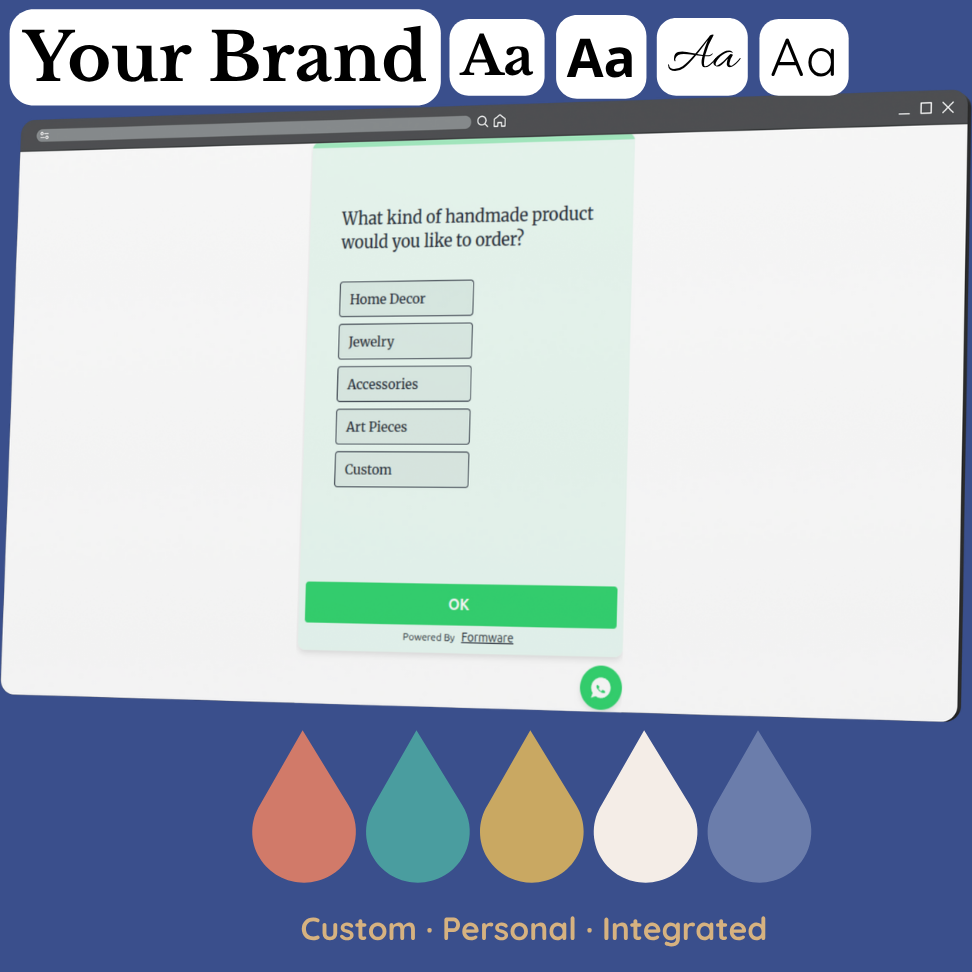
Customizable Widget Design
Tailor the widget colors, icon, and branding to match your website’s look and feel for a professional appearance.
Mobile & Desktop Ready
Fully responsive design ensures your WhatsApp form widget works seamlessly on any device or screen size.
Frequently Asked Questions
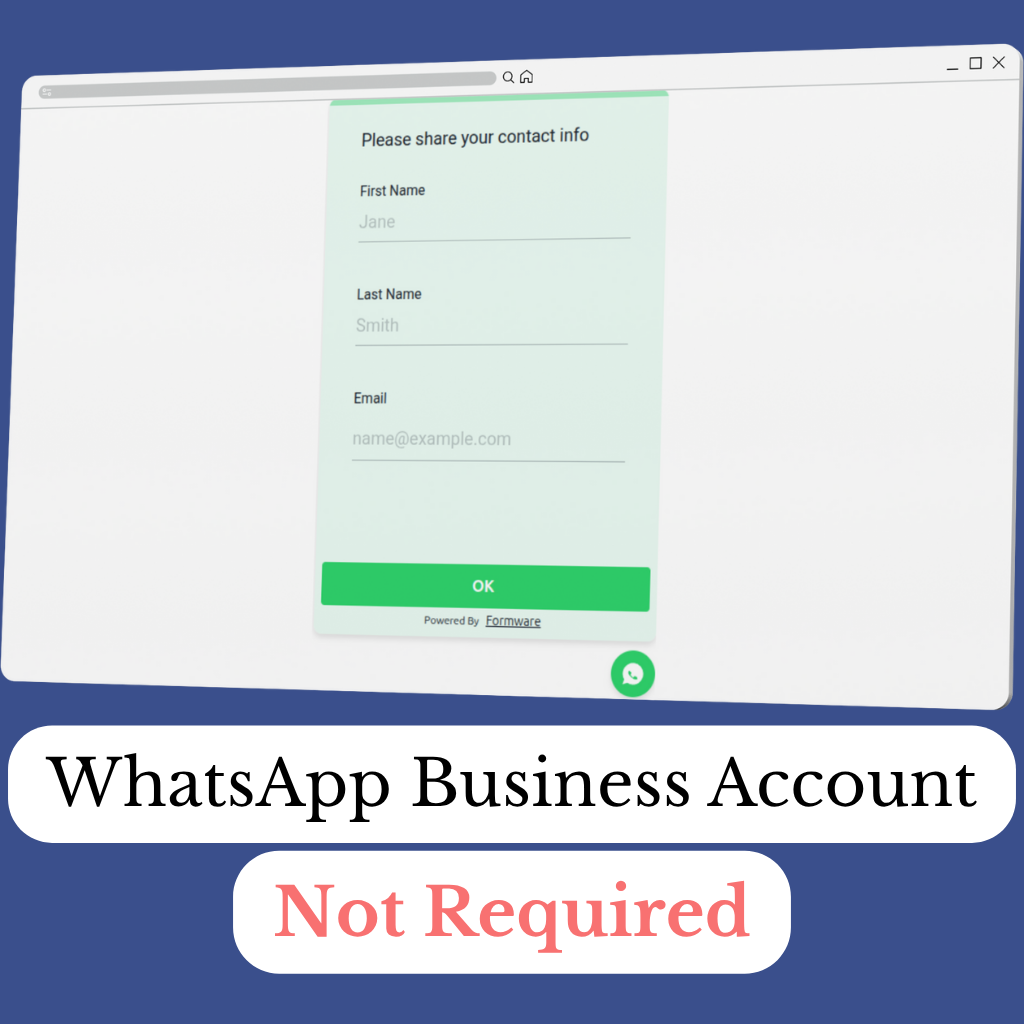
Do I need a WhatsApp Business account to use a WhatsApp form widget?
No, you don’t need a WhatsApp Business account to use the WhatsApp form widget. Formware allows responses to be sent directly from the visitor’s WhatsApp number to yours. This means you can start collecting structured leads, bookings, and orders instantly without complex API integrations.
How do I embed a WhatsApp form widget on my website?
Embedding the WhatsApp form widget on your website is simple. Copy the Formware widget code snippet and paste it into your site’s HTML. It works seamlessly with WordPress, Webflow, Squarespace, Shopify, and custom-coded websites. Visitors will see a floating chat-style icon that opens the form when clicked, creating an interactive experience for lead capture and order collection. Learn more here.
Can I customize the design of the WhatsApp widget to match my website?
Yes, you can fully customize the WhatsApp widget design. Change the background color, chat icon, button colors, and fonts to match your website’s branding. This ensures that your WhatsApp widget not only looks professional but also enhances user trust and engagement, making it more likely for visitors to submit forms.
What types of forms can I use with the WhatsApp widget?
The WhatsApp widget supports a variety of forms including booking forms, order forms, lead capture forms, feedback forms, and customer pre-qualification forms. Each form can use multiple question types — short text, long text, multiple choice, date/time, phone number, and email — ensuring you collect all the information you need before starting a WhatsApp conversation.
How do I get notifications when someone submits the WhatsApp form widget?
Formware allows you to receive notifications whenever a visitor completes your WhatsApp widget form. You can configure responses to appear directly in WhatsApp from the visitor’s number, and optionally receive email alerts. This ensures you never miss a lead, order, or booking and can respond promptly, increasing conversion rates and customer satisfaction.
WhatsApp Widget Templates
Start with a popular WhatsApp form template
500+ Templates
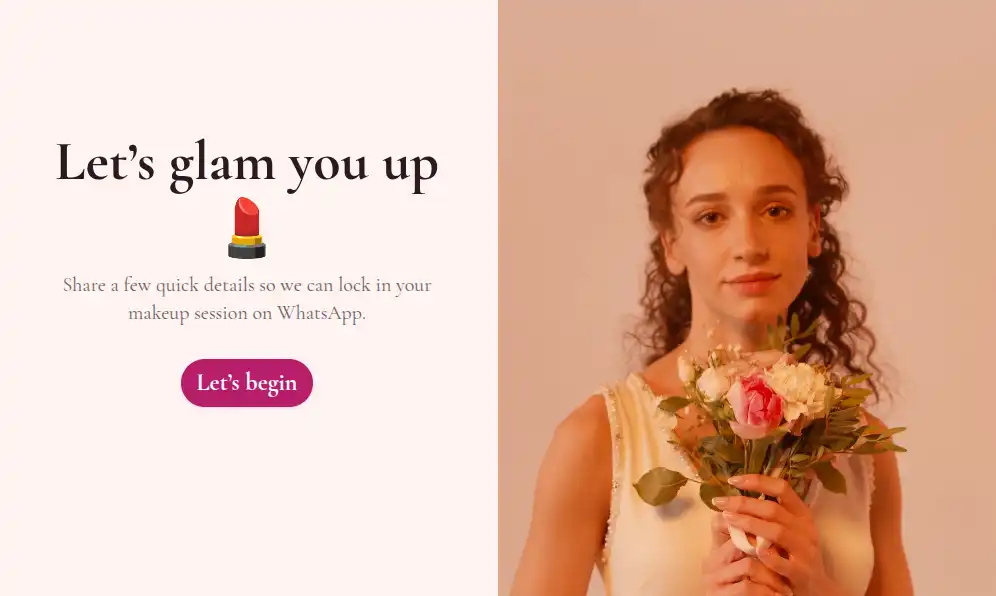
Let clients book makeup sessions directly through WhatsApp — get their event details, date, and style preferences upfront.
View Template
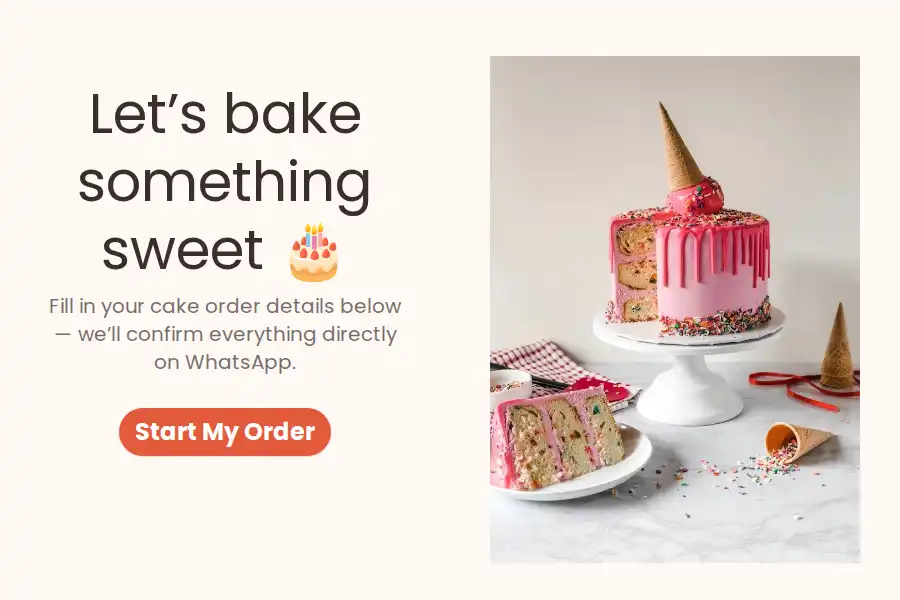
Let customers place custom cake orders through WhatsApp — get all flavor, size, and pickup details upfront, no more back-and-forth chats.
View Template
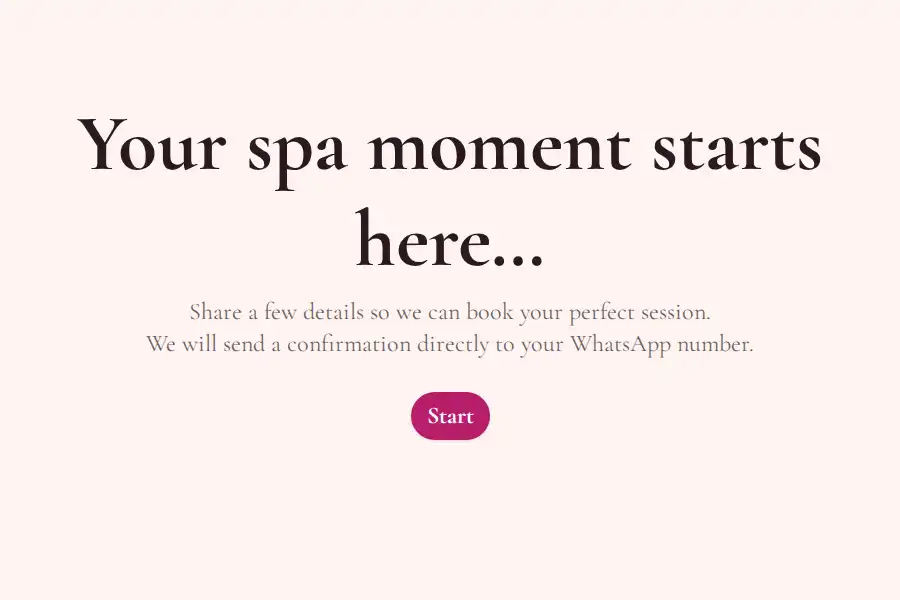
Collect spa booking details upfront via WhatsApp — shareable on Instagram or WhatsApp, no more vague messages.
View Template
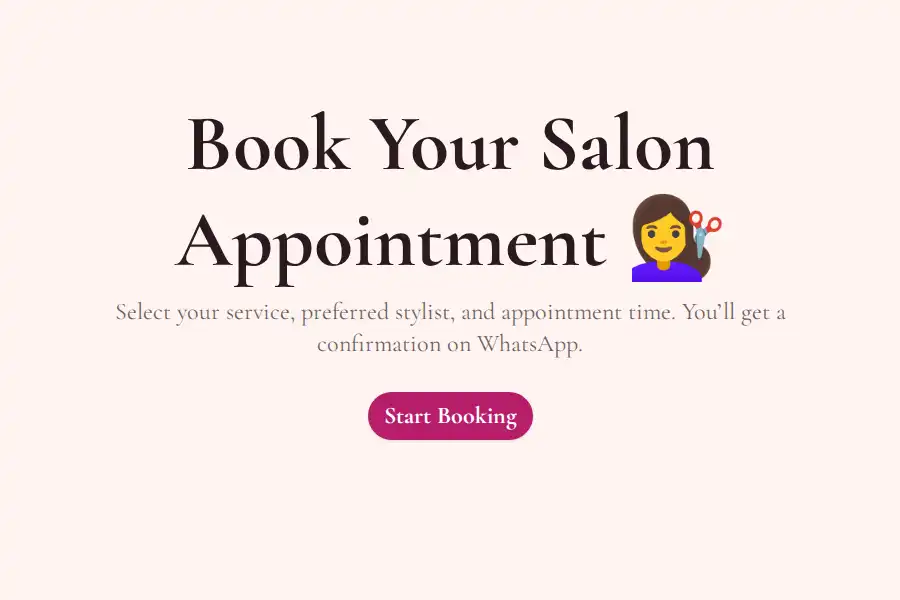
Let clients book salon services, select stylists, and confirm appointments directly through WhatsApp.
View Template
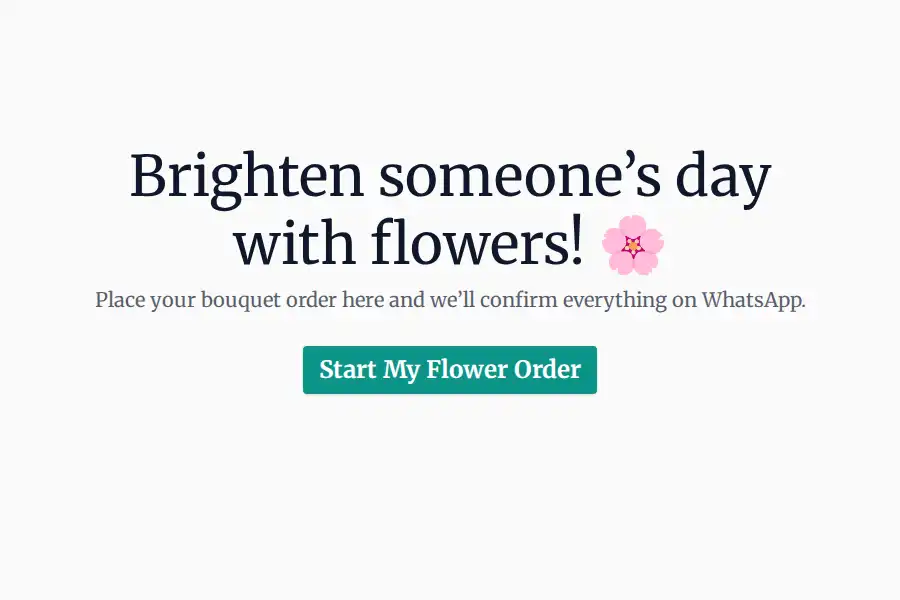
Take flower bouquet orders via WhatsApp — collect bouquet type, delivery date, occasion, and contact details upfront for seamless order processing.
View Template
Take custom jewelry orders via WhatsApp — collect style, material, size, and delivery details upfront without endless back-and-forth messages.
View Template
Start Collecting
Leads & Orders Instantly
Add the WhatsApp form widget to your website today and capture structured responses from visitors directly in WhatsApp. No coding, no APIs — just instant engagement.