
WhatsApp Form Builder
Create WhatsApp Forms in Minutes
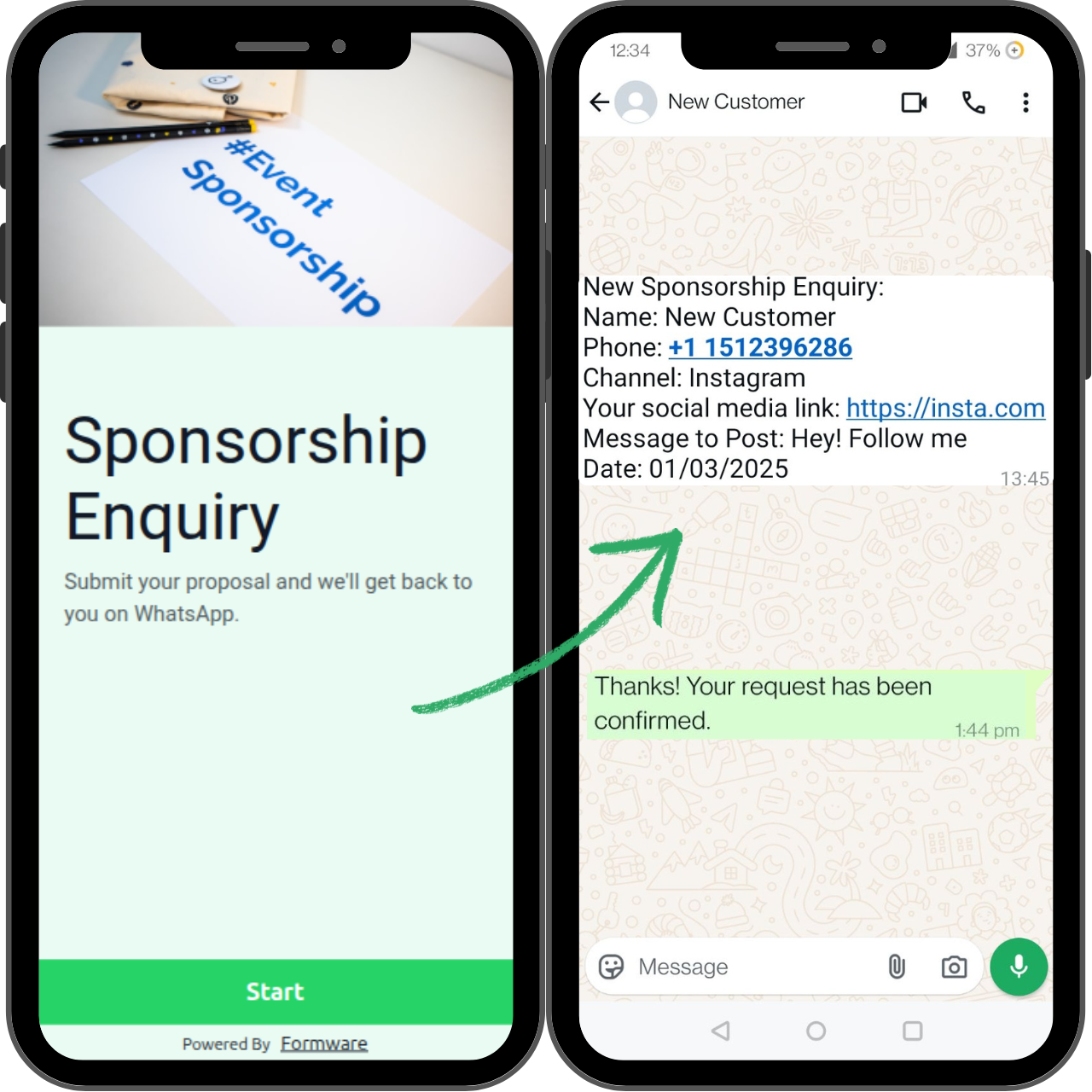
Build customizable forms that send responses to your WhasApp from the WhatsApp number of the person filling out the form, without the need for a WhatsApp Business API account.
Perfect for lead generation, customer support, and appointment bookings.
How Our WhatsApp Form Builder Works
Step 1: Build Your Form
Create forms with our intuitive drag-and-drop builder—no coding needed. Whether it’s a lead capture form, customer feedback, or booking form, you can create it in minutes.
Tip: Start with a pre-built Template
Step 2: Link Your WhatsApp
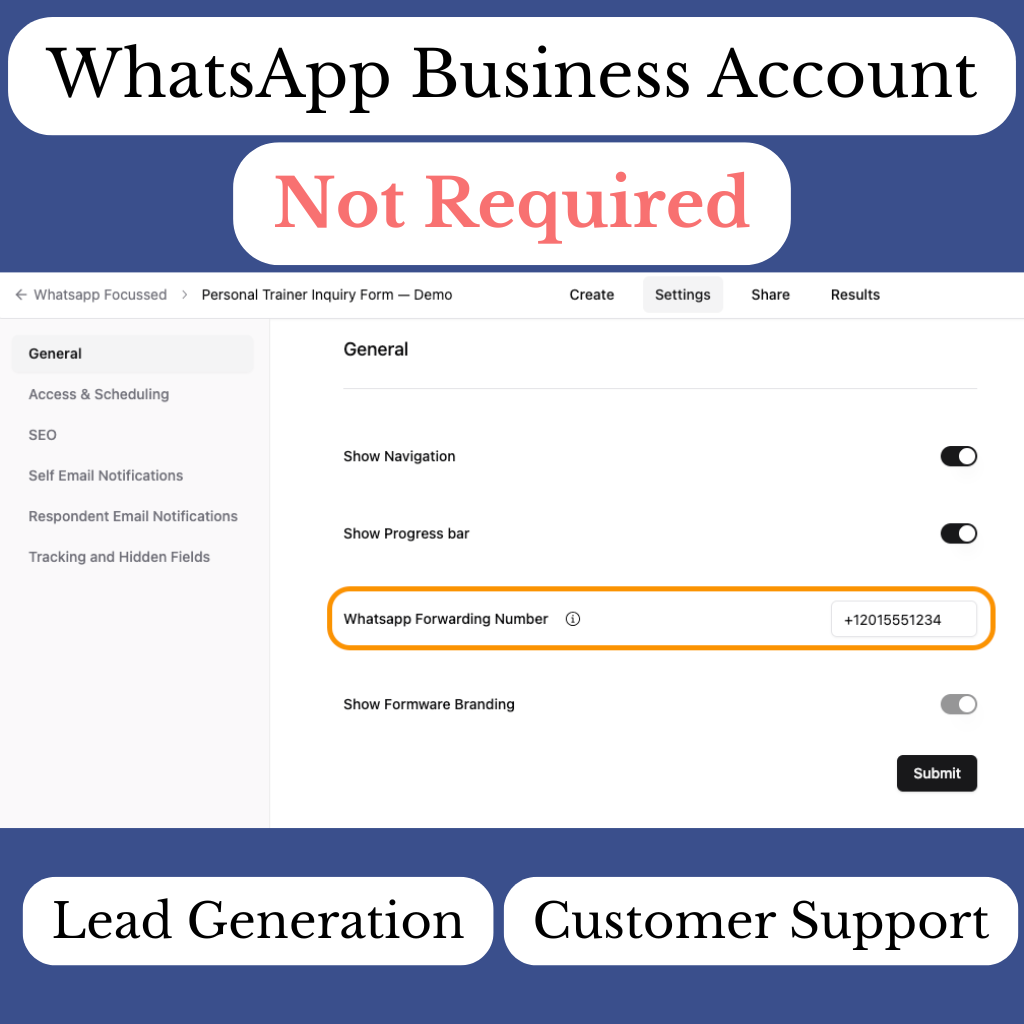
Simply enter your WhatsApp number in the settings. Once the form is submitted, responses will go straight to your WhatsApp, from the user’s WhatsApp number—no Business API required.
Need help? Read our detailed guide on how to set up WhatsApp for form replies.
Step 3: Share Your Form
Embed the form on your website or share via link/QR code. Your responses will come directly to WhatsApp, eliminating the need for complex integrations.
Learn more here.
Step 4: Enhance Your WhatsApp Experience
Make communication even faster with WhatsApp Business tools like quick replies and away messages.
Learn how to set this up here.
Why Choose Our WhatsApp Form Builder?
Lead Generation
Capture leads instantly, with form responses sent directly to your WhatsApp for quicker follow-up. No need for complex API setups.
Customer Support
Handle inquiries efficiently by receiving customer questions directly in your WhatsApp, from their own WhatsApp number.
No WhatsApp Business Account Required
Skip the hassle of WhatsApp Business API. Easily connect your WhatsApp number to start receiving responses right away.
Appointment Booking
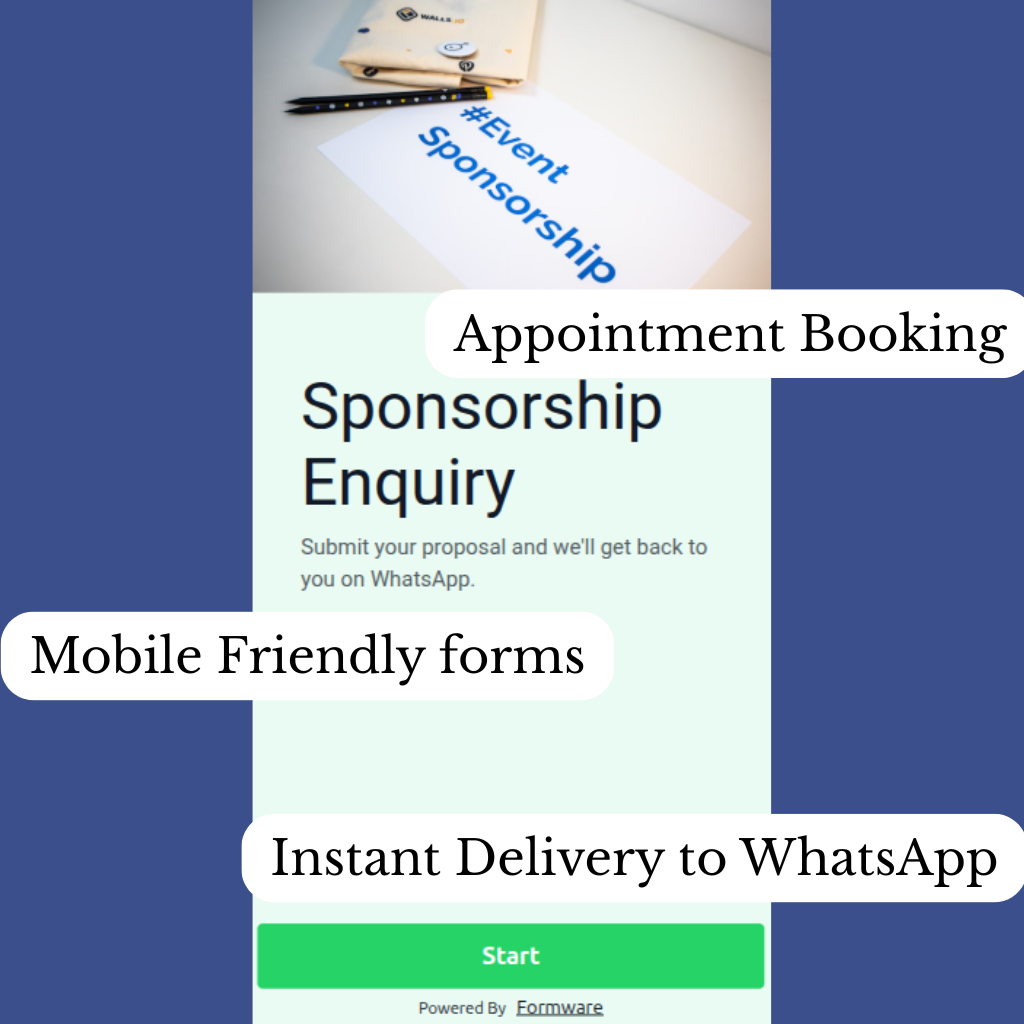
Allow customers to book appointments through your form, with instant confirmations and reminders sent to WhatsApp.
Mobile-Friendly Forms
Optimize forms for mobile devices to ensure smooth experiences for users filling out forms directly from their smartphones.
Instant Delivery
Receive form submissions in real-time, directly in your WhatsApp inbox—ensuring a fast and streamlined communication process.
Frequently Asked Questions
Do I need the WhatsApp Business API to use this tool?
No! You can receive WhatsApp responses without needing the WhatsApp Business API. Our tool sends responses directly to your WhatsApp from the number of the person filling out the form.
How do I link my WhatsApp number to the form?
Simply enter your WhatsApp number in the form settings. When someone submits a form, their response will come straight to your WhatsApp.
Is my data secure?
Yes, we use end-to-end encryption to ensure your data remains secure and compliant with GDPR standards.
WhatsApp Form Templates
Start with a popular WhatsApp form template
500+ Templates

Let clients book makeup sessions directly through WhatsApp — get their event details, date, and style preferences upfront.
View Template

Allow clients to book photography sessions via WhatsApp — collect all session details upfront without endless DM back-and-forth.
View Template
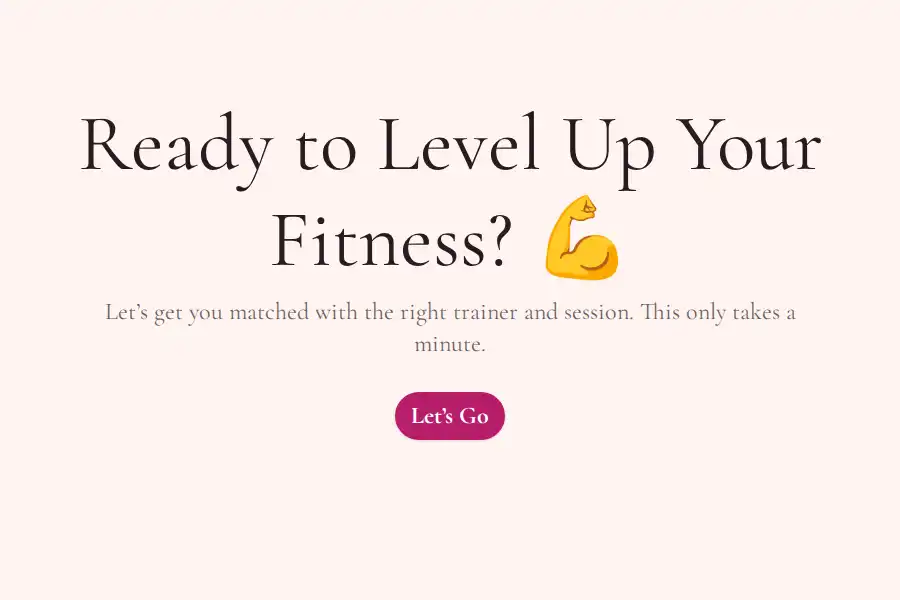
Let clients schedule personal training sessions, pick their trainer, and get instant WhatsApp confirmations.
View Template
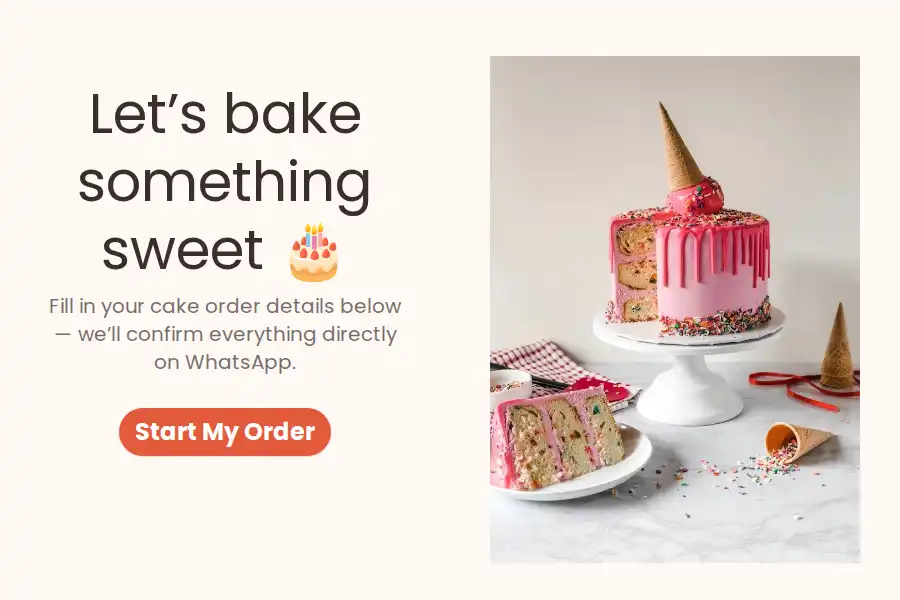
Let customers place custom cake orders through WhatsApp — get all flavor, size, and pickup details upfront, no more back-and-forth chats.
View Template
Take custom clothing orders via WhatsApp — collect measurements, fabric choices, style preferences, and delivery details upfront without endless chats.
View Template
Take custom jewelry orders via WhatsApp — collect style, material, size, and delivery details upfront without endless back-and-forth messages.
View Template
Start Receiving
WhatsApp Form Responses
Create customizable forms that send responses directly to WhatsApp without the complexity and costs of the WhatsApp Business API.