
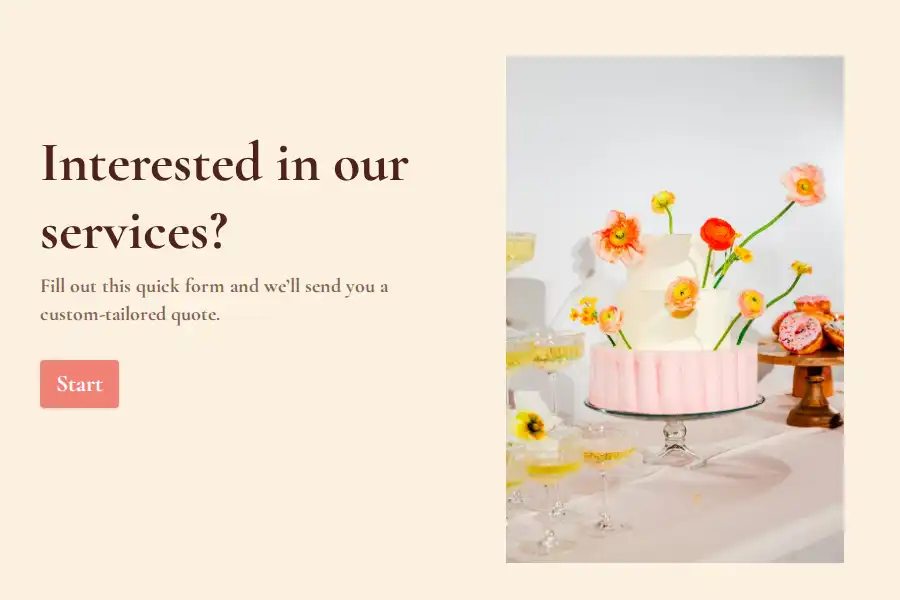
The Quote Request That Waits for No One
Here’s the pattern every service business knows: a visitor lands on the website at eleven at night, interested, ready — and the only path forward is a contact form and a wait. By morning, half of them have found a competitor whose site gave them a number. The quote request lost to the inbox is the quietest lost sale in services.
An online quote form turns that late-night visitor into a priced lead. They pick what they need from a menu, choose their options, answer three or four scoping questions — and either see an instant ballpark or walk away knowing a precise figure is already being assembled from their answers. Either way, they’ve invested effort instead of bouncing.
Build It Like a Menu, Not a Blank Page
The self-serve quote works because it does the customer’s thinking for them:
- The service selector. A multiple choice question or dropdown of what you actually sell — one clear list, no internal jargon.
- The options. Per service, the choices that change the price: size, quantity, finish, duration — number fields and choice lists that feed a simple calculation.
- The add-ons. The extras customers never know to ask for, surfaced as optional picks. This is where average quote value quietly climbs.
- Where and when. A short text field for location or timing constraints, if they affect the number.
Ballpark First, Precision Second
Two philosophies, both valid. The instant ballpark — a calculated range shown at the end — converts curiosity into leads but anchors expectations. The “your quote arrives within hours” close captures detail-rich leads and keeps pricing in human hands. Pick per service: standardized jobs suit instant numbers; variable ones suit fast human follow-up. Both beat the blank contact form soundly.
Wire It Into the Website
The form earns its keep wherever traffic already flows: embedded on the site, linked from every service page, pasted into social bios. Tag the links with hidden fields and build variants with the UTM builder to learn which pages produce quotes worth winning — then let a self notification ping the inbox the second a hot one lands. Finished quotes flow into the sales stack via webhooks.
The wider selling toolkit sits in the make-sales category and the quote collection.
Frequently Asked Questions
Will visible prices turn my leads into price shoppers?
Some will — and the menu structure handles them: options and add-ons pull the conversation toward scope instead of the bottom line. The leads lost to a visible number were mostly never going to pay the real one.
How accurate should a ballpark be?
Honest ranges, deliberately wide — around twenty-five percent either side is a fair norm for most services. The ballpark’s job is qualification, not commitment; the follow-up conversation narrows it.
Should contact details come before or after the estimate?
After the configuration, before the number if you’re showing instant estimates — the small friction is fair payment for the price. If a human sends the quote, contact details are simply the delivery address and belong at the end.
Can one form serve several very different services?
Yes, with a service selector branching each path — a garden clean-up quote and a patio build share the same skeleton while asking different questions. When services diverge wildly, separate forms beat one bloated one.