
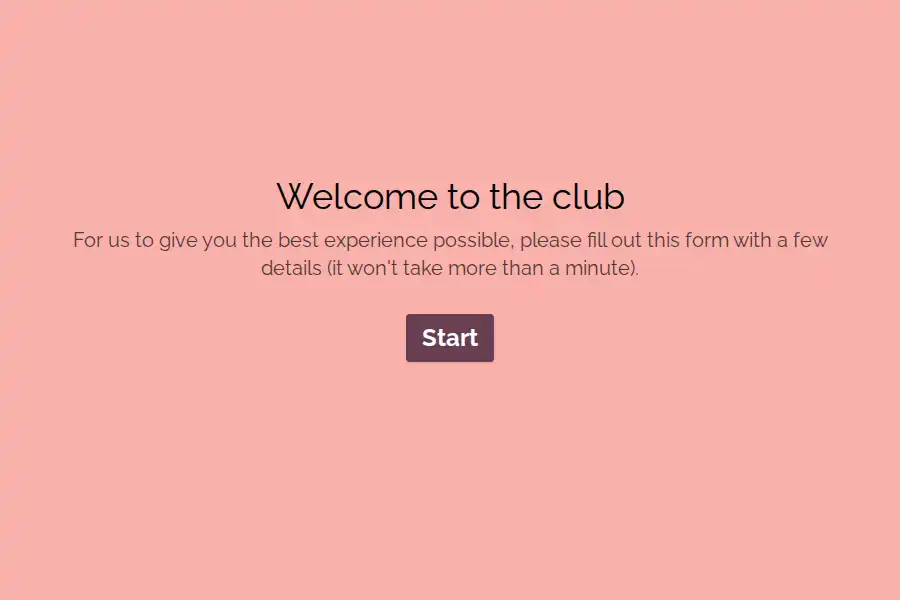






New Customer Registration Form Template
Every field on a consumer signup has a price, and the price is paid in abandonments. Visitors arrive with intent and a phone; every additional question taxes that intent, and at some tax rate they leave — most without ceremony, all without an account. This new customer registration form template is engineered around that arithmetic: the minimum fields your business genuinely needs, a flow that works one-thumbed on a phone, and consent capture that’s honest enough to keep the customers it registers.
The Minimum Viable Signup
The form asks for what the relationship actually requires, and stops there:
- Identity, lightweight: name and email — the two fields nearly every registration genuinely needs. Phone only if you’ll actually use it, and say why when you ask.
- A password or its modern equivalent: with clear rules stated inline, because password requirements discovered at submit-time are a special kind of abandonment.
- Preferences that improve their experience: a communication choice or interest selection only where it genuinely personalizes what they receive.
- Consent, done honestly: marketing consent as an explicit, unchecked legal acknowledgment with plain language about what they’ll get and how often. Dark-pattern consent registers accounts and loses trust; honest consent registers slightly fewer accounts and keeps them.
Everything else — addresses, birthdays, preferences, referral codes — belongs after the account exists, collected at moments when the customer has a reason to answer. Registration is the conversion; enrichment is a separate campaign with its own economics.
Mobile Is the Real Design Brief
Most registrations now happen on phones, in spare moments, with one thumb and partial patience. That reality drives the design: single-column layout, generous tap targets, autofill-friendly fields, and visible progress so the form never feels open-ended. The one-question-at-a-time pattern earns its keep here — each screen asks one thing, feels answerable, and moves the visitor forward visibly, which measurably outperforms the long single scroll on mobile completion. For longer variants — loyalty enrollment, memberships — the progress bar does the same work in place.
The Moment After Signup
Registration’s job isn’t done at submit — it’s done when the customer lands somewhere useful. A customized confirmation email verifies the address and sets expectations, and the post-submission page should carry the customer straight toward value: first purchase, profile completion, or the feature they came for. Teams running consumer funnels will find the neighboring conversion formats in the signup and ecommerce collections, with the acquisition side mapped in the lead-generation guide.
Frequently Asked Questions
Should registration come before or after first purchase?
After, wherever possible — guest checkout with an offered account at the end converts more customers than a registration wall before the cart. This form serves the cases where registration genuinely comes first: memberships, reservations, communities, saved preferences.
Is social login better than a form?
For sheer conversion, often yes — and the two combine: offer social login as the fast path, keep the form as the universal fallback, and let visitors choose. The form’s field discipline matters regardless of which path they take.
How do we collect more customer data without hurting conversion?
Progressive profiling after registration: one or two questions per meaningful interaction, each with visible value to the customer. A registered customer will tell you their preferences over three visits; an anonymous visitor won’t give you any of it in one form.
What consent language keeps us compliant without scaring people off?
Specific and short: what they’ll receive, how often, and a genuine one-click way out. Compliance and clarity are the same project here — regulators and customers are both asking for exactly that sentence.