
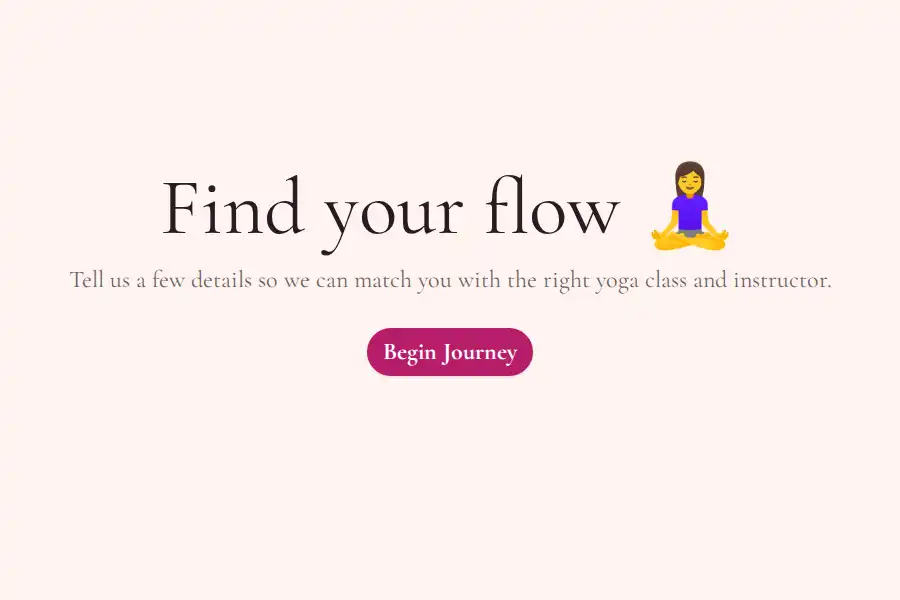

What Is a WhatsApp Yoga Class Booking Form Template?
This template streamlines yoga class bookings by collecting class type, preferred time, experience level, and special requests upfront, sending all details as a structured WhatsApp message. It’s designed for small yoga studios, fitness instructors, and wellness businesses looking to automate their booking process and improve lead qualification.
When Should You Use This Template?
If your yoga class bookings are coming through scattered WhatsApp messages, this template helps you organize and streamline the process. Replace your WhatsApp number with a form link that is connected to your WhatsApp number, and let clients submit all essential details—class type, preferred date and time, yoga experience level, and any special requests. Once submitted, the information is automatically formatted and sent directly to your WhatsApp, making class scheduling faster, more efficient, and hassle-free.
What to Include in a Yoga Class Booking Form Template
This template incorporates several key fields to capture essential information, transforming passive interest into structured, qualified leads.
- Name & Contact: Essential for follow-up communication and booking confirmation.
- Email Address: For sending booking confirmations, class updates, and promotional offers.
- Preferred Class Style: (e.g., Hatha, Vinyasa, Yin) To segment based on student preferences.
- Level: (Beginner, Intermediate, Advanced) Enables instructors to tailor class recommendations.
- Optional: Injury/Physical Limitations: Allows instructors to adjust class modifications.
Best Practices for Designing an Effective Yoga Class Booking Form Template
- Reduce Friction: Keep the form as short and simple as possible while still collecting the necessary information. Avoid asking for irrelevant details.
- Clear Call-to-Action: Use a clear and concise call-to-action button, such as “Book Now” or “Confirm My Spot.”
- Optimize for Response Rate: Conduct A/B testing to determine the optimal number of fields and the most effective phrasing for your questions.
- Minimize Back-and-Forth: The primary goal is to eliminate the need for lengthy clarification messages. Design the form to pre-qualify leads and reduce ambiguity.
- Leverage Automation: Integrate the form with WhatsApp automation tools to automatically send booking confirmations, reminders, and follow-up messages.
Benefits of Using This Template
- Improved Lead Qualification: The structured intake process allows you to quickly identify and prioritize qualified leads.
- Increased Booking Conversion Rates: By streamlining the booking process, you reduce friction and increase the likelihood of a student booking a class.
- Enhanced Operational Efficiency: Automation reduces the administrative burden on instructors and studio staff.
- Data-Driven Decision-Making: The data collected through the form provides valuable insights into student preferences and behavior.
- 100% Waiver Compliance: Digital waivers ensure that all students agree to the terms and conditions before participating in a class.
- Reduced No-Show Rates: Automated reminders significantly decrease no-show rates.
How to Customize This Template for Your Needs
Adapting this template involves fine-tuning the fields and logic to align with your specific business model and target audience. For example, a studio specializing in private sessions would need to add a dedicated field for describing the session requirements, desired instructor, and preferred date/time. Similarly, incorporating package tracking allows instructors to monitor sales of 5/10 class passes. Another critical adaptation is automating ‘Class Cancelled/Moved’ broadcasts, ensuring all enrolled students are immediately notified, reducing confusion and frustration.
Frequently Asked Questions
What is a WhatsApp Form and how does it differ from a regular booking form?
A WhatsApp form is an automated booking tool that collects customer details through a structured form, sending the information directly to a business’s WhatsApp as a pre-filled message. Unlike a regular booking form, which typically requires follow-up for clarification, a WhatsApp form instantly provides all relevant details in a message, streamlining the booking process and reducing back-and-forth.