
WhatsApp Flower Bouquet Order Form
Take flower bouquet orders via WhatsApp — collect bouquet type, delivery date, occasion, and contact details upfront for seamless order processing.
Branded, Personalized, and Integrated Forms
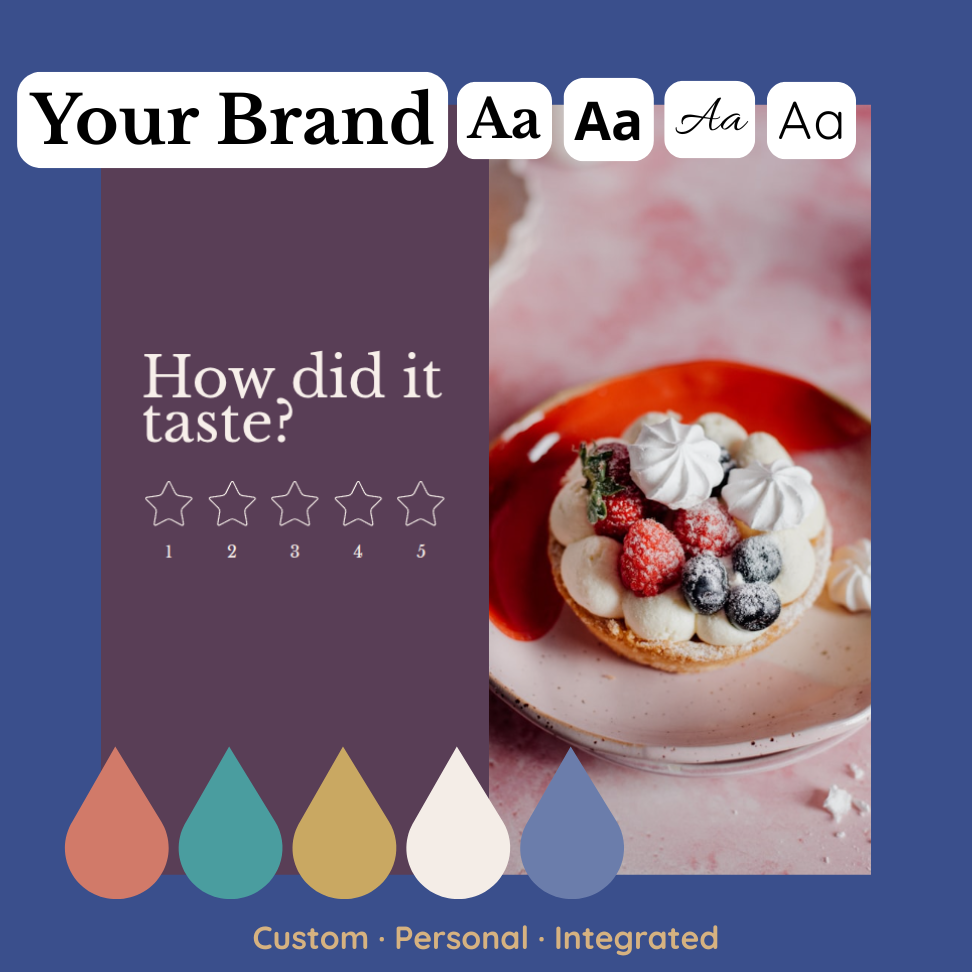
Custom Branding
Easily match forms to your brand by customizing text, colors, and logos. Embed forms directly into your website or emails for a cohesive, on-brand user experience.
User-Friendly Experience
Boost form completion rates with a seamless and personalized experience. Use smart features like question pacing, conditional logic, and name personalization to keep users engaged.
Powerful Integrations
Connect your forms to 10+ apps and tools—like Slack, Zapier, and HubSpot—to automate workflows, sync data, and improve team efficiency.
WhatsApp Flower Bouquet Order Form FAQs:
How do I enable WhatsApp message forwarding for this form?
Open your form settings, turn on the WhatsApp forwarding option, and add your number. You can follow our illustrated guide here for detailed steps.
How do I share my WhatsApp flower bouquet order form?
Copy your form link and share it on WhatsApp or your social media. Customers can place orders, and you'll get all details directly in WhatsApp.
Can I list different bouquet types and arrangements?
Yes, you can include options for roses, lilies, mixed bouquets, seasonal flowers, and custom arrangements to match customer preferences.
Formware Templates
Get inspired by relevant templates and categories
500+ Templates
Let customers place homemade meal orders via WhatsApp — collect dish preferences, delivery time, and payment info upfront without endless chats.
View Template
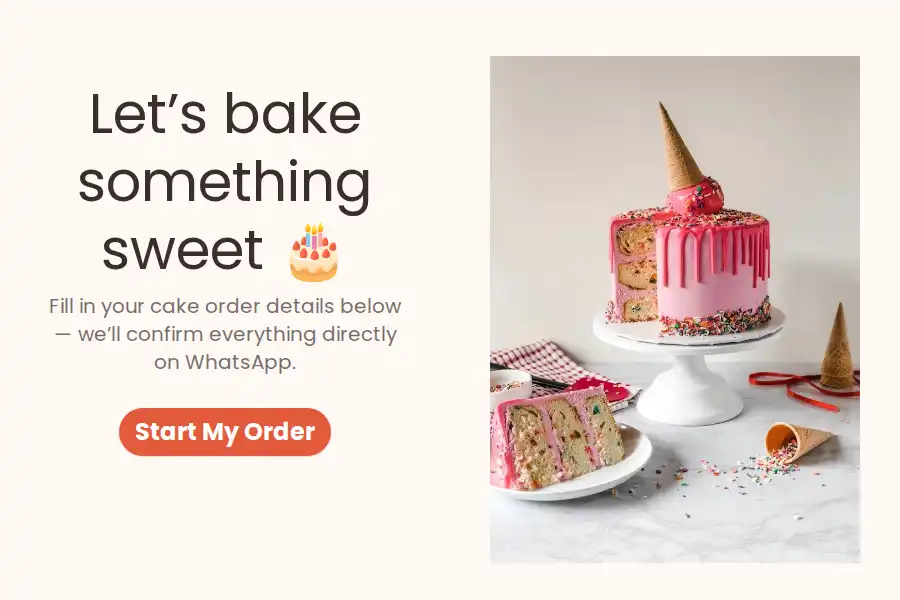
Let customers place custom cake orders through WhatsApp — get all flavor, size, and pickup details upfront, no more back-and-forth chats.
View Template
Let customers subscribe to daily or weekly meal plans via WhatsApp — collect preferences, schedule, and delivery info upfront for smooth recurring orders.
View Template
Take bakery orders via WhatsApp — collect product choices, quantity, pickup or delivery info, and special requests upfront for smooth order processing.
View Template

Allow clients to book photography sessions via WhatsApp — collect all session details upfront without endless DM back-and-forth.
View Template
Let clients book henna and bridal mehendi sessions via WhatsApp — get all design and appointment details upfront.
View Template
More Catgories
Access 500+ templates
It's as simple as one-two-three, and guess what? You don't even need to pay to try it out!