



What to Look for in an Alternative Tool
When searching for a Paperform alternative, you’ll want to keep the following in mind to ensure you’re choosing the right tool for efficient data collection and user engagement:
- Ease of Use: Does the tool offer an intuitive, drag-and-drop form builder, or does it have a steep learning curve?
- Customizability: How much control do you have over the look and feel of your forms? Can you design each question to fit your brand?
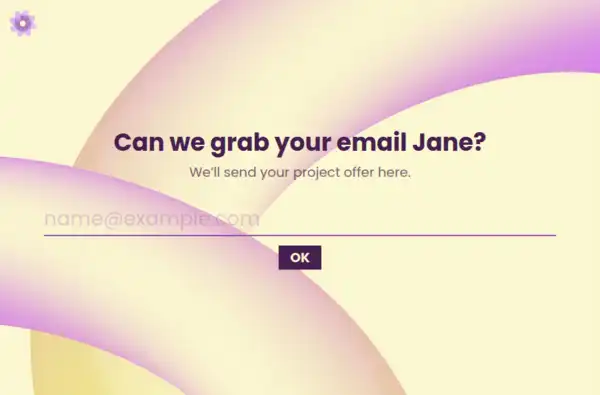
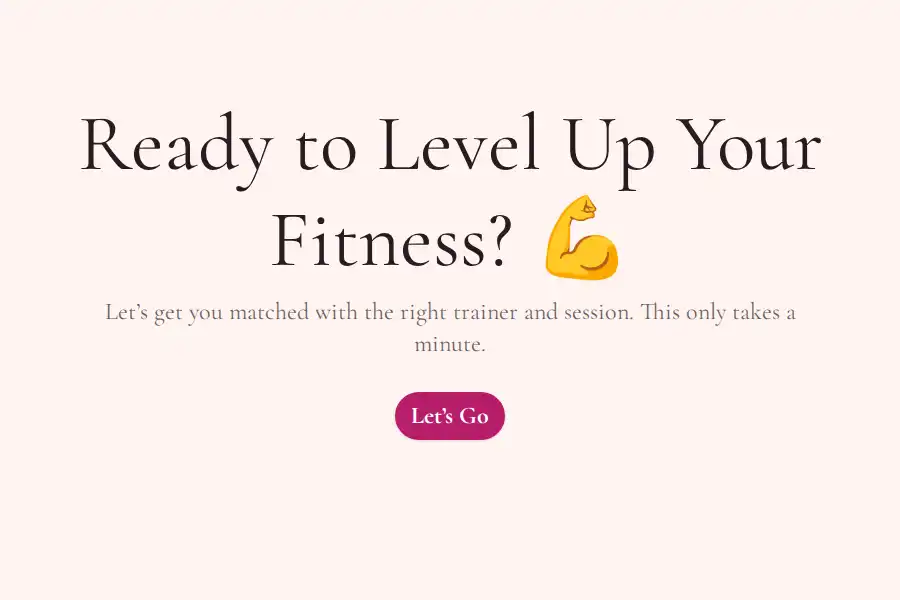
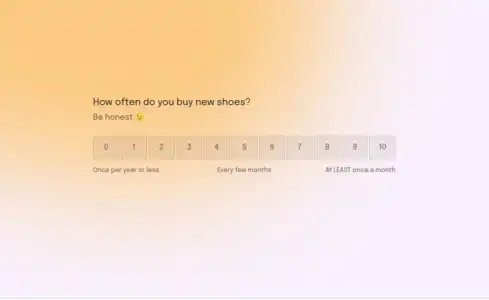
- User Experience: Does the tool provide a focused, conversational flow that keeps respondents engaged, or is it more document-centric and difficult to follow?
- Data Collection: Does the tool allow you to capture partial responses, or will you only see completed forms?
- Pricing Flexibility: Is the tool truly free, with no hidden fees or tier-based pricing that limits your usage?
These considerations will ensure that you choose the right tool for your team and your needs.
Detailed Comparison: Formware vs Paperform
Customization & Branding
- Paperform: Allows a wide range of customizations, but forms often feel like they’re stuck within a document layout, making it harder to create cohesive branded experiences.
- Formware: Offers complete design control with visual customization at every step. You can adjust colors, fonts, images, and even logos to make forms look and feel like part of your product or website.
Form Experience & UX
- Paperform: Uses a document-style layout that can overwhelm respondents with too many visible fields at once, leading to lower completion rates for long forms.
- Formware: Focuses on a one-question-per-page flow that keeps respondents focused, reducing cognitive load and improving engagement and response quality.
Data Capture & Analytics
- Paperform: Paperform doesn’t track partial responses as well as Formware, meaning you may miss out on data from users who abandon the form before completing it.
- Formware: Automatically captures partial responses to give you a complete picture of user intent, even if they don’t finish the form.
Pricing & Volume
- Paperform: Offers great feature breadth, but to access advanced features or higher volume limits, you’ll need to upgrade to a paid plan.
- Formware: Unlimited responses, free forever, with no tier-based pricing or restrictions on the number of responses you can collect.
Who Benefits Most from Paperform
Paperform is best suited for:
- Teams with complex forms and workflows: If you need a highly customizable form-building tool and don’t mind working with document-style layouts.
- Businesses with a need for feature depth: Paperform is great for teams who want advanced features and don’t mind managing different pricing tiers as their usage grows.
Who Benefits Most from Formware
Formware is ideal for:
- Small to medium-sized teams or businesses: If you need to collect data easily, with a focus on user experience and conversion rates, Formware’s conversational flow is perfect.
- Teams looking for a free solution: With unlimited responses and no hidden fees, Formware offers a cost-effective alternative to Paperform.
Best Use Cases for Formware
Client Onboarding
Formware’s conversational design makes it easy to guide new clients through an onboarding form, capturing all the necessary details in a way that feels personal and engaging.
Event Registration
Create event registration forms that are clean and focused, with one question at a time to make the process easier for users. Plus, you can collect unlimited responses without worrying about pricing tiers.
Market Research
For market research, Formware allows you to ask detailed questions with advanced question types, helping you capture high-quality data without confusing your respondents.
Surveys & Feedback
Formware’s partial response capture and question-by-question flow make it ideal for customer feedback and satisfaction surveys, allowing you to gather insights without the risk of incomplete submissions.
Lead Generation Forms
Formware’s conversational flow encourages users to stay engaged, making it an excellent choice for lead generation forms that require user interaction but need to feel seamless and non-intrusive.
Frequently Asked Questions
How does Formware differ from Paperform in terms of user experience?
Formware offers a one-question-per-page conversational flow, which makes it easier for respondents to stay engaged and complete forms. Paperform, on the other hand, uses a document-style layout that can be overwhelming and less effective for long or complex forms.
Can I use Formware to create branded forms?
Yes! Formware allows you to fully customize each form’s look and feel with options for adding logos, colors, fonts, and even background images, unlike Paperform, which has more rigid templates and designs.
Does Formware track partial responses unlike Paperform?
Yes! Formware automatically captures partial responses, providing insights into user intent even when a form is not fully completed, which Paperform does not offer as efficiently.
Is Formware free to use?
Yes! Formware offers unlimited responses free forever, with no volume-based pricing or paid plans required. Paperform, on the other hand, requires a paid plan for higher usage and more advanced features.
Can I embed Formware forms into my website?
Absolutely! Formware allows you to embed forms seamlessly into any website, landing page, or platform, while Paperform also offers embedding, but with fewer design customization options.