



What to Look for in an Alternative Tool
When exploring alternatives to Microsoft Forms, consider these factors to ensure you’re selecting the best tool for your needs:
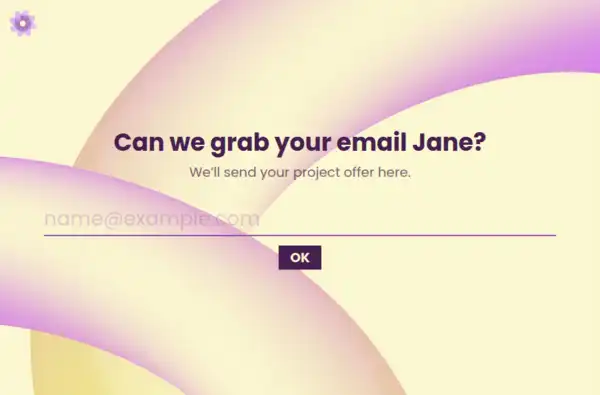
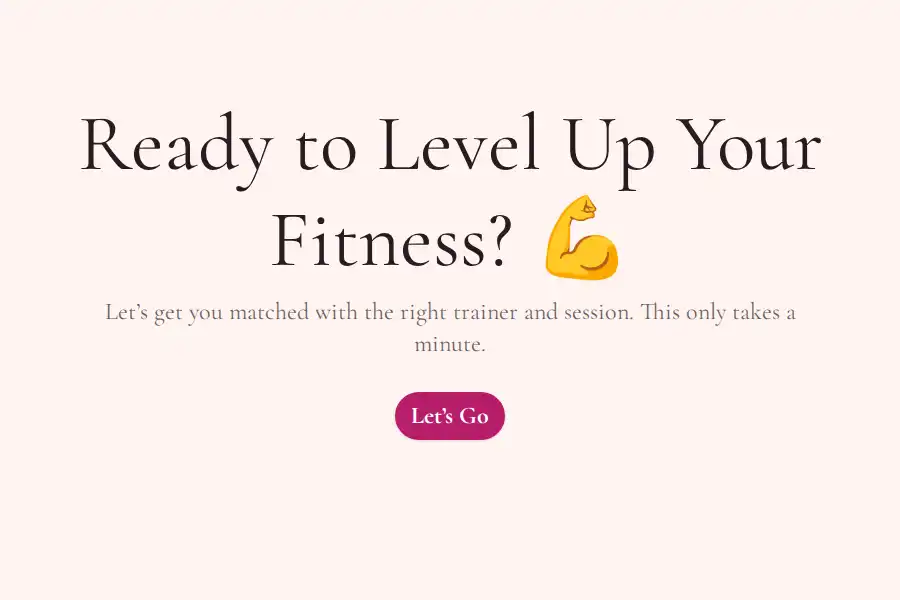
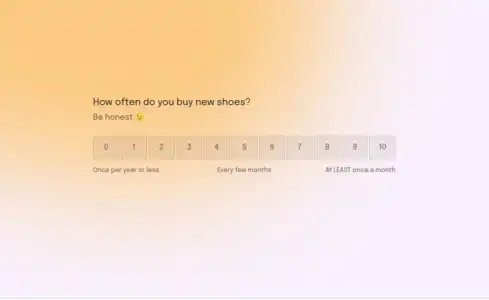
- User Experience: Does the tool offer a conversational experience that engages respondents, or is it just a basic form with static, checkbox-based responses?
- Customization & Branding: How much control do you have over the form’s design and layout? Can you apply your branding elements, such as logos, colors, and fonts?
- Scalability & Pricing: Does the tool provide unlimited responses for free, or will pricing increase as your form submission volume grows?
- Visibility & Analytics: Does the tool offer visibility into partial responses, or will you only see data after submission?
These factors will help you choose a form-building tool that fits your business, without compromising user experience or brand perception.
Detailed Comparison: Formware vs Microsoft Forms
Customization & Branding
- Microsoft Forms: Offers limited branding options and themes, making most forms look the same and limiting your ability to customize for your business.
- Formware: Provides full control over your form design, allowing you to customize colors, fonts, logos, and backgrounds on every form for a completely branded experience.
Form Experience & UX
- Microsoft Forms: Uses a static, multi-field layout, which can overwhelm users with too many questions at once and result in lower completion rates.
- Formware: Prioritizes conversational UX, showing one question at a time, leading to a more focused and engaging experience that encourages higher completion rates.
Data Capture & Analytics
- Microsoft Forms: Provides basic analytics, but only shows responses after submission, which makes it difficult to understand incomplete forms or user intent.
- Formware: Offers partial response capture, giving you visibility into incomplete forms and helping you understand where users drop off, so you can optimize accordingly.
Pricing & Volume
- Microsoft Forms: While free, it lacks scalability and doesn’t offer advanced features unless bundled with a Microsoft 365 subscription.
- Formware: Offers unlimited responses for free, with no volume-based pricing. This makes it an ideal choice for growing businesses that want to avoid unexpected fees as their form submission volume increases.
Who Benefits Most from Microsoft Forms
Microsoft Forms is ideal for:
- Teams needing basic internal surveys: Microsoft Forms is well-suited for internal surveys or simple feedback collection within the Microsoft ecosystem.
- Organizations using Microsoft 365: If you’re already invested in the Microsoft ecosystem and need basic survey tools, Microsoft Forms can be a good option for quick, no-fuss data collection.
Who Benefits Most from Formware
Formware is designed for:
- Teams focused on user-first experiences: If you need forms that engage users and guide them through a clear, easy-to-follow process, Formware’s conversational flow is the right choice.
- Brands seeking complete design control: If customization and branding are critical for your business, Formware’s custom branding options allow you to match your forms to your brand perfectly.
Best Use Cases for Formware
Customer Onboarding Forms
Formware’s conversational flow is perfect for guiding new customers through the onboarding process. You can collect essential client data while keeping the experience engaging and easy.
Client Intake Forms
For agencies or service providers, client intake forms can be customized and streamlined with Formware’s advanced question types and custom branding, ensuring a smooth experience for your clients and staff alike.
Employee Surveys
Internal forms, like employee satisfaction surveys, benefit from Formware’s one-question-at-a-time flow, ensuring employees don’t feel overwhelmed and can provide thoughtful, quality responses.
Feedback Forms
Formware’s ability to capture partial responses makes it an excellent choice for feedback forms. Whether it’s gathering client feedback or customer opinions, you can understand where people drop off and improve future forms.
Event Registration Forms
Use Formware to create event registration forms that are easy to navigate. With seamless embeds and customizable design, these forms will blend perfectly into your website, providing a professional and branded experience.
Frequently Asked Questions
How does Formware differ from Microsoft Forms in terms of user experience?
Formware uses a one-question-at-a-time conversational flow, which keeps users focused and engaged. Microsoft Forms, in contrast, uses a static, multi-field layout, which can overwhelm users, especially on longer forms.
Can I brand my forms with Formware?
Yes! Formware offers full design control, allowing you to customize colors, fonts, logos, and background images for a completely branded experience. This is a significant improvement over Microsoft Forms, which offers very limited branding options.
How does Formware handle incomplete form submissions?
Formware automatically captures partial responses, allowing you to track user intent before submission. Microsoft Forms does not provide visibility into partial submissions, making it difficult to understand why users abandon the form.
Is Formware free to use?
Yes, Formware offers unlimited responses for free with no hidden fees. Unlike Microsoft Forms, which has limited features in its free version, Formware provides full access to all features without any paywalls.
What types of forms can I build with Formware?
Formware can be used for a wide range of forms, including feedback forms, surveys, client intake forms, and event registration forms. Its customizable and conversational flow makes it ideal for creating engaging and high-converting forms for any use case.