



What to Look for in an Alternative Tool
When choosing an alternative to Jotform, consider the following factors to ensure you’re getting the best tool for your needs:
- User Experience: Does the tool provide an easy, engaging experience for your respondents, or does it overwhelm them with multiple fields at once?
- Form Completion Flow: Is the tool designed to keep respondents engaged and focused, improving completion rates for longer forms?
- Customizability: Can you customize the design and context for each question, improving the clarity of your form and making it more user-friendly?
- Pricing Structure: Does the tool offer unlimited responses without a price increase, or is your cost tied to usage volume?
These factors will help guide your decision in selecting the right form-building tool for your business or project.
Detailed Comparison: Formware vs Jotform
Customization & Branding
- Jotform: Offers extensive design features but requires a bit more configuration to achieve a branded experience, especially for non-technical users.
- Formware: Simplifies branding with intuitive, per-question customization options, including images and videos, all within an easy-to-use interface.
Form Experience & UX
- Jotform: Uses dense multi-field layouts that can overwhelm users, potentially lowering completion rates for longer forms.
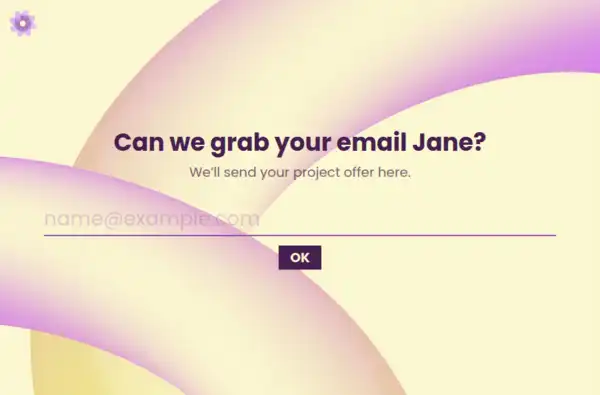
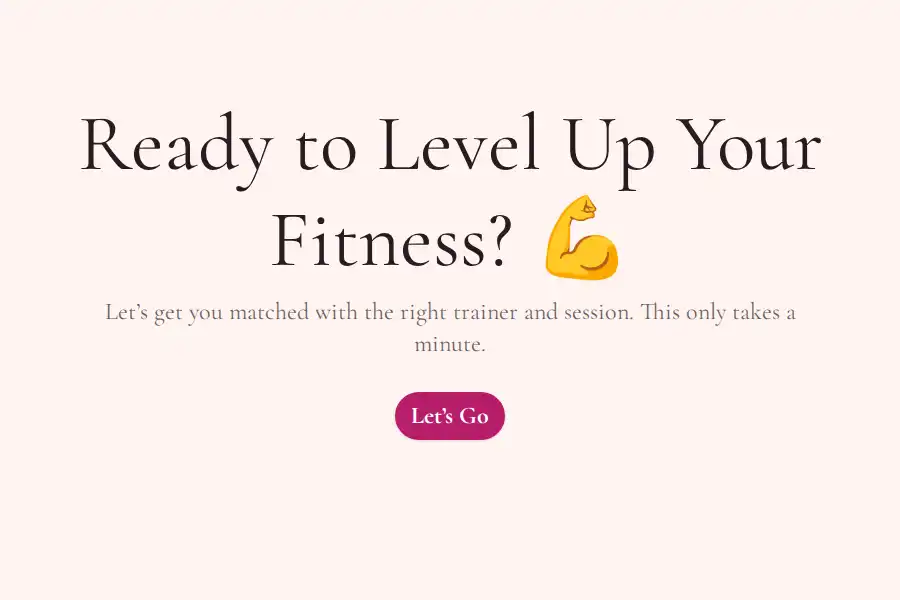
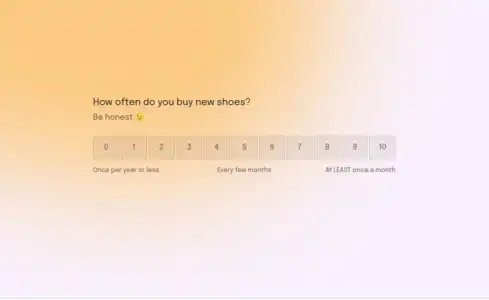
- Formware: Focuses on a one-question-at-a-time flow, which provides users with a cleaner experience that’s easier to follow and more engaging.
Data Capture & Analytics
- Jotform: Provides solid analytics, but only after users submit the form.
- Formware: Captures partial responses, giving you insights into how users engage with the form and where they drop off before submission.
Pricing & Volume
- Jotform: Follows a volume-based pricing model, which means that as your response volume increases, your costs also increase.
- Formware: Offers unlimited responses for free with no pricing tiers, allowing you to scale without worrying about hidden fees or paywalls.
Who Benefits Most from Jotform
Jotform is ideal for:
- Teams needing powerful customization: If you require extensive features and customization for complex workflows or advanced forms, Jotform is a great tool.
- Large enterprises or organizations with specific requirements for field types, integrations, and enterprise-level compliance.
Who Benefits Most from Formware
Formware is perfect for:
- Teams looking for a simpler, more intuitive solution: If you want powerful form-building tools without the overwhelming complexity, Formware’s one-question-at-a-time flow makes form creation and completion easier for both builders and respondents.
- Smaller businesses or startups that need unlimited responses and scalability without worrying about cost.
Best Use Cases for Formware
Customer Satisfaction Surveys
Formware’s conversational flow and unlimited responses make it perfect for gathering customer feedback, ensuring high engagement and completion rates. A well-structured survey that feels like a conversation can significantly improve response rates and data quality.
Lead Generation Forms
With unlimited responses and a clean design, Formware is an excellent choice for creating lead capture forms. It engages prospects with a simple, clear, one-question-at-a-time process, leading to higher conversion rates.
Client Intake Forms
Formware is ideal for client intake forms, allowing you to collect essential client data in an engaging and professional way. The clean layout and visual design options ensure that the process feels seamless and easy for clients to complete.
Appointment Booking Forms
Formware’s conversational interface and smooth embeds make it great for appointment booking. You can customize each question for clarity and relevance, ensuring users book their appointments without confusion or friction.
Market Research Surveys
Formware’s dynamic question types and unlimited responses make it an ideal tool for market research. Gather valuable insights from a large number of respondents, with the peace of mind that volume won’t lead to additional costs.
Frequently Asked Questions
How does Formware's conversational flow differ from Jotform's traditional multi-field layout?
Formware’s one-question-at-a-time flow allows users to focus on one thing at a time, leading to better engagement and higher completion rates. Jotform’s multi-field layout can overwhelm users, causing higher drop-off rates for longer forms.
Is Formware really free to use?
Yes! Formware offers unlimited responses for free, with no hidden fees or volume-based pricing. You can collect as much data as you need without worrying about scaling costs, unlike Jotform, which increases prices as response volume grows.
Can I customize Formware forms to match my branding?
Yes! Formware allows you to customize each question, adding images, videos, and context where necessary to create a seamless branded experience. Jotform offers similar customization options but can be more complex to use.
How does Formware help improve form completion rates?
Formware’s conversational, one-question-at-a-time flow ensures that users stay focused and engaged throughout the form. This approach leads to lower cognitive load and higher form completion rates compared to Jotform’s traditional multi-field layout.
How does Formware handle partial responses?
Formware automatically tracks partial responses, allowing you to see where users drop off before submission. This helps you optimize forms for better user engagement and data collection, unlike Jotform, which only provides data after submission.