The event isn’t over when it’s over
It’s over when the feedback arrives — or, more honestly, the event has two endings: the one in the room and the one in your data. The second one is where next year’s event gets planned, and it’s the ending most events fumble: the survey goes out three days later, the response rate is a fifth of attendance, and what comes back is “great event, thanks!” from the people who were going to say that anyway.
The fix is threefold: capture in the room while memory is warm, keep the ask under two minutes, and branch the questions so each attendee only answers about what they actually experienced. This page covers the question sets by event type, the session-branching recipe that makes one form work for a whole conference, and the timing rules that decide everything — with starting points in the event template collection. (This page owns after the event; event registration owns the signup and event planning the logistics before.)
Questions by event type
Different events are different instruments. The common core — one NPS question (“how likely are you to recommend this event?”), scored with the NPS calculator — then diverges:
Conference
- Which session did you find most valuable? — multiple choice listing the sessions. Instantly tells you who earned their slot.
- Rate the venue and logistics — an opinion scale: registration flow, food, timing, signage. One row each.
- Which topic was missing? — long text. Next year’s agenda starts here.
Workshop and training
- The instructor — opinion scale: clarity, pacing, approachability. The training evaluation template runs the full version.
- Can you apply what you learned tomorrow? — Yes/No. The single best predictor of whether the training mattered.
- What was the most useful thing you’ll take back to work? — long text. Also your best marketing copy for the next cohort.
Webinar and virtual
- Could you hear, see, and follow everything? — Yes/No. The most common virtual failure is technical, and nobody scrolls to the open text box to tell you.
- How engaging was the format? — opinion scale.
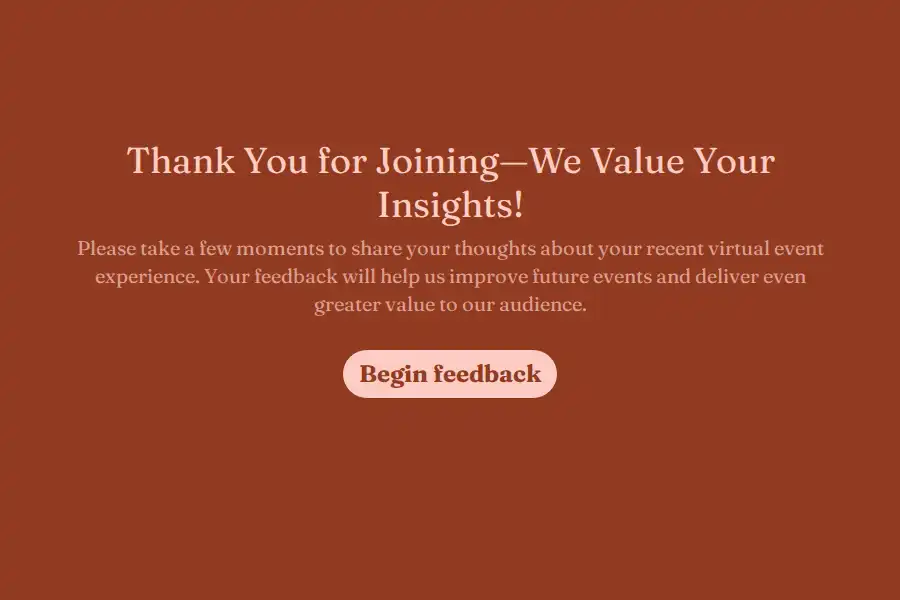
- What should have been cut or doubled? — long text. The virtual event feedback template covers the format-specific set.
Retreats and offsites
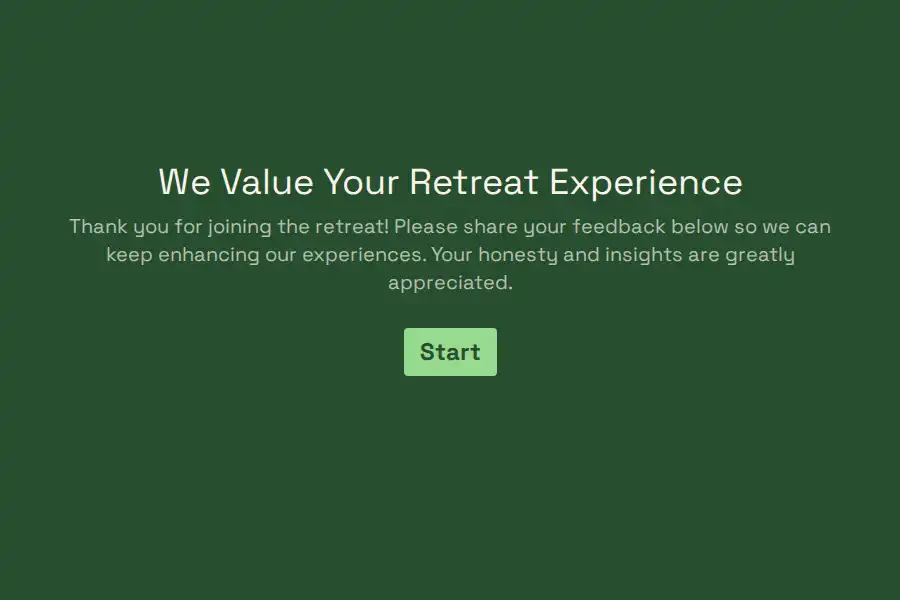
Fewer numbers, more narrative — the point is sentiment and candor, not benchmarks. The retreat feedback survey is built for that tone.
The session-branch recipe: one form, every track
A conference with twelve sessions doesn’t need twelve surveys — it needs one form with one branching question:
- “Which session are you rating?” — multiple choice, one session per option. (Single-select on purpose; see the note below.)
- Jump rules — one per session: if the answer is “Opening keynote,” jump to the keynote’s rating question; and so on. Logic is included on the free plan, rules run top to bottom, and the first match fires.
- Each session branch holds two questions — a 1–5 rating and “what should the speaker keep or change?” as long text. Attendees answer only about the session they chose.
- Converge — every branch’s last question jumps forward to the shared closing section: overall NPS, logistics, next-year topics, permission to follow up.
One honest boundary to design around: for a single session, this recipe is perfect. If attendees saw multiple sessions and you want ratings for each, the multiple-select version (checkbox question) can’t drive clean jumps — a person who checked three sessions matches the first of their three jump rules and skips the rest. The pragmatic pattern used by most event teams: run the branch form right after each session via its own QR code (below), or keep the post-event form to “best session” plus open text.
For virtual-versus-in-person hybrid events, the same mechanism does the split: “Did you attend in person or online?” as question one, two branches, each holding only the questions that make sense for that experience — no form needed per audience.
Timing: the 48-hour rule, and capturing the room
- In the room, before the closing. A QR code on the final slide, the badge, the lunch table — the event registration QR guide covers the standing-code trick, and it works for feedback the same way. Two hundred responses in the room beat two hundred emails sent later.
- Same-day email as the net. For everyone who walked past the QR code, the link goes out the same evening — direct share URL, no login asked of the respondent, “2 minutes, 8 questions” stated in the invitation.
- Never wait a week. After 48 hours the answers are still usable; after a week they’re anecdotes. If the event runs multiple days, collect daily — the workshop feedback template is short enough to be a daily ritual.
- Tag the source. A hidden field on each placement —
source=badge,source=closing-slide,source=email— tells you where responses actually come from, which is next year’s distribution plan. The UTM builder builds the tagged links. - For community events, WhatsApp is the room. Local events, meetups, and community gatherings run on WhatsApp — sharing the form into the group chat meets attendees in the conversation they’re already having about the event.
A structure that works: the two-minute exit form
Eight questions, ordered for a phone:
- Overall event NPS — 0–10. Ask it first, while the summary feeling is intact.
- Which session did you find most valuable? — multiple choice.
- Session branch — the rating and speaker follow-up, as above.
- Logistics rating — opinion scale.
- Which topic was missing? — long text.
- Would you attend again? — Yes/No. The most honest renewal signal you have.
- May we email you about next year’s event? — Yes/No plus an email field.
- Anything else? — long text, optional.
A progress bar matters here more than usual — attendees are answering on borrowed attention, and visible shortness is what gets the form started. The thank-you page should hand back something: the slide deck link, the photo gallery, next year’s save-the-date. All pre-built in the post-event survey template.
After the responses arrive
- Read the session table first. Everything lands in one dashboard, and the session branches mean ratings arrive per-speaker — the rebook list and the replace list write themselves.
- Chase the drop-offs’ opinions. On Pro, partial submissions keep what an attendee entered before abandoning — and post-event is the classic abandonment scenario: attention crashes, forms stop at question four. Partials are view-and-export only, but an abandoned form that says “the venue was freezing, that’s why I left at lunch” is exactly the feedback completed forms never contain.
- Route the commitments automatically. A webhook — included on free — pushes responses into your CRM or event tool; “may we email you about next year” becomes a real list, not a filter you run once and forget.
- Send them onward. Pro’s custom redirects land respondents on the photo gallery, the slide downloads, or next year’s registration page — converting the last touchpoint into the first touchpoint of the next cycle.
- Share the readout with speakers. Session ratings belong to the people who earned them. Pro’s workspaces with roles let the organizing committee and session owners see results as Viewers without the builder.
The survey is the last impression — make it count
There’s a piece of experience psychology worth knowing here, because it makes the self-referential trap literal: people remember experiences disproportionately by their ending. Your feedback survey is the final touch of the event — which means a clunky ten-minute questionnaire doesn’t just fail to collect insight, it actively sours the memory it’s asking about. A fast, respectful, two-minute form does the opposite: it is a well-run final session.
If you’re weighing builders, the Formware vs. Typeform comparison covers the conversational builder most event teams hear about first, and Formware vs. Google Forms the free default most volunteer committees reach for.
Free covers the whole workflow — unlimited forms and responses, session branching, QR, embeds, WhatsApp — subject to fair use, with Formware branding on the form. Pro ($29.99/mo or $299/yr) removes the badge and adds your domain, custom redirects to the gallery or next year’s page, partial submissions for the abandoners, and committee workspaces; the breakdown is on plans and pricing.
The event arc in this system: event registration before, event planning throughout, this page after — and when the feedback comes back glowing, the quotes belong to customer testimonials.
Frequently Asked Questions
What are the best post-event survey questions?
Core four: event NPS, the most-valuable-session question, one logistics scale, and “what topic was missing?” — then branch deeper by event type: instructor and applicability for workshops, technical quality for webinars. Skip yes/no questions that can’t change a decision; every question should either score something you’ll track or surface something you’d act on.
When should the survey be sent?
In the room via QR code where possible, same-day email as the net, never later than 48 hours. After a week you’re collecting memories of memories, and the response rate falls with the specificity.
Can one form cover a multi-track conference?
Yes — one “which session are you rating?” question with jump rules per session, converging before submission. For attendees who saw several sessions, either collect per-session via each session’s own QR code or keep the post-event form to “best session” plus open text; the multiple-select variant doesn’t branch cleanly. Logic is included on the free plan either way.
How do I handle in-person and virtual attendees differently?
One form, one branching question: “Did you attend in person or online?” Each branch then holds only its relevant questions — venue logistics for one, stream quality for the other — and both converge on the shared NPS and next-year questions. Two audiences, one response set, no duplicate forms.
What response rate should I expect?
In-room QR capture can reach half the room or better; same-day email typically lands far lower. The survey response rate calculator tells you how many responses you need for the claims you want to make — which is the argument for capturing at the event rather than after it.