The loop, not the event
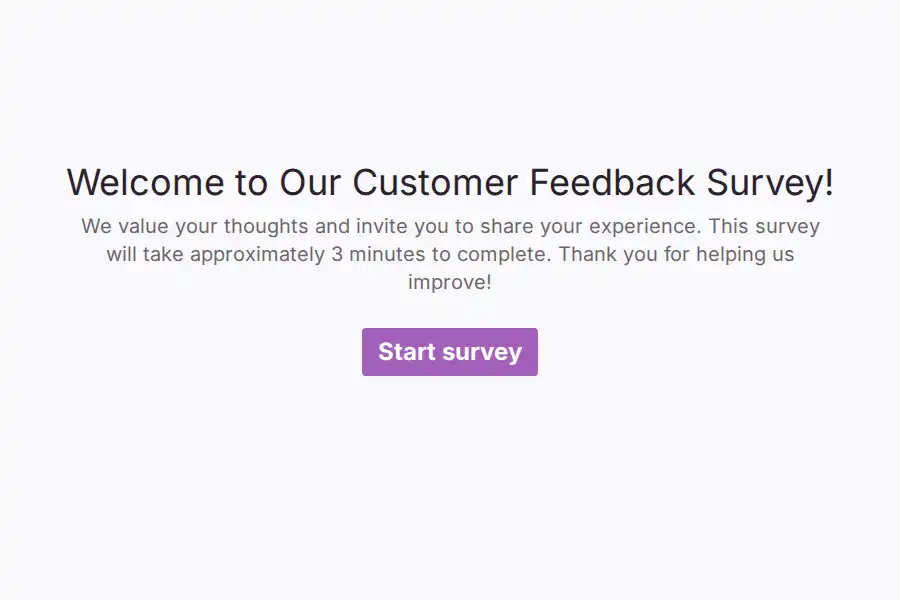
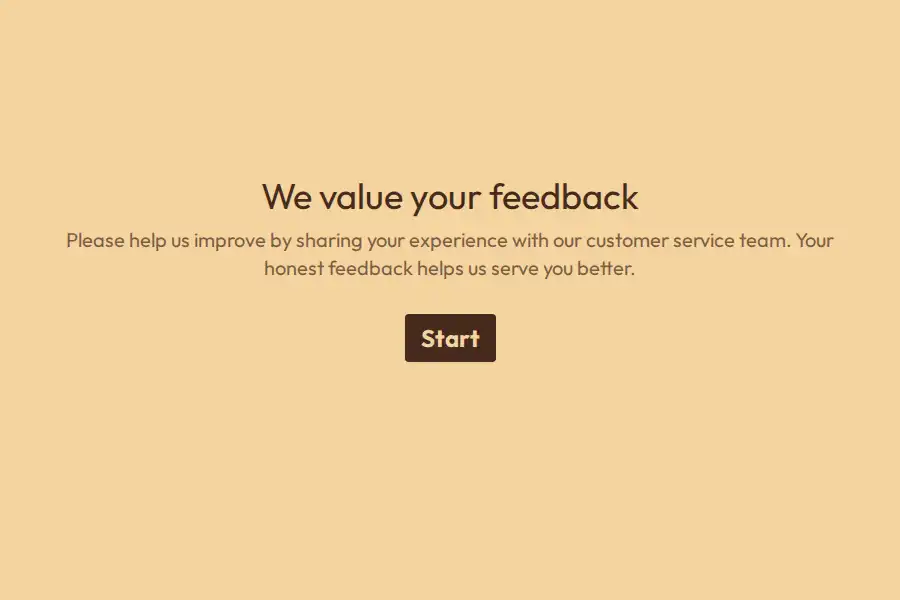
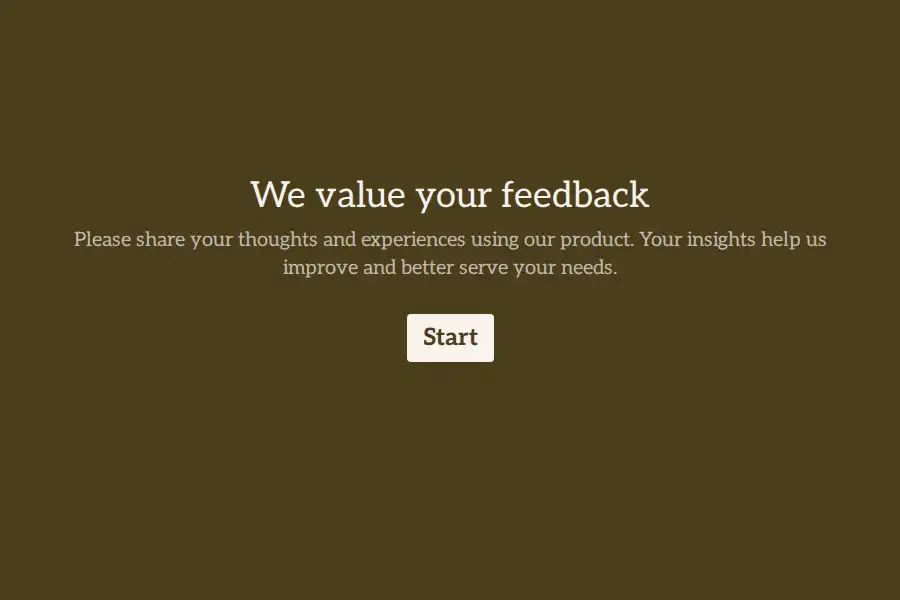
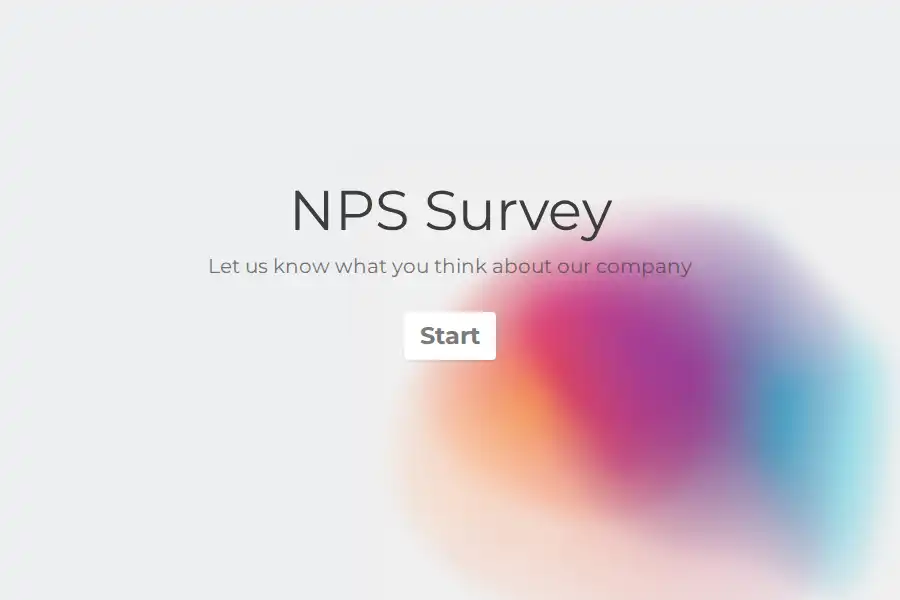
Most companies treat customer feedback as an event: an annual survey, a blast to the whole list, a spreadsheet of results nobody rereads. The version that actually improves anything is a loop — ask at the moment of experience, understand the reason behind the score, act on it, and let customers see that you did. The form is where the loop starts, and it’s also where most loops break: the ask arrives too late, the layout exhausts people, and the answers come back without reasons attached.
This page covers the questions worth asking at each kind of moment, a structure that gets the why along with the score, and what to do with responses once they land — with ready-made starting points in the feedback template collection.
Questions, grouped by the moment they’re asked
Feedback questions earn their answers through timing and specificity. The same customer will give you two entirely different qualities of answer depending on when the form reaches them.
After a transaction — the CSAT moment
- How satisfied were you with your experience today? — a rating question from 1–5. The workhorse metric; the CSAT calculator turns responses into a percentage you can trend.
- Did we meet your expectations? — Yes/No. Catches the “satisfied but underwhelmed” segment that ratings blur.
- What’s the main reason for your score? — long text, ideally asked only of low scorers. The recipe is below.
The relationship level — NPS
- How likely are you to recommend us to a colleague or friend? — an NPS question, scored with the NPS calculator.
- What would make this a 10 for you? — long text. Ask it of everyone, not just the unhappy: promoters describe the future as accurately as detractors describe the present.
After a service interaction — the effort question
- How easy was it to get your issue resolved? — an opinion scale. Customer Effort Score predicts loyalty better than satisfaction does for support teams; the CES calculator does the math.
- What took the longest? — long text, optional. This is where process fixes come from.
Product and ongoing signals
- Which part of the product do you use most? — multiple choice. Segments everything that follows.
- What feels confusing or unfinished? — long text. The deeper product workflow has its own page — this one stays general.
The improvement open-ends — ask everyone, every time
- What almost made you leave?
- If we could fix one thing first, what should it be?
That last question is the highest-leverage one in the entire set, because its answers can be counted. Tally the responses monthly and your roadmap priority writes itself.
A structure that works: the two-branch loop
Six questions, about a minute, with the logic doing the filtering:
- Overall satisfaction — rating, 1–5.
- The branch. A conditional rule on question 1: if the rating is 4 or higher, jump past the complaint question straight to “What did we do well?” Everyone else continues into:
- “What went wrong?” — long text. Only the people who can answer it see it — the happy majority never gets asked to invent a complaint.
- Which area does this concern? — multiple choice: product, support, billing, delivery.
- May we follow up with you? — Yes/No, with an email field only if yes.
- Anything else? — long text, optional.
Two finishing touches: a progress bar so the size of the ask is visible before committing, and a thank-you page that says what happens next — “every response is read weekly by the team” belongs there only if it’s true. The whole structure is pre-built in the customer feedback survey template.
One metric per moment, not one metric for everything
Teams often argue about which metric is “right.” They’re different instruments for different moments:
| Metric | The question | Ask it after | Track it with |
|---|---|---|---|
| CSAT | “How satisfied were you?” (1–5) | a transaction — purchase, ticket, delivery | CSAT calculator |
| NPS | “How likely are you to recommend us?” | periodically, relationship-level | NPS calculator |
| CES | “How easy was it?” (scale) | a service interaction | CES calculator |
Running all three is fine — they answer different questions. What matters is consistency: the same question, asked the same way at the same kind of moment, is what makes the trend line mean anything. The satisfaction workflows page goes deeper on the measurement layer.
Getting responses at the moment of experience
- Embed it where the interaction ends. On the order-confirmation page, the post-ticket screen, the delivery notification — embedding works across WordPress, Webflow, Framer, Shopify, and custom sites.
- Or print the moment. A QR code on receipts, table tents, and packaging reaches customers whose experience happened offline — the restaurant feedback pattern is the classic case.
- Meet them in the chat they’re already in. For consumer businesses — and any market where WhatsApp is the default channel — sharing forms through WhatsApp routinely outperforms email.
- Label every response at the source. Pass the touchpoint through hidden fields — or the UTM builder for campaign sends — so you know which experience produced the feedback, not just what it says.
- Say how long it takes. “Six questions, about a minute” in the invitation is worth more than any design choice.
After they answer
- Read responses in one place. Everything collects in a single dashboard, filterable by the hidden fields you set.
- Route automatically. A webhook — included on free — pushes each response into your CRM, support desk, or Slack while the experience is still fresh enough to act on.
- Close the loop visibly. This is the step that separates feedback programs that compound from ones that decay. “You said the checkout was confusing — here’s what changed” in a newsletter or changelog teaches customers that answering pays, which is what makes the next survey get answered.
- Answer the unhappy ones. A low score with a follow-up consent (question 5 above) is a saveable customer, not just a data point. Pro’s automated respondent emails can confirm receipt; the human reply is still yours to make.
- Don’t lose the abandons. On Pro, partial submissions keep what someone entered before leaving. Honest caveat: partials are view-and-export only — they can’t trigger webhooks or emails, so read them, don’t automate them.
- Give the whole team access. Support, product, and marketing all consume feedback. Pro adds shared workspaces with roles, so the loop doesn’t run through one person’s inbox.
The form is the first impression of how you listen
The self-referential trap again, in its most direct form: you’re asking customers to believe you take feedback seriously — through the medium of a form. A cramped grid of required fields with dropdown mazes disproves the claim before they type a word.
One question at a time is the format that demonstrates instead of claims. If you’re weighing builders, the Formware vs. SurveyMonkey comparison covers the traditional survey-suite route, and Formware vs. Google Forms covers the free-and-familiar one.
The free plan covers everything above — unlimited forms, questions, and responses, logic, embeds, QR, WhatsApp — subject to fair use, with Formware branding on the form. Pro ($29.99/mo or $299/yr) removes the badge and adds your domain, partial submissions, redirects, and respondent emails; the breakdown is on plans and pricing.
Where this fits in the bigger picture: voice-of-the-customer programs cover the system-level listening layer, product feedback goes deep on the product signals, and when the feedback comes back glowing, customer advocacy is how it becomes proof.
Frequently Asked Questions
Which metric should I use — CSAT, NPS, or CES?
They measure different moments: CSAT after transactions, NPS for the relationship overall, CES after service interactions. Pick the one that matches the moment you’re asking about rather than forcing one metric everywhere — and once chosen, keep it identical across touchpoints so the trend is real.
How do I get customers to actually respond?
Attach the form to the moment — confirmation pages, receipts, the chat where the interaction happened — keep it under two minutes and say so, and close the loop publicly so people see that answering changed something. Response rate is mostly a timing and trust problem, not a design problem.
What should I do with negative feedback?
Read the pattern, not the incident: one angry response is an anecdote, five similar ones at the same touchpoint is a fix list. If the respondent consented to follow-up, reply personally — a recovered detractor is worth more than a new lead. The complaint form template structures the intake when issues need routing.
How long should a customer feedback form be?
Six to nine questions, about a minute. Use conditional logic to ask follow-ups only of the people whose answers warrant them — that’s how you get depth without making everyone pay for it.
Can feedback be collected anonymously?
Yes — simply don’t ask for identity fields; what the form doesn’t ask, it can’t store. The trade-off: anonymous feedback can’t be followed up on, which is why the two-branch structure asks for consent separately, letting each respondent choose.