
Training satisfaction survey template
Enhance training experiences by collecting valuable feedback from participants, boosting the effectiveness of future sessions.

Branded, Personalized, and Integrated Forms
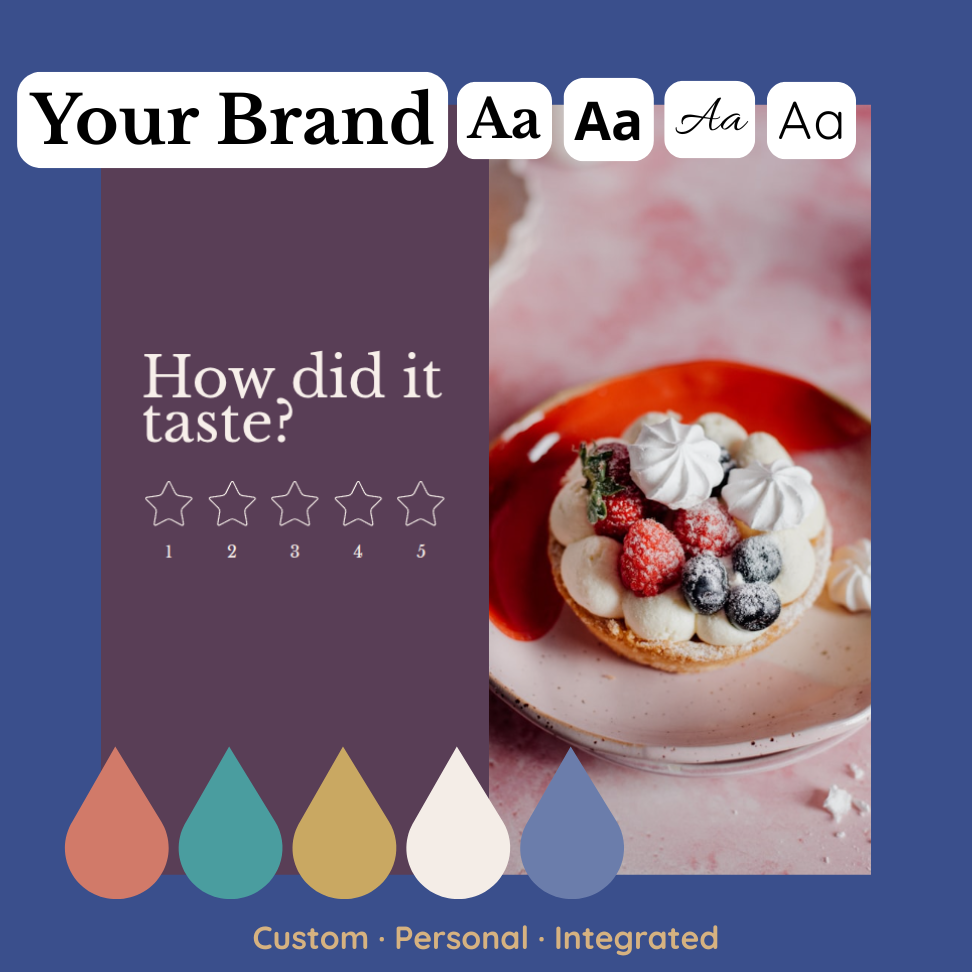
Custom Branding
Easily match forms to your brand by customizing text, colors, and logos. Embed forms directly into your website or emails for a cohesive, on-brand user experience.
User-Friendly Experience
Boost form completion rates with a seamless and personalized experience. Use smart features like question pacing, conditional logic, and name personalization to keep users engaged.
Powerful Integrations
Connect your forms to 10+ apps and tools—like Slack, Zapier, and HubSpot—to automate workflows, sync data, and improve team efficiency.
Training satisfaction survey template FAQs:
What strategies can help increase form completion rates for a training satisfaction survey?
To boost the completion rates of your training satisfaction surveys, ensure the form is user-friendly, mobile-optimized, and engaging. By making it feel like a conversation rather than an interrogation, people stay engaged.
How can I create an effective questionnaire for my training satisfaction survey?
A comprehensive training satisfaction survey should incorporate a variety of question types such as drop-down menus, star ratings, and open text boxes. These enable you to collect valuable feedback on all aspects of the training, including structure, length, content, and instructor.
How can I effectively analyze the results of my training satisfaction survey?
Analyzing your training satisfaction survey results requires comparing data against previous surveys, identifying trends, and addressing any recurring issues. Use statistical methods to gauge the overall satisfaction level and take action based on the feedback received.
Formware Templates
Get inspired by relevant templates and categories
500+ Templates

Discover your business's lead generation strategies and identify the top-performing marketing channels for success
View Template

Boost productivity in your office environment! Gather valuable insights about facilities and equipment.
View Template

Enhance your volunteer initiatives with insightful feedback from past volunteers, driving positive change in your program.
View Template

Assess employee satisfaction and its impact on patient care.
View Template
More Catgories
Access 500+ templates
It's as simple as one-two-three, and guess what? You don't even need to pay to try it out!