



When to Skip Zendesk and Use a Form Instead
Zendesk and other ticketing systems can be an excellent choice for high-volume support, but they come with significant complexity that small teams don’t always need. For teams managing low-to-moderate support requests, a form-based solution can provide a more efficient and cost-effective way to capture, route, and respond to support inquiries.
Here’s why Formware is a better choice for many small teams and startups:
- Simplicity: You don’t need to configure complex ticket pipelines or manage automated workflows. A simple form can handle all your support requests.
- Efficiency: Skip ticket queues and respond on your schedule, instead of managing agents and SLAs.
- Fast Setup: No long setup process. You can create your form and start receiving requests within minutes.
- Low Volume: Formware is perfect for small teams dealing with less than 50–100 requests per week. If you don’t need to manage high-ticket volume, it’s a better fit.
The Hidden Overhead of Full Ticketing Systems
Zendesk and Similar Tools:
- Ticket Queues: Zendesk requires you to manage ongoing ticket queues, with SLAs, statuses, and assigned agents. This process can be difficult for smaller teams with few agents.
- Automations and Configuration: While useful for large teams, the automation rules, permissions, and custom configurations needed in Zendesk can be time-consuming for small teams with less overhead.
- Full-Time Support Operations: These systems assume you have dedicated support agents working full-time, which isn’t realistic for smaller teams or startups.
- Complex Pricing: Zendesk offers robust features, but many are locked behind higher-tier pricing plans, making it more expensive than necessary for teams that don’t need advanced features.
Formware for Small Teams:
- Simple Forms: Instead of managing a ticket pipeline, Formware uses a simple form to capture all the support data you need.
- Async Review: Team members can review and respond to requests asynchronously, without being pressured to manage a real-time ticketing system.
- Customizable Support Forms: Create a tailored support intake form for each issue type, such as bug reports or customer inquiries, to ensure you’re capturing the right information.
- Instant Setup: Get started immediately — no long onboarding or system configurations.
When Formware Makes More Sense than Zendesk
When You Have Low to Moderate Support Volume
If your team handles less than 100 support tickets a month, the overhead of a full-fledged ticketing system might not be worth it. Formware is an ideal solution when:
- You receive sporadic inquiries or low-to-moderate volume.
- You need a quick and simple way to collect, review, and respond to requests.
- You want to focus on resolving issues, not managing a system.
When You Want More Flexibility and Control
Zendesk often requires you to stick to predefined processes with rigid ticket states and automated workflows. With Formware, you can:
- Easily change the form structure to suit different types of support requests (bugs, inquiries, etc.).
- Collaborate asynchronously with your team, as there’s no ticket queue to manage.
- Review and respond on your terms — no need for a full-time support team.
When You Want to Keep Costs Low
Formware is free by default for most features. Zendesk’s pricing model is based on tiers and usage, so costs can escalate quickly as you grow. With Formware, you get unlimited submissions and forms at no cost, with no hidden fees or upsells.
How Formware Works for Support Intake
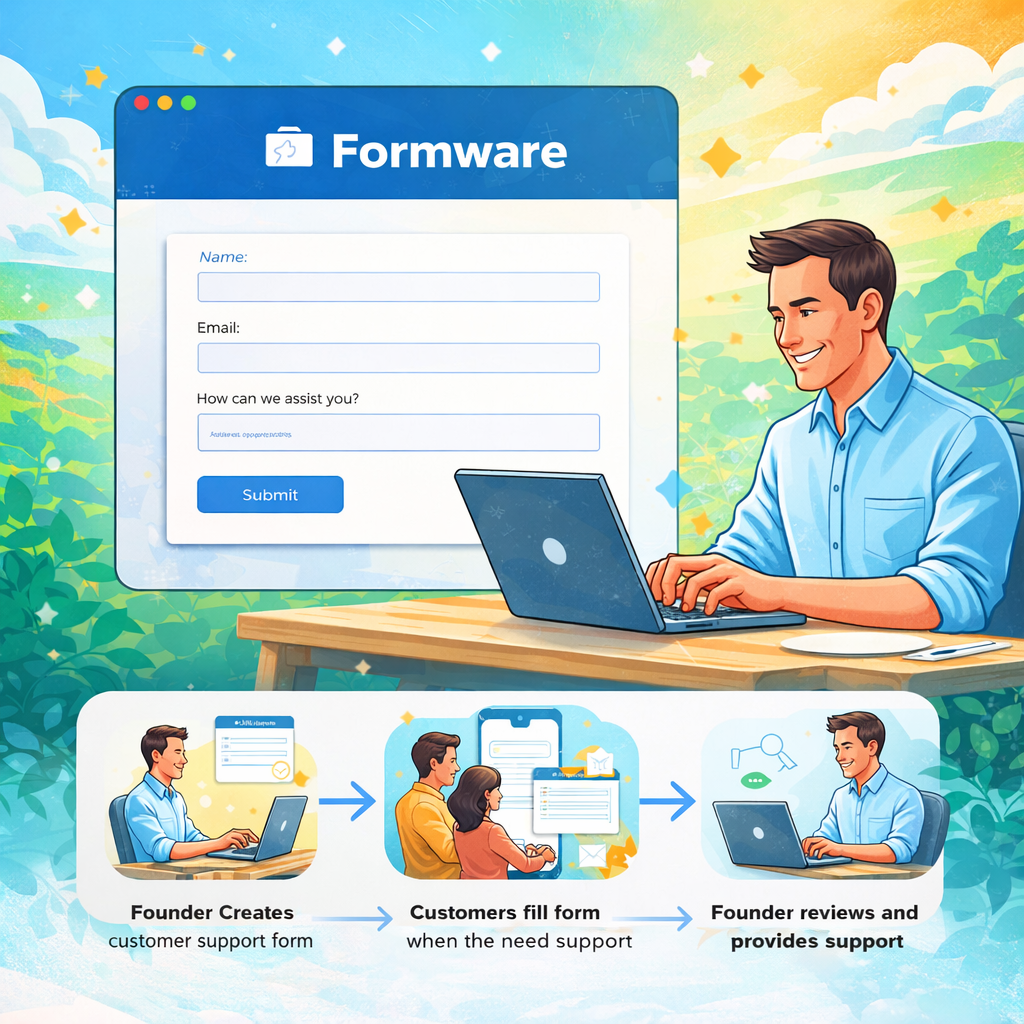
Formware provides a simple and effective workflow for handling support requests:
- Create Your Support Intake Form: Design a support form that collects all necessary details upfront. Tailor fields for the specific issues you want to track.
- Share the Form Link: Share your support form across different channels, such as your website, help docs, or email.
- Review Submissions: Team members can review and respond to requests at their own pace, without managing a ticket queue.
Features for Streamlined Support
- Capture Partial Submissions: Even if users don’t finish filling out the form, Formware captures incomplete submissions, so you can still follow up with users who ran into issues.
- Customizable Email Alerts: You can set up automated notifications for your team to know when a new request has been submitted.
- Collaboration Without Tickets: With Formware, you don’t need to worry about assigning tickets or managing pipelines. Responses come in as structured data for easy review and action.
Ready-Made Templates for Your Support Needs
Start quickly with our pre-designed templates, created to help you capture and manage support requests:
- Bug Tracker Form Template: Perfect for quickly collecting detailed reports about software bugs and issues.
- Complaint Form Template: A streamlined form to capture customer complaints and address issues efficiently.
- Customer Inquiry Form Template: A simple and clear form for customers to submit questions or support requests.
Why Choose Formware Over Zendesk?
Zendesk and other ticketing tools work great for enterprise-level support, but for small teams, the complexity of these systems can create more work than it solves. Formware offers:
- Easy form-based workflow for simple and clear support requests.
- Flexibility to create tailored intake forms without managing ticket queues.
- Instant, asynchronous collaboration with your team without enforcing a strict ticketing process.
Frequently Asked Questions
How does Formware handle support requests?
Formware collects support requests through custom forms, making it easier to get all the necessary information upfront. Team members can review these requests at their own pace and respond without the need for a dedicated support queue.
Do I need to manage a support ticket queue?
No, Formware simplifies the process by using structured forms to gather support details, meaning you won’t need to manage ticket queues, SLAs, or complex automation rules.
How quickly can I start using Formware for support?
You can create your first support intake form and start collecting requests within minutes, without needing a lengthy onboarding process